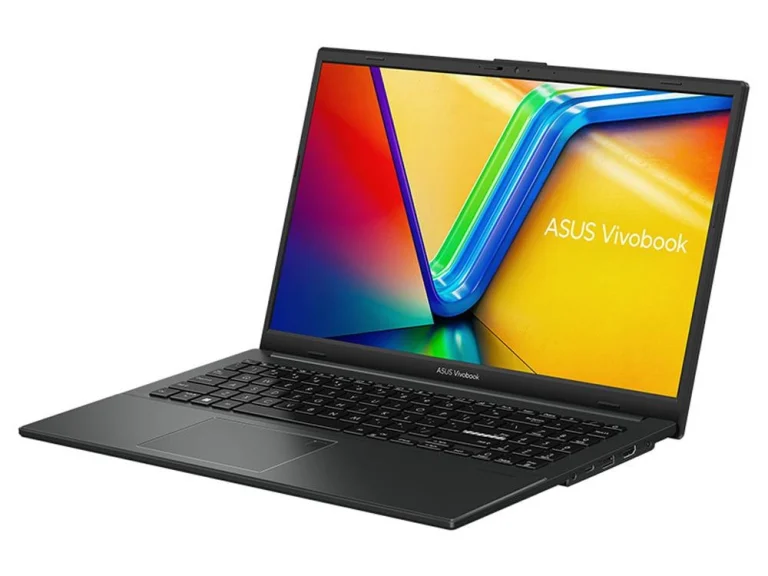
Refurbished Laptop Guide: Are Refurbished Laptops Worth It?
A refurbished laptop can deliver premium build quality for a budget price. Here is how grading works, what to check on battery and Windows support, your…
Read the guide// Guides, comparisons & fixes
Honest PC buying guides, graphics card comparisons, laptop advice and step-by-step fixes from the team that hand-builds Elite Gaming PCs in Gregory Hills, NSW.
A refurbished laptop can deliver premium build quality for a budget price. Here is how grading works, what to check on battery and Windows support, your…
Read the guideA cheap laptop can be a great buy or a frustrating mistake. Here are the specs to insist on, the traps hidden in the cheapest models,…
Read the guideProcessors, memory, screens, battery life, 2 in 1 designs and touch screens explained. This laptop buying guide helps you choose the right laptop for study, work…
Read the guideA slow computer is usually fixable. Here are the 15 most common causes, how to run a free CPU test and benchmark your PC, and how…
Read the guideA PC that refuses to start is stressful, but most causes are simple. Work through these checks in order, from the power point to the power…
Read the guideResolution, refresh rate, panel type and HDR all change how your games look. Here is how to choose a gaming monitor and match it to your…
Read the guideA mini PC can replace a full tower for work, study and even gaming. Here is what a mini computer can do, where it falls short,…
Read the guideBuilding your own computer is easier than it looks. Here is how to choose compatible PC parts, the tools you need, the exact assembly order we…
Read the guideOur picks for the best gaming PC in Australia at every budget, from 1080p starter rigs to 4K flagships, plus what to look for in a…
Read the guideA great gaming setup is more than a fast PC. Here is how to choose the monitor, desk, chair, audio, lighting and accessories for a comfortable,…
Read the guideAir or liquid? Here is how each type of CPU cooler works, when a water cooled PC makes sense, how to size a cooler for your…
Read the guideChecking your CPU temp takes two minutes with free tools. Here is how to do it in Windows, what a normal temperature looks like at idle…
Read the guideDDR5 RAM is the memory standard in every new gaming PC. Here is how much you need, which speeds and timings matter, how 2026 prices have…
Read the guideA GPU draws every frame you see in a game. Here is what a graphics card does, how VRAM, ray tracing and DLSS work, how to…
Read the guideThe RTX 5060 family powers most budget gaming PCs in 2026. Here is how the RTX 5060 and RTX 5060 Ti compare, whether 16GB is worth…
Read the guideThe RTX 5070 and RTX 5070 Ti are the 1440p cards most gamers end up choosing between. Here is how they differ in specs, performance, memory…
Read the guideThe RTX 5080 is the 4K graphics card most enthusiasts should look at first. Here are its specs, real performance, Australian pricing, power needs and the…
Read the guideThe RTX 5090 is the fastest gaming graphics card you can buy. Here is what it costs in Australia in 2026, how it performs, what it…
Read the guideThe Ryzen 7 9800X3D is the gaming processor most enthusiasts want in 2026. Here are its specs, how it performs, how to cool it and which…
Read the guideCPU cache is the tiny, ultra-fast memory inside your processor. Here is how L1, L2 and L3 cache work, why an X3D CPU is so good…
Read the guide// About the blog
Welcome to the Elite Gaming PCs gaming PC blog. This is where our build team in Gregory Hills, NSW writes down what we learn on the bench every week: which graphics card suits which monitor, how much memory a modern game really needs, why a computer suddenly refuses to boot and how to pick a laptop that will still feel quick in three years. Every one of our gaming PC guides is written to help you make a decision, not to fill a page.
Our gaming PC blog sits alongside the store for a simple reason. Most people who message us are not stuck on which button to press at checkout. They are stuck on the choice before it. Should you spend more on the GPU or the CPU? Is 16GB of RAM enough? Is a refurbished laptop a smart buy or a gamble? The PC buying guides below answer those questions in plain English, with real Australian pricing context and links to the builds we actually sell.
We group every article into five topics so you can jump straight to what matters to you. Use the topic buttons above the article grid to filter the list, or read on for a quick tour of each section.
Each topic links back to the products and categories it relates to. When one of our gaming PC guides recommends a type of PC, you will find matching builds at the end of the article, so the jump from research to purchase is one click rather than a fresh search.
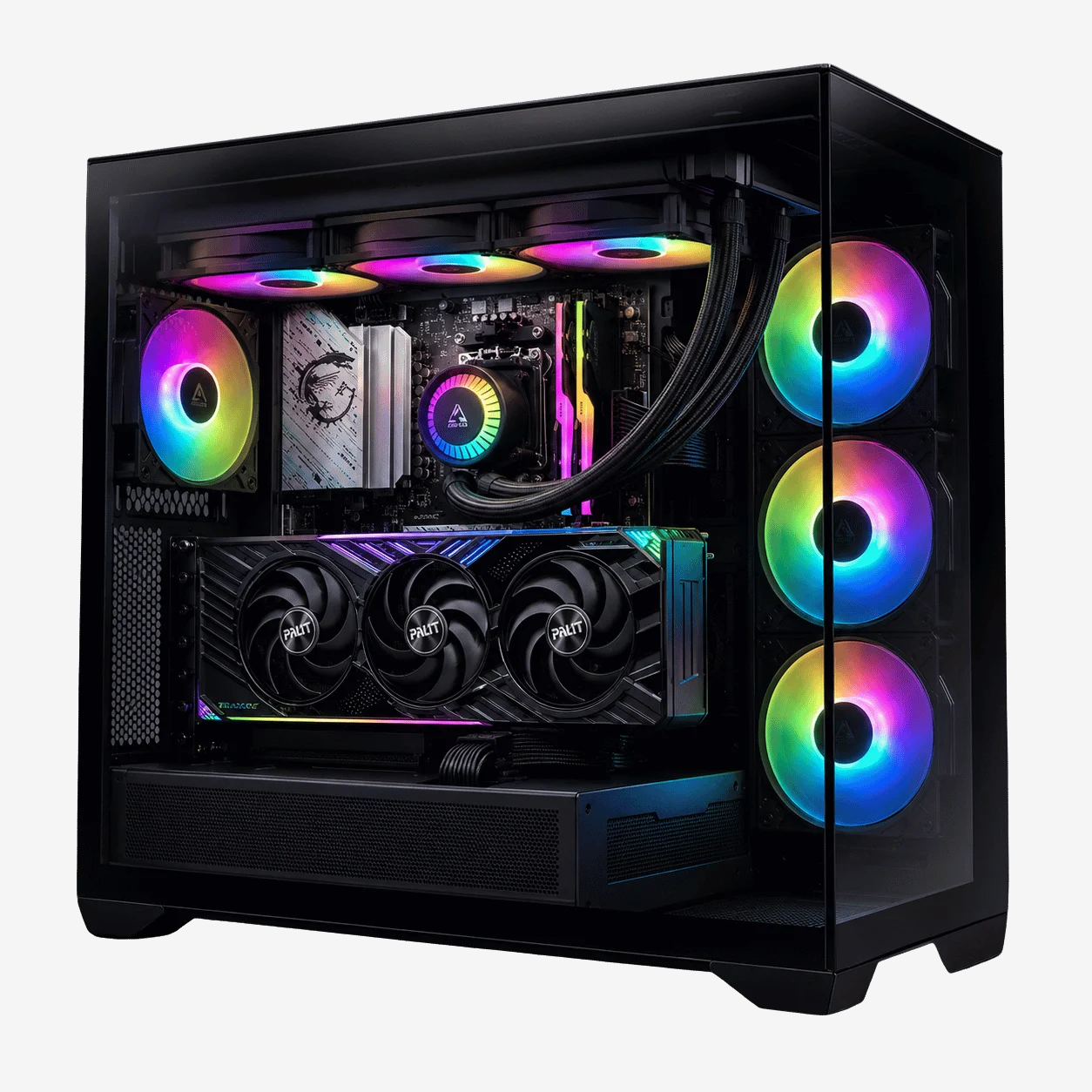
The graphics card is the single biggest factor in how a game looks and how many frames per second you get. It is also the part most buyers overspend or underspend on. Our graphics card guides break the GeForce RTX 50 Series into clear tiers and explain who each card is really for.
If you already know your resolution, you can skip straight to the matching range: 1080p gaming PCs, 1440p gaming PCs or 4K gaming PCs.
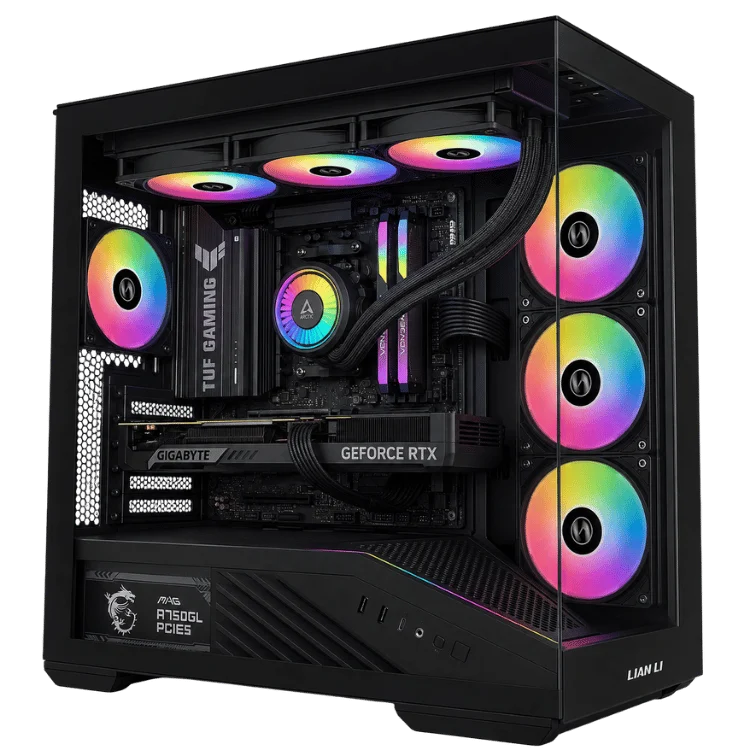
Processors, memory and cooling rarely get the spotlight, yet they decide whether a PC feels instant or sluggish. Our component guides explain the jargon you will see on spec sheets and show where spending more actually changes your experience.
Prefer to see the parts in a finished system? Browse our AMD Ryzen gaming PCs or Intel desktop PCs to see how we pair processors, memory and cooling in real builds.
Our PC buying guides start with the question every buyer has: what should I get for my money? They compare tiers rather than single products, because the right answer depends on your games, your screen and how long you plan to keep the machine.
These PC buying guides pair well with our gaming PC shop, where every build lists the exact processor, graphics card, memory and storage inside so you can compare like for like.
Not every visit to the blog starts with shopping. Sometimes a computer will not start, runs hot or slows to a crawl. Our how-to guides give you safe, step-by-step checks you can do at home before you spend a cent.
If a fix needs hands-on help, our team is happy to take a look. You can contact Elite Gaming PCs with your symptoms and we will reply by email.
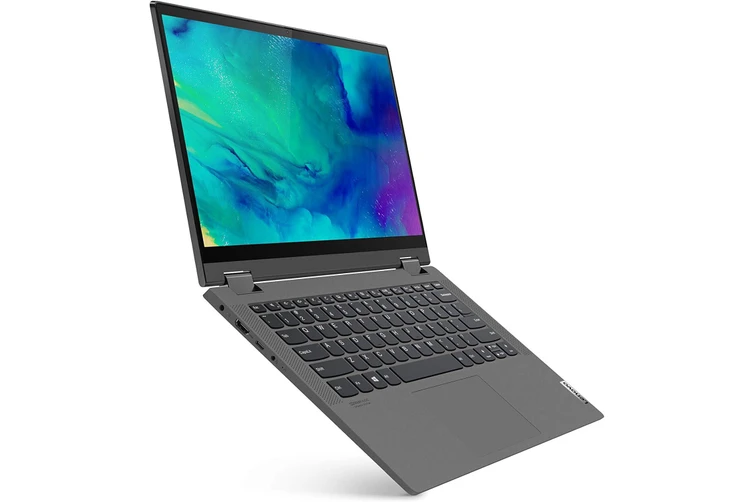
Laptops are a different purchase from desktops. Battery life, weight, screen quality and keyboard feel matter as much as raw speed. Our laptop guides cover the main ways Australians buy a portable computer.
You will find the laptops we stock in our laptops range, with a dedicated laptop for students collection for school and uni.
Elite Gaming PCs is a hands-on business. We assemble, cable-manage, stress-test and support every system we sell, so our gaming PC guides are shaped by what we see on the bench rather than by press releases. Here is the process each article goes through before it is published.
We also explain your rights as a buyer. Every PC we sell comes with a 12-month warranty, and Australian buyers are also protected by the consumer guarantees explained by the ACCC. Our gaming PC guides point out where those protections matter, for example when buying refurbished hardware.
If you are planning a purchase, this five-step path through the gaming PC blog will get you to a confident decision quickly.
Your monitor resolution sets the performance target. A 1080p screen needs far less graphics power than a 4K panel. Read the gaming monitor guide first if you are buying a new screen at the same time, because the monitor and the graphics card should be chosen together.
Next, use the graphics card guides to choose a tier. As a rough guide, the RTX 5060 family suits 1080p, the RTX 5070 family suits 1440p and the RTX 5080 and RTX 5090 suit 4K and high refresh rates.
The component guides then help you pair a processor and memory that will not hold the graphics card back. For gaming, cache size and memory capacity often matter more than core count.
The gaming setup guide covers everything around the PC: desk space, seating, audio, lighting and cable management. It is easy to forget these when the budget is going on the tower.
Finally, compare finished systems in our gaming PCs range. Every product page lists the full specification, so you can check that a build matches the advice in our PC buying guides before you add it to your cart.
Reading our gaming PC guides is the easy part. Turning it into a working machine is where Elite Gaming PCs comes in. Every system in our store is hand-built in NSW, burn-in tested before dispatch and backed by our 12-month warranty with support from the people who assembled it. Delivery is available Australia-wide.
If none of our listed builds fits exactly, we also take custom orders. Tell us your games, your screen and your budget and we will suggest parts using the same reasoning you see in our PC buying guides. You can start a custom build enquiry or browse workstations, desktop computers and office computers if your PC is for work rather than play.
Not sure where to start? Begin with our guide to the best gaming PC in Australia, then come back to the gaming PC blog for the deeper dives on graphics cards, processors and memory.
Different buyers arrive with different questions. Use this quick table to find the best starting point on the gaming PC blog, then follow the links inside each article.
| If you want to… | Start with | Then read |
|---|---|---|
| Buy your first gaming PC | Best gaming PC in Australia | What is a GPU? |
| Play at 1440p or 4K | RTX 5070 vs RTX 5070 Ti | RTX 5080 guide |
| Upgrade an older computer | Why is my computer so slow? | DDR5 RAM guide |
| Save desk space | Mini PC guide | Gaming setup guide |
| Buy a laptop for study or work | Laptop buying guide | Refurbished laptop guide |
| Fix a PC that will not start | Computer won’t turn on | CPU temperature guide |
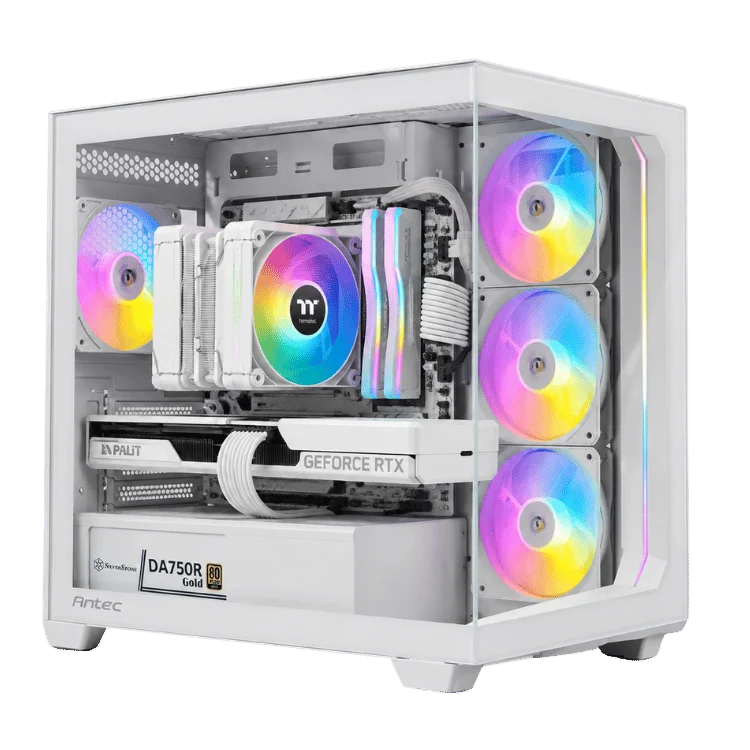
After years of building and repairing computers, we see the same buying mistakes again and again. Most of them are easy to avoid once you know to look for them, which is exactly why we wrote these PC buying guides.
A flagship graphics card cannot reach its potential if the processor cannot feed it frames quickly enough, especially in competitive games at high refresh rates. Our component guides explain how to balance the two so neither part is wasted.
Plenty of budget systems still ship with 8GB of RAM. Modern games, browsers and chat apps running together can use far more than that. Our memory guide explains why 16GB is the minimum we recommend for gaming and when 32GB is worth it.
A cheap, underrated power supply is one of the most common reasons a computer becomes unstable or will not turn on at all. We size every power supply with headroom for the graphics card and future upgrades, and our troubleshooting guide shows how to spot a failing unit.
A 4K monitor paired with an entry-level card leads to disappointing frame rates, while a 1080p screen wastes the power of a high-end GPU. The monitor guide shows how to match the two so your money goes where you will see it.
Hot components throttle, which means they slow themselves down to stay safe. Good case airflow and the right cooler keep performance consistent. Our CPU temperature and cooler guides explain what normal looks like and how to fix a PC that runs hot.
Not everyone needs the fastest parts available. A student laptop, an office desktop or a 1080p esports rig can be excellent value when it is specced for the job. The gaming PC blog is as happy to recommend a sensible build as a flagship one.
New to PC hardware? These are the terms you will see most often across the Elite Gaming PCs blog, explained in a sentence or two.
PC hardware changes quickly. New graphics cards launch, memory prices move and software updates change how games run. When something important shifts, we revisit the affected gaming PC guides rather than letting old advice linger. In 2026, for example, the global memory shortage has pushed up the price of DDR5 RAM and some graphics cards, so our gaming PC guides now explain how that affects the value of a complete prebuilt system compared with buying parts one at a time.
If you spot something that looks out of date, let us know through the contact page. Accurate advice is the whole point of the Elite Gaming PCs blog, and a quick note from a reader helps us keep every article useful.
We add new gaming PC guides regularly and update existing ones when hardware, pricing or availability changes. Each article shows the date it was last updated, so you always know how fresh the advice is.
No. Our PC buying guides are written by our own build team and are not paid for by manufacturers. We do link to builds we sell, because that is how we make a living, but we will always tell you when a cheaper option is the smarter buy.
Yes. Send us a message through the contact page and our team will reply by email. Popular questions often become new articles on the gaming PC blog, so you may help the next buyer too.
Most of the technical advice applies anywhere. Pricing, warranty and consumer law notes are written for Australian buyers, and all prices on the Elite Gaming PCs site are in Australian dollars.
Start with what a GPU does, then read the best gaming PC guide and the gaming monitor guide. Those three articles cover most of what a first-time buyer needs to know, and they link onward to more detail when you want it.
// Custom builds
Tell us what you play and your budget. A builder will get back to you with a spec and price.