A cheap laptop can be one of the best-value purchases you make, or one of the most frustrating. The difference comes down to a handful of specifications that budget models often cut to hit a low price. Get those right and an affordable laptop will handle study, work, browsing and streaming for years. Get them wrong and it will feel slow from the first week.
This guide explains what a cheap laptop can and cannot do, the minimum specs we insist on, the traps hidden in the cheapest laptop listings, how to judge laptop deals and when a refurbished business laptop is the smarter choice. It is written for Australian buyers, with notes on warranties and consumer rights.
What a cheap laptop does well
- Web browsing, email and online banking.
- Documents, spreadsheets and presentations.
- Video calls for school and work.
- Streaming video and music.
- Online learning platforms and research.
- Light photo editing and casual browser games.
What a cheap laptop struggles with
- Modern 3D games, which need dedicated graphics.
- Video editing and 3D work.
- Heavy multitasking with dozens of tabs and apps.
- Long, demanding workloads, where small coolers cause slowdowns.
If those limits are fine for you, a well-chosen budget laptop is all you need. If not, you will be happier spending a little more, or choosing a desktop for heavy work.
Minimum specs for a cheap laptop
| Component | Avoid | Minimum we recommend |
|---|---|---|
| Processor | Old Celeron, Pentium or Athlon chips | Recent Intel Core i3 or Core 3, AMD Ryzen 3, or better |
| Memory | 4GB | 8GB minimum, 16GB preferred |
| Storage | 64GB or 128GB eMMC | 256GB SSD minimum, 512GB preferred |
| Screen | 1366 x 768 TN panel | Full HD IPS, ideally 250 nits or brighter |
| Battery | Short claimed runtime | Realistic six to eight hours |
| Operating system | Unsupported or outdated versions | Windows 11 Home |
Laptop specs explained for budget buyers
Processor names
Processor names are confusing, and budget laptops take advantage of that. Intel now uses Core 3, Core 5 and Core 7 for mainstream chips and Core Ultra for its newer, more efficient range, alongside older Core i3, i5 and i7 models still on sale. AMD uses Ryzen 3, 5 and 7, but the model number matters: a newer series number generally means a newer chip. Search the exact model before buying a cheap laptop, and check its release year. A recent Core 5 or Ryzen 5 will feel far quicker than an older Core i7.
Battery life on a budget
Budget laptops often use smaller batteries to save cost, and their claimed runtimes are measured under ideal conditions. Look for reviews that test real-world use such as web browsing at moderate brightness. If you need to get through a full school or work day, choose a cheap laptop with an efficient modern processor and a battery of at least 40 to 50 watt-hours.
Screen quality matters most
The screen is the part of a cheap laptop you notice every minute. A dim, low-resolution panel makes everything feel worse, even if the processor is fine. If you can only stretch your budget for one upgrade, make it the screen. A Full HD IPS display with decent brightness transforms the experience.
The cheapest laptop traps
The cheapest laptop on a shelf is rarely the best value. These are the cuts manufacturers make to reach the lowest price.
eMMC storage
Some very cheap laptops use eMMC storage, a slow type of flash memory often only 64GB or 128GB in size. Windows updates alone can fill it, leaving no room for files or apps. Insist on an SSD.
4GB of memory
Windows 11 and a modern browser need more than 4GB to run comfortably. A laptop with 4GB of soldered memory will feel slow almost immediately and cannot be upgraded.
Low-resolution screens
A 1366 x 768 screen looks grainy and fits less on the screen. Older TN panels also wash out when viewed at an angle. A Full HD IPS screen is worth paying a little more for.
Old processors
A low price can hide a processor that is several generations old. Check the model number and look it up before you buy.
Windows S mode
Some budget laptops ship in Windows S mode, which only allows apps from the Microsoft Store. You can switch out of it for free, but it is worth knowing before you buy.
What to expect at each price
Entry level
At the lowest prices you will find basic laptops suited to browsing, documents and video. Look carefully at storage and memory, because this is where most compromises happen. A well-chosen entry-level cheap laptop is fine for light use.
Mid-budget
Spending a little more usually buys 16GB of memory, a 512GB SSD and a better screen. For most students and home users, this is the sweet spot where a budget laptop stops feeling budget.
Upper budget
Near the top of the budget range you start to see thinner designs, brighter screens, longer battery life, backlit keyboards and 2 in 1 hinges. Our laptop buying guide explains when those extras are worth it.
Best cheap laptop for your needs
Students
Look for light weight, all-day battery life and at least 8GB of memory, with 16GB preferred for university. A 2 in 1 design is handy for handwritten notes. Our laptops for students range is a good place to start.
Home and family
A 15.6-inch screen is comfortable for browsing, video calls and streaming. Prioritise a good screen and keyboard over thinness.
Seniors and first-time users
Choose a larger screen, a clear keyboard and simple setup. A reliable brand with local support makes help easy to get.
Small business
A refurbished business laptop often beats a new consumer laptop at the same price for durability, keyboard quality and security features.
Light gaming
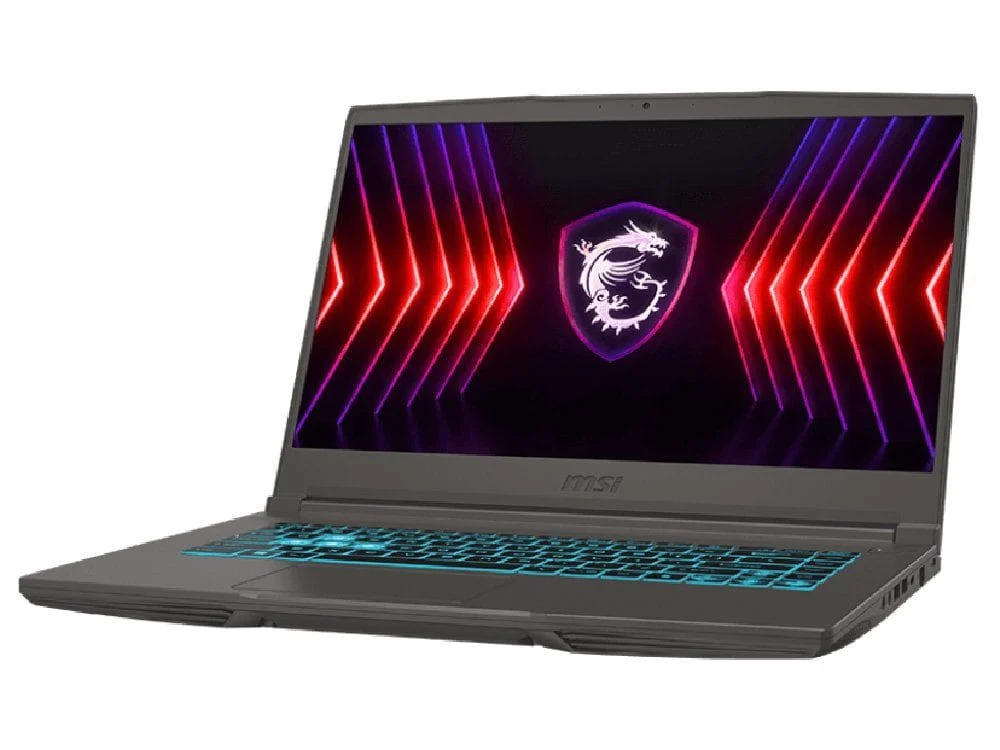
Most cheap laptops cannot play modern 3D games well. If gaming matters, look at a budget gaming laptop with dedicated graphics, such as our budget gaming laptop.
Chromebook or Windows?
Chromebooks are simple, fast to start and often very affordable. They suit students and users who work mainly in a web browser and Google apps. Windows laptops run the full range of desktop software, including Microsoft Office, many school and work apps, and games. If you need specific Windows software, choose Windows. If everything you do is online, a Chromebook can be the best cheap laptop for you.
New or refurbished?
A refurbished business laptop is one of the best-kept secrets in budget computing. Models from ranges such as Dell Latitude and Lenovo ThinkPad are built to survive years of office use, with strong hinges, excellent keyboards and good security features. When professionally refurbished and tested, they often outperform a new cheap laptop at the same price. Our refurbished laptop guide explains grading, batteries and warranties. Our refurbished Dell XPS 13 9350 is one example.
How to judge laptop deals
Laptop deals are everywhere, but not every discount is real value. Use these checks before you buy.
- Compare the full specs, not just the price. A discounted laptop with 8GB of memory may be worse value than a full-price one with 16GB.
- Check the generation. Clearance laptop deals often feature last year’s processors, which can be fine, or several-year-old chips, which usually are not.
- Look at price history. A big percentage off an inflated recommended price is not a bargain.
- Read reviews for the exact model, especially for screen brightness and battery life.
- Confirm the warranty and that it is an Australian model.
When laptop deals appear in Australia
- Back-to-school in January and February.
- End of financial year sales in June.
- Black Friday and Cyber Monday in late November.
- Boxing Day sales in late December.
Avoiding scams
If a price looks too good to be true, it probably is. Be wary of unknown websites, sellers who only accept bank transfers, and marketplace listings without proof of purchase. Buy from established retailers with clear contact details and return policies.
How long will a cheap laptop last?
A well-chosen cheap laptop with an SSD and at least 8GB of memory should comfortably last three to four years of everyday use, and often longer. The weakest points are usually the battery, which slowly loses capacity, and the hinges and keyboard on very low-cost models. Avoiding the specs traps above is the best way to make a cheap laptop last. Business-grade refurbished models often outlast new budget laptops because they were built for heavier use.
The real cost of a budget laptop
The sticker price is only part of the story. Factor in software, such as a Microsoft 365 subscription if you need Office apps, along with a mouse, a protective sleeve and possibly an extended warranty. Windows Security is built in and is enough antivirus protection for most people, so you do not need to buy extra security software. When you add everything up, the cheapest laptop is not always the cheapest option. A slightly more expensive model that lasts an extra two years can work out better value.
Buying a cheap laptop for kids
For younger children, durability and simplicity matter more than speed. Choose a laptop with a sturdy build, a spill-resistant keyboard if possible and a screen that is comfortable for long homework sessions. Set up a child account with Microsoft Family Safety to manage screen time and content. Many schools publish minimum laptop requirements, so check them before buying a cheap laptop for school.
Laptop deals checklist
- Is the processor from the last two or three years?
- Is there at least 8GB of memory, and is 16GB available for a small extra cost?
- Is the storage an SSD of 256GB or more?
- Is the screen Full HD IPS?
- Is it an Australian model with a local warranty?
- Is the seller reputable, with clear returns?
Laptop deals that pass every point on this list are usually genuine bargains. Laptop deals that fail two or more are best skipped, no matter how big the discount looks.
Should you wait for a sale?
If you need a laptop now, buy one that meets the minimum specs at a fair price rather than waiting months for a discount. If you can wait, the big sale periods can save a meaningful amount. Keep in mind that stock of the best-value models often sells out quickly, so have a shortlist ready. The cheapest laptop on sale day is rarely the best buy, but a good model at a sale price often is.
Warranty and your consumer rights
Every laptop sold in Australia comes with consumer guarantees under Australian Consumer Law, in addition to any manufacturer or seller warranty. A laptop must be of acceptable quality and fit for its described purpose. The ACCC explains consumer rights and guarantees clearly. Keep your receipt and buy from a seller that makes claims easy.
Make a budget laptop feel faster
- Remove trial software and apps you do not use.
- Limit startup apps in Task Manager.
- Use your browser’s efficiency or tab sleeping mode.
- Keep at least 15 per cent of storage free.
- Install Windows and driver updates regularly.
Our guide to why a computer is slow covers more fixes.
Setting up your new laptop
A few minutes of setup makes an affordable machine feel faster and safer from day one. Charge it fully, connect to Wi-Fi and run Windows Update until there is nothing left to install. Remove trial apps and games you do not want. Sign in with a Microsoft account so your settings and files can be recovered if the laptop is lost. Turn on Windows Security, which is built in and free, and enable device encryption if it is offered. Finally, set up a backup, either OneDrive or an external drive, so your files are safe whatever happens.
Video calls and remote work
Many people buy an affordable laptop mainly for school or work calls. For that job, the webcam, microphones and Wi-Fi matter more than raw speed. Look for a 1080p webcam if possible, as 720p cameras can look soft. Test the microphones in reviews, or plan to use a headset. A laptop with Wi-Fi 6 holds a steadier connection on busy home networks. Sitting facing a window, rather than with it behind you, improves camera quality more than any spec upgrade.
Making limited storage go further
Budget laptops often have modest storage. Cloud services such as OneDrive keep documents and photos online while showing them in File Explorer, so they take little space until you open them. A small external SSD is a fast, affordable way to store videos and backups. Uninstall apps you no longer use, empty the Downloads folder regularly and turn on Storage Sense to clear temporary files automatically.
Protecting your purchase
A padded sleeve or backpack prevents most of the damage we see on laptops: cracked screens and bent corners from being carried loose in a bag. Keep drinks away from the keyboard, close the lid gently from the centre rather than one corner, and never carry the laptop by the screen. These small habits keep an inexpensive laptop looking and working like new for years.
Budget accessories that help
A cheap mouse, a laptop stand and a sleeve or padded backpack make a budget laptop more comfortable and protect it from damage. For a home desk, an external monitor and keyboard turn a small laptop into a comfortable workstation.
Laptop or tablet?
A tablet with a keyboard case can look like a tempting alternative at a similar price. Tablets are great for reading, streaming and light email, but a laptop is far better for typing long documents, managing files, running desktop software and multitasking with several windows. For school and work, a laptop remains the more capable and flexible choice.
Our verdict
Value is about getting the right specifications for the price, not the lowest price on the shelf. Insist on an SSD, enough memory and a decent screen, buy from a seller with local support, and you will end up with a laptop that serves you well for years. If your budget is tight, a professionally refurbished business laptop is often the smartest buy of all.
One last tip before you buy: think about where the laptop will be used most. If it will live on a kitchen table or study desk, a larger screen and full-size keyboard are worth more than a slim design. If it will travel in a school bag every day, weight, battery life and a sturdy lid matter most. Matching the laptop to its daily life is the simplest way to make sure your money is well spent.
Our affordable laptops
We stock new and refurbished laptops chosen for real value, all tested before dispatch:
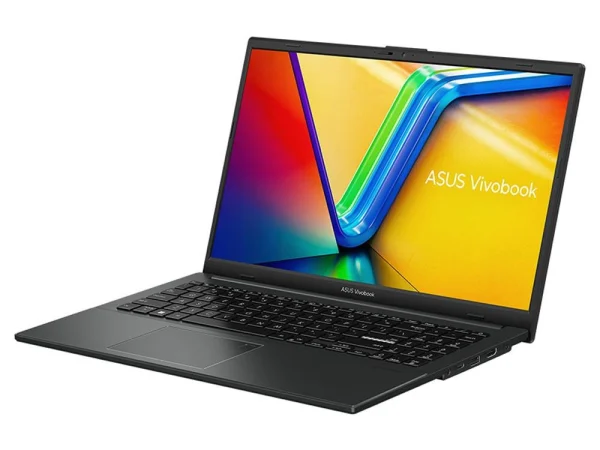
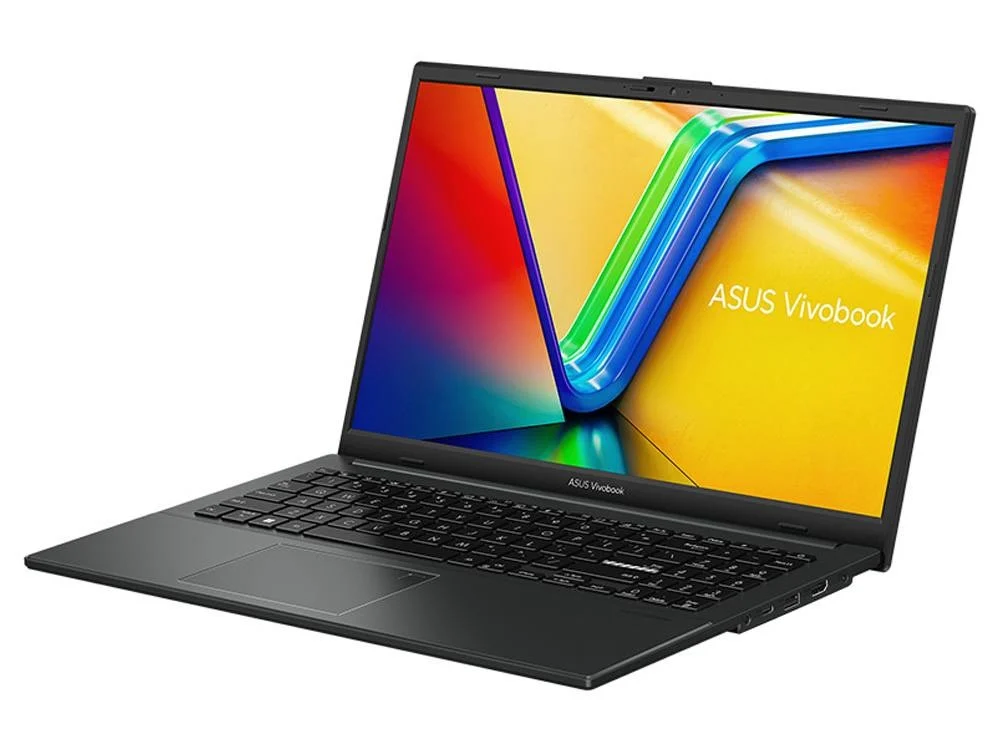
- ASUS Vivobook Go 15: an affordable everyday laptop for study and home.
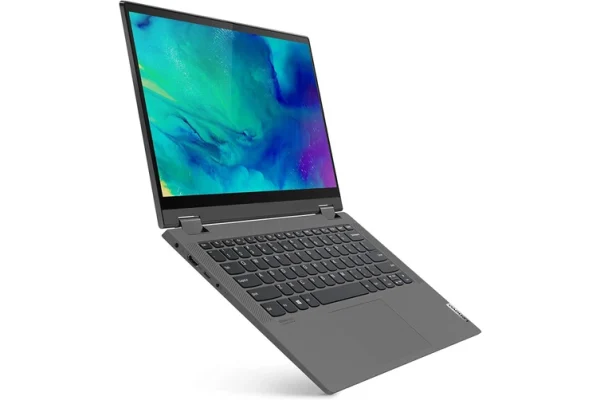
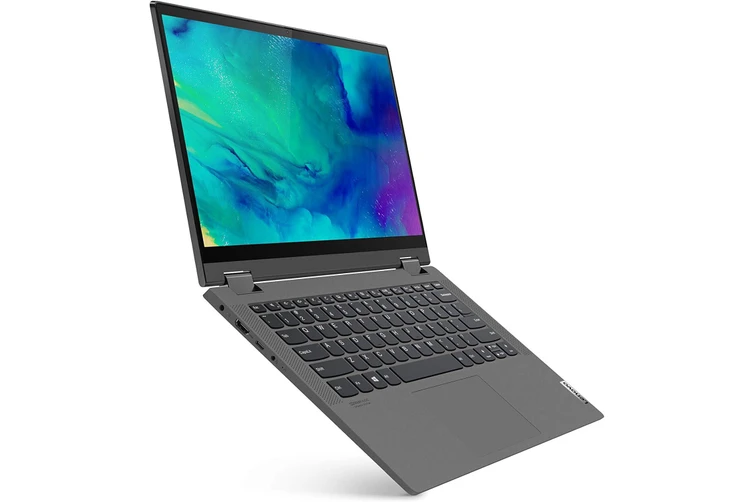
- Lenovo IdeaPad Flex 5: a versatile 2 in 1 with a touch screen.
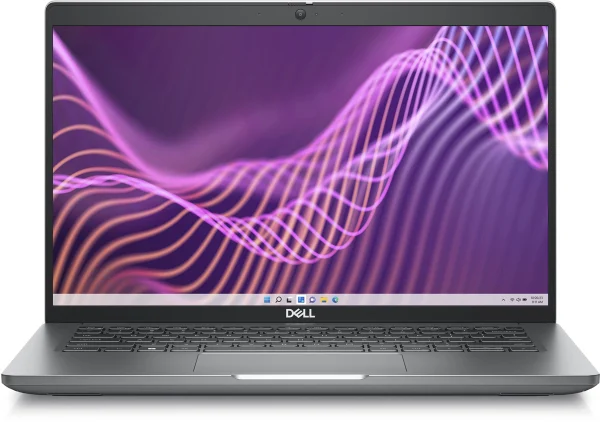
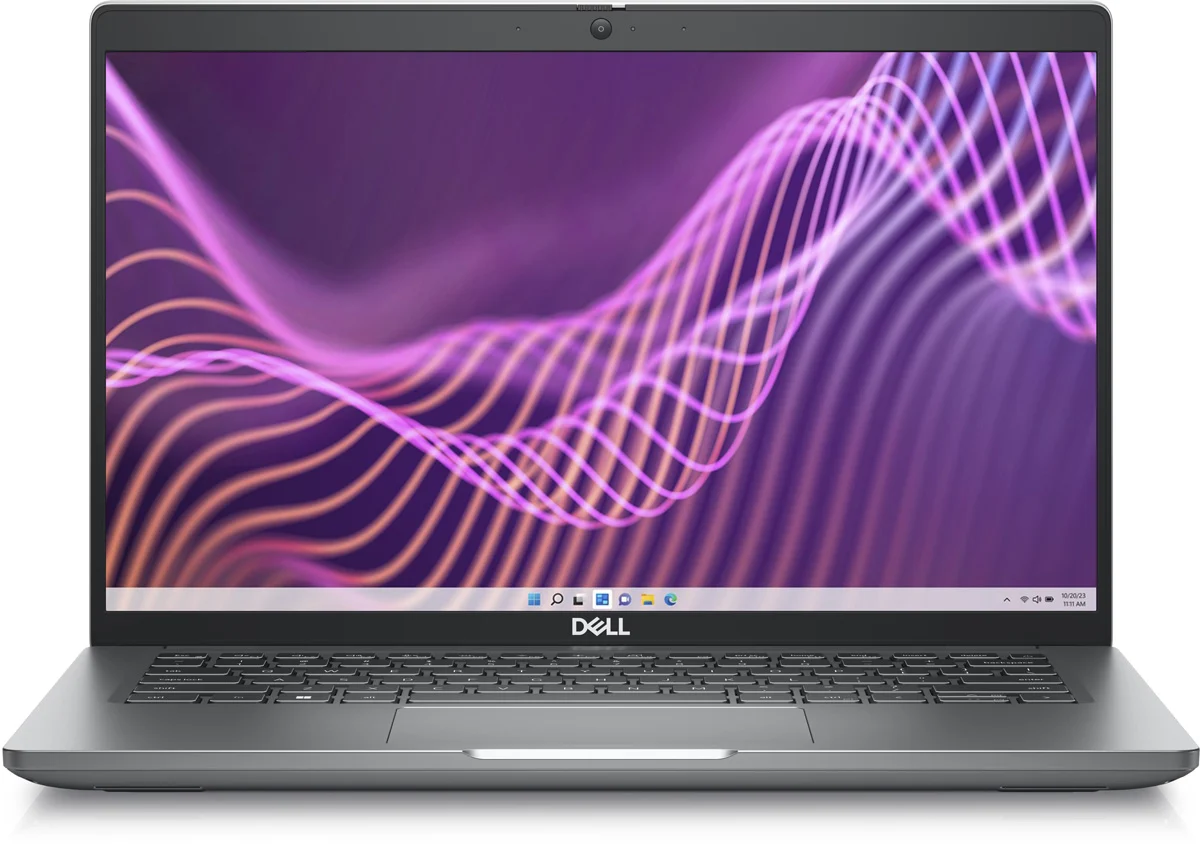
- Dell Latitude 5430: a durable business laptop built to last.
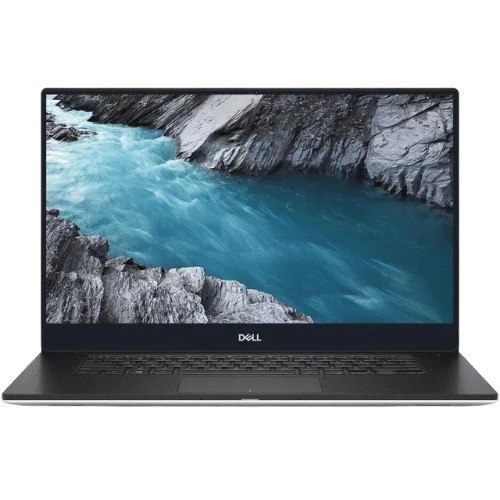
- Dell XPS 13 9350: a refurbished premium ultraportable.
- Budget gaming laptop: dedicated graphics for 1080p gaming.
See every option in our laptops range.
Cheap laptop FAQ
Is 8GB of RAM enough for a cheap laptop?
For light use, yes. For students and multitaskers, 16GB is noticeably better, especially if the memory cannot be upgraded.
What is the cheapest laptop worth buying?
The cheapest laptop worth buying has a recent processor, at least 8GB of memory, a 256GB SSD and a Full HD screen. Anything below that is a false economy.
Are refurbished laptops reliable?
Professionally refurbished business laptops are often very reliable. Check the grade, battery health and warranty.
When are the best laptop deals in Australia?
Back-to-school, end of financial year, Black Friday and Boxing Day sales usually bring the biggest discounts.
Can a cheap laptop run Microsoft Office?
Yes. Any modern Windows laptop runs Microsoft Office and Microsoft 365 well.