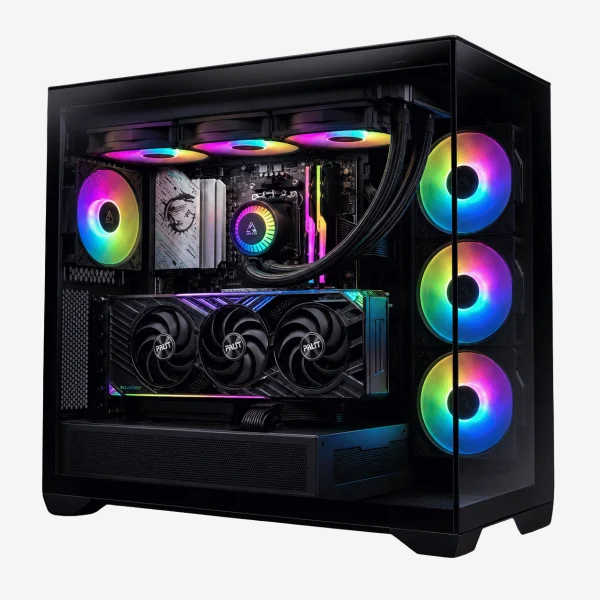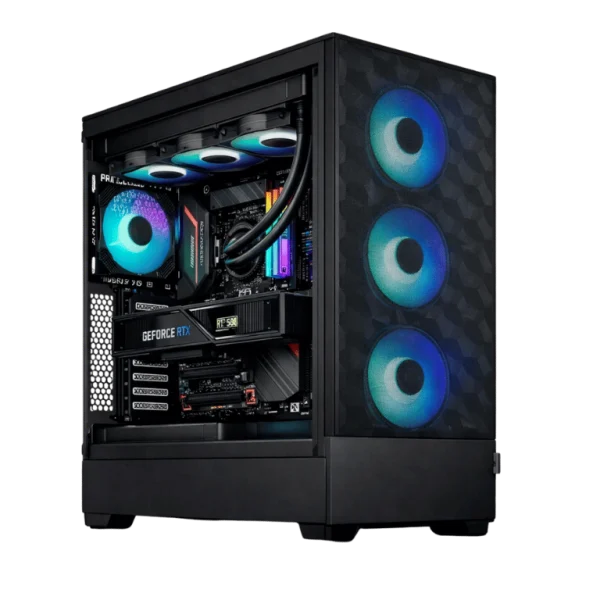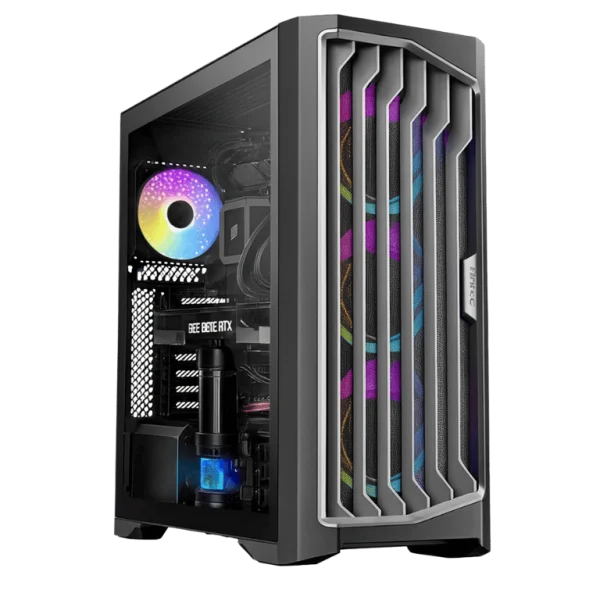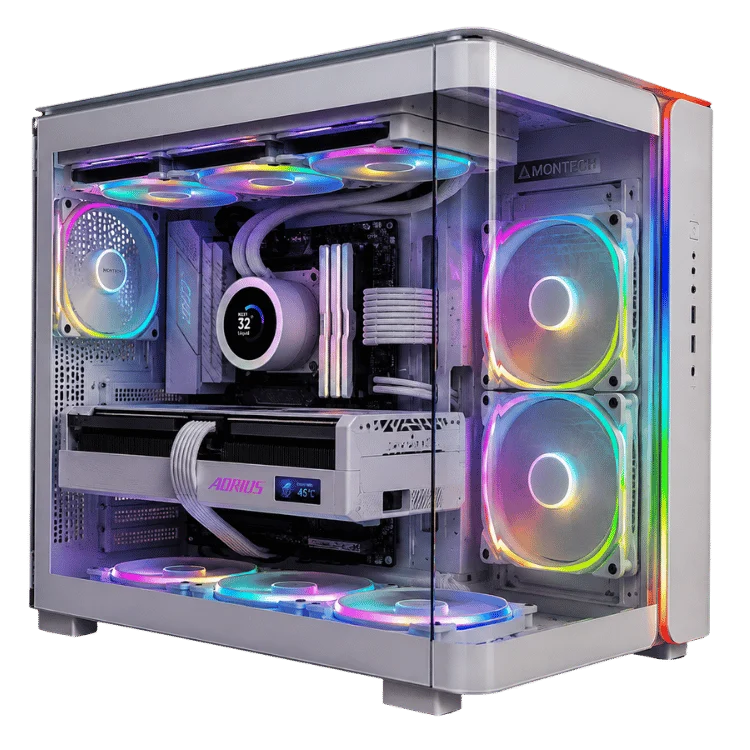
The Ryzen 7 9800X3D is the processor we get asked about more than any other. Since it launched in November 2024 it has sat at or near the top of almost every gaming benchmark, and in 2026 it is still the chip most enthusiasts want inside their next build. It is not the processor with the most cores or the highest price. It is simply the one that keeps games running smoothest.
In this guide we cover the full specifications, what makes the chip different, how it performs in real games, how to cool it, which graphics cards suit it and how it compares with the alternatives. We build with this processor every week, so you will also find the practical notes that spec sheets leave out.
Ryzen 7 9800X3D specs at a glance
On paper the AMD Ryzen 7 9800X3D looks like a modest eight-core chip. The magic is in the cache. Here are the key numbers from AMD’s official product page.
| Specification | Detail |
|---|---|
| Architecture | Zen 5, AM5 socket |
| Cores and threads | 8 cores, 16 threads |
| Base and boost clock | 4.7GHz base, up to 5.2GHz boost |
| L3 cache | 96MB (32MB on the CPU die plus 64MB of stacked 3D V-Cache) |
| Total L2 + L3 cache | 104MB |
| Default TDP | 120W |
| Memory support | DDR5, dual channel |
| Overclocking | Unlocked, with Precision Boost Overdrive support |
| Launch date | 7 November 2024 |
Eight cores might sound modest next to 16 and 24-core chips, but games rarely use more than six to eight cores heavily. What they crave is fast access to data, and that is where 96MB of L3 cache changes everything.
What makes the 9800X3D different
The X3D in the name refers to AMD’s 3D V-Cache, a 64MB slice of extra cache bonded directly to the processor. If you want the background on why cache matters so much, our explainer on what a CPU cache is covers it in plain English. The short version is that a bigger cache means the cores spend less time waiting on system memory, which means fewer stutters and higher frame rates.
Second-generation 3D V-Cache
Earlier X3D chips, such as the Ryzen 7 7800X3D, placed the extra cache on top of the cores. That made heat harder to remove and capped clock speeds. With the 9800X3D, AMD flipped the design and placed the cache underneath the cores. The hot part of the chip now sits directly under the heat spreader.
The result is a processor that runs cooler at the same power, boosts higher and, for the first time on an eight-core X3D chip, can be fully overclocked. In everyday use that means the 9800X3D does not feel like a gaming-only specialist. It is quick at everything.
Zen 5 cores
Underneath the cache sit AMD’s Zen 5 cores, which bring better branch prediction, wider execution and stronger AVX-512 performance than Zen 4. Those gains show up most clearly in productivity work, where the new chip is noticeably quicker than its predecessor.
Ryzen 7 9800X3D gaming performance
Independent reviews at launch and our own bench testing tell the same story. In CPU-limited games the Ryzen 7 9800X3D leads both Intel’s Core Ultra 200S range and AMD’s own non-X3D Ryzen 9000 chips, often by a wide margin at 1080p and in high refresh rate scenarios.
The gains are largest in titles that are hard on the processor: competitive shooters at very high frame rates, large strategy games, simulation titles such as flight and racing sims, and busy open-world games with lots of characters on screen. In these games the extra cache does not just raise the average frame rate. It lifts the 1% lows, which is what you notice as smoothness when the action heats up.
At 1440p and 4K
As resolution rises, the graphics card takes on more of the work and the gap between processors narrows. At 4K with an RTX 5080 or RTX 5090 the 9800X3D still leads, but by a smaller amount in average frame rate. Where it keeps a clear advantage is consistency. Frame times stay steadier, so the game feels smoother even when the FPS counter looks similar.
This is why we use X3D processors in most of our high-end builds. A flagship graphics card deserves a processor that will not hold it back, today or when you upgrade the GPU in a few years.
Outside of games
Thanks to Zen 5 and the improved cache layout, the chip is a capable all-rounder for streaming, photo editing and light video work. It is not designed to compete with 12 and 16-core processors in heavy rendering, though. If you create content professionally as well as game, look at the 16-core option covered further down.
9800X3D vs 7800X3D: is the upgrade worth it?
The Ryzen 7 7800X3D was the gaming champion before the 9800X3D arrived, and it is still a superb processor. Both have eight cores and 96MB of L3 cache, and both use the AM5 socket.
- Gaming: the 9800X3D is faster on average, with the biggest gains in CPU-heavy titles. The difference is real but not dramatic in GPU-limited games.
- Productivity: the newer chip has a much bigger lead here, thanks to higher clocks and Zen 5’s improvements.
- Thermals and tuning: the 9800X3D is easier to cool for its performance and supports full overclocking.
- Value: the 7800X3D is often cheaper, which can free up budget for a stronger graphics card.
Our advice: if you already own a 7800X3D, keep it and upgrade your graphics card instead. If you are buying new, the 9800X3D is the better long-term choice. Our 7800X3D RTX 5080 gaming PC remains a strong value pick for 4K gaming if you want to save a little.
9800X3D vs 9850X3D and 9950X3D
AMD has added more X3D models since the 9800X3D launched, so it is worth knowing where each one fits.
Ryzen 7 9850X3D
Released on 29 January 2026, it uses the same eight-core layout and 96MB of L3 cache with a higher 5.6GHz boost clock. It is a few per cent faster in practice. For most buyers the price difference is better spent on the graphics card, but if you want the very fastest eight-core gaming chip, it is the one.
Ryzen 9 9950X3D
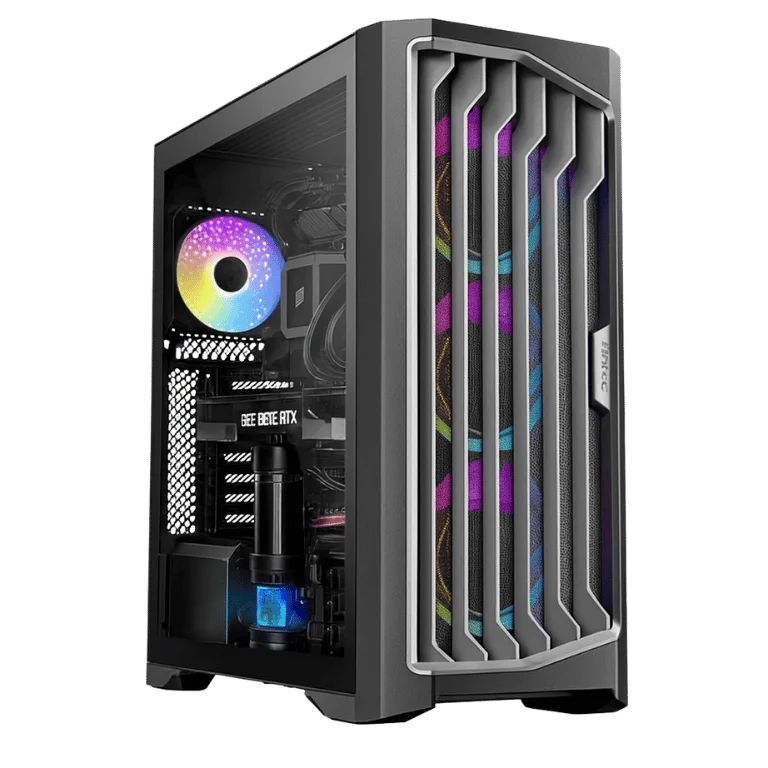
The 9950X3D doubles the core count to 16 and carries 128MB of L3 cache. In games it performs very close to the eight-core chips. Its advantage is everything else: rendering, encoding, compiling and heavy multitasking. It is the processor in our 9950X3D RTX 5090 gaming PC, built for people who game at 4K and create content on the same machine.
How does the 9800X3D compare with Intel?
Intel’s Core Ultra 200S processors, such as the Core Ultra 7 265K and Core Ultra 9 285K, are strong in multi-threaded work and very efficient at idle. In gaming, however, they generally trail AMD’s X3D chips, particularly in titles that respond to cache.
If your PC is mainly for gaming, AMD’s X3D chip is the stronger choice. If your workload leans towards productivity apps that love cores, or you want specific Intel features such as Quick Sync video encoding, an Intel build can make sense. We build with both, and you can compare options in our Intel desktop PCs range.
Best graphics cards to pair with the Ryzen 7 9800X3D
Because this processor is so quick, it pairs well with almost any modern graphics card. The question is which GPU suits your monitor.
- 1440p at high refresh rates: an RTX 5070 Ti is the sweet spot. You will see very high frame rates in competitive titles and smooth performance in demanding single-player games.
- 4K gaming: an RTX 5080 is our most popular pairing. Read our RTX 5080 guide to see why it suits most 4K gamers.
- No compromises: an RTX 5090 delivers the best 4K and path-traced performance available, with the 9800X3D making sure the processor never becomes the limit.
We would not usually pair this chip with an entry-level card such as an RTX 5060 unless you plan to upgrade the graphics later. You would be paying for processor performance the GPU cannot use.
Cooling the 9800X3D
With a 120W default TDP, the processor is easier to cool than many high-core-count chips. Thanks to the cache-underneath design the 9800X3D also runs cooler than its predecessor at similar power. In games we typically see temperatures in the 60s and 70s Celsius with a good cooler, well below AMD’s maximum.
- Quality dual-tower air cooler: handles the chip comfortably at stock settings and is quiet and reliable.
- 240mm or 360mm AIO liquid cooler: gives more headroom for Precision Boost Overdrive and keeps noise low in warm Australian summers.
Our CPU cooler guide explains the trade-offs between air and liquid in more detail, and our guide to checking CPU temperature shows what normal looks like.
Memory and motherboard tips
AM5 platforms use DDR5 memory, and the chip works best with a fast, low-latency kit. For gaming builds we recommend 32GB of DDR5-6000 with tight timings, enabled through an AMD EXPO profile in the BIOS. Faster kits exist, but the gains for this processor are small and stability matters more. Our DDR5 RAM guide explains capacity, speed and current pricing.
For motherboards, a B650, B850 or X870 board all work well. Older B650 and X670 boards need a BIOS update to recognise the chip, which we handle before any system leaves the bench. A B850 board offers the best value for most gaming builds, while X870 adds extra USB4 and PCIe 5.0 connectivity.
Who should buy a Ryzen 7 9800X3D?
This processor is the right choice for a lot of people, but not for everyone. Here is how we would decide.
- Buy it if you game at high refresh rates, play CPU-heavy titles, want a 4K build that will not be bottlenecked by future graphics cards, or simply want the smoothest gaming experience available.
- Consider the 7800X3D if you want most of the gaming performance and would rather put the savings into the graphics card.
- Consider the 9950X3D if you also render, edit or stream professionally and need more cores.
- Look elsewhere if your PC is mainly for office work or light gaming. A cheaper six-core chip will feel just as fast for those tasks.
Buying a prebuilt 9800X3D gaming PC
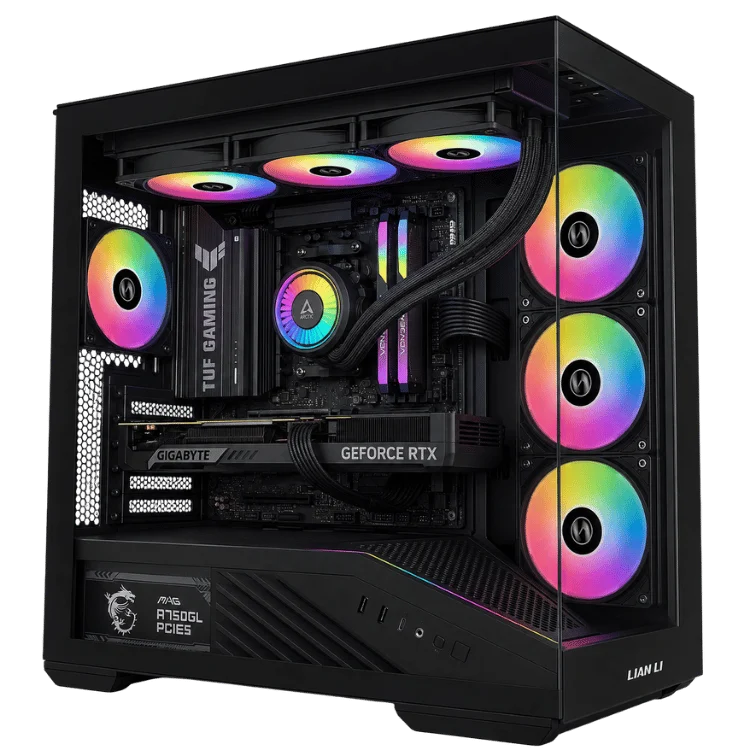
Building around this chip yourself is very achievable, but a prebuilt system has some advantages. We update the BIOS, set up the memory profile, tune fan curves for low noise, run stress and gaming tests and then cover the whole system with a 12-month warranty. If anything goes wrong you deal with one business that built the PC, rather than chasing separate warranties for each part.
Our 9800X3D RTX 5080 gaming PC is the build we recommend most often for 4K gaming. You will find more options, including 1440p builds and flagship RTX 5090 systems, in our AMD Ryzen gaming PCs range. Prefer different parts? We also take custom orders built around this processor.
Setting up a new AM5 gaming PC: first-boot checklist
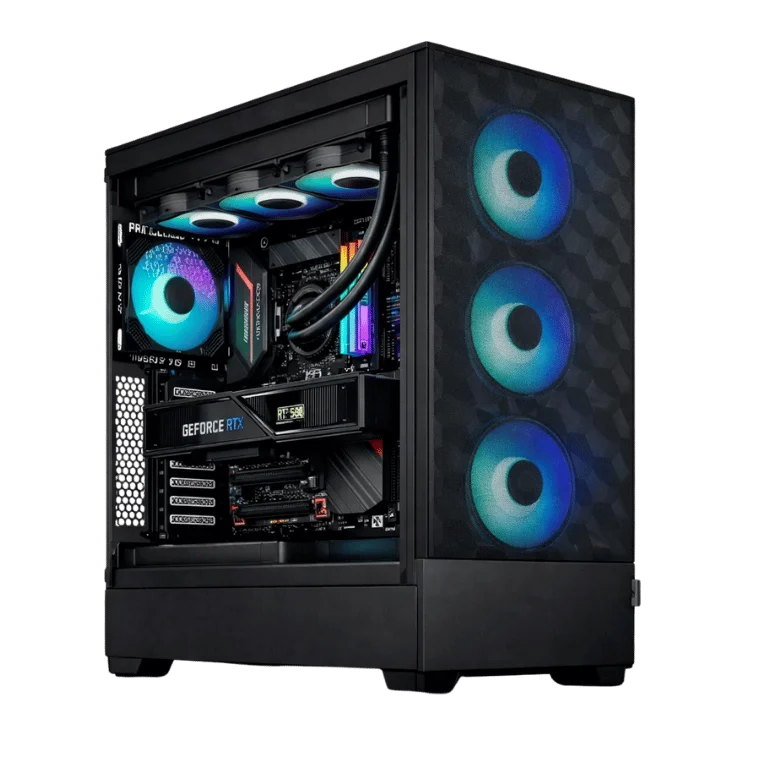
Whether you build it yourself or buy it ready to go, a few minutes of setup makes sure a new AM5 system performs the way it should. These are the steps we run through on every machine before it leaves our workshop.
- Update the BIOS. Motherboard makers release updates that improve memory compatibility, boost behaviour and security. Install the latest stable version before you do anything else.
- Enable the memory profile. DDR5 kits run at a slow default speed until you switch on the EXPO or XMP profile in the BIOS. Skipping this step can cost noticeable performance.
- Install chipset drivers. AMD’s chipset package includes power management and scheduling updates that help Windows use the processor properly.
- Install the latest graphics driver. Download it directly from NVIDIA or AMD rather than relying on Windows Update, which is often several versions behind.
- Check temperatures under load. Run a demanding game or a stress test for 15 minutes and confirm the processor and graphics card stay within comfortable limits.
- Set a sensible fan curve. A gentle curve keeps the PC quiet when browsing and ramps up only when you game.
Getting the most frames from an X3D build
A fast processor is only part of the story. These simple habits help any high-end gaming PC deliver consistent frame rates.
Match frame rate to your monitor
Turn on G-SYNC or FreeSync and cap your frame rate a few frames below the monitor’s refresh rate. You will get smooth, tear-free motion with lower latency and less heat and fan noise than letting the frame rate run wild.
Use upscaling wisely
DLSS and FSR let the graphics card render at a lower resolution and rebuild a sharp image, which can add a large number of frames at 1440p and 4K. Quality mode is usually indistinguishable from native resolution in motion.
Keep background apps under control
Launchers, overlays and browser tabs all compete for resources. Close what you do not need while gaming, and turn off overlays you never use. It is a small change that can tidy up frame-time spikes.
Keep the system clean
Dust builds up faster than most people expect, especially in homes with pets. A quick clean of the filters every few months keeps temperatures low and fans quiet, which helps the processor hold its boost clocks for longer.
Common questions we get on the bench
Does it need a special motherboard?
No. Any AM5 motherboard works once it has a BIOS that supports Ryzen 9000 processors. Newer B850 and X870 boards support it out of the box.
Can I use DDR4 memory?
No. The AM5 platform is DDR5 only. If you are upgrading from an older AM4 system you will need new memory as well as a new motherboard.
Is it worth overclocking?
For most people, no manual overclock is needed. Enabling Precision Boost Overdrive with a good cooler can add a little performance, but the chip already runs close to its best out of the box.
Does the integrated graphics work for gaming?
The chip includes basic Radeon graphics, which is handy for troubleshooting or running a display without a graphics card. It is not designed for gaming, so every build we sell includes a dedicated GPU.
The verdict
The Ryzen 7 9800X3D is the easiest recommendation in PC gaming. It is fast in every game, cooler and more flexible than the X3D chips before it, and it pairs with everything from a 1440p RTX 5070 Ti build to an RTX 5090 flagship. Unless you need 16 cores for professional work, it is the gaming processor we would choose for our own PCs.
If you are planning a build and want a second opinion on parts, our team is happy to help by email through the contact page. You can also explore more component explainers on our gaming PC blog.
AMD Ryzen 7 9800X3D FAQ
Is the AMD Ryzen 7 9800X3D still worth buying in 2026?
Yes. Even with the 9850X3D now available, the AMD Ryzen 7 9800X3D offers nearly identical gaming performance and remains one of the best gaming processors you can buy.
How many cores does the AMD Ryzen 7 9800X3D have?
It has eight cores and 16 threads, which is plenty for gaming, streaming and everyday productivity.
What power supply does a 9800X3D build need?
The processor itself draws modest power. The graphics card sets the requirement. An RTX 5070 Ti build is comfortable on a quality 850W unit, while RTX 5090 builds should use 1000W or more.
Is the AMD Ryzen 7 9800X3D good for streaming?
Yes. Eight fast cores handle a game plus a stream comfortably, especially when you use the graphics card’s hardware encoder for the stream itself.