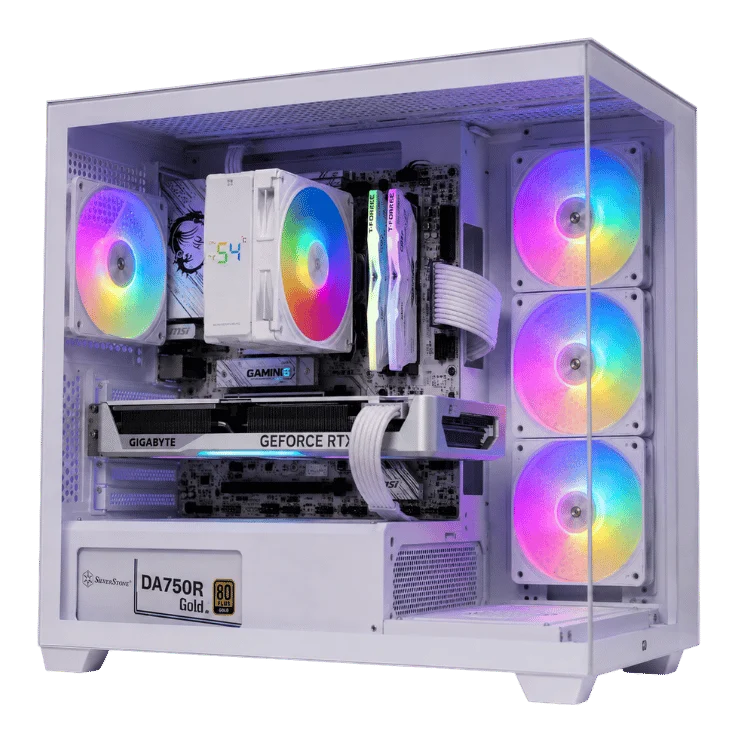
The RTX 5080 is the graphics card we recommend most often to people who want great 4K gaming without paying flagship money. It sits one step below the RTX 5090, costs far less, uses much less power and still runs modern games beautifully at 4K once DLSS is switched on. For many buyers it is the high-end card that makes the most sense.
In this guide we cover the specifications, how the card performs at 1440p and 4K, what it costs in Australia, the power supply and cooling it needs, how it compares with the cards around it and what is happening with the long-rumoured RTX 5080 Super. We build RTX 5080 systems every week, so the advice comes straight from the bench.
RTX 5080 specs
NVIDIA launched the card on 30 January 2025 alongside the RTX 5090. Here are the key figures from NVIDIA’s RTX 5080 page.
| Specification | RTX 5080 |
|---|---|
| Architecture | NVIDIA Blackwell |
| CUDA cores | 10,752 |
| Video memory | 16GB GDDR7 on a 256-bit bus |
| Boost clock | 2.62GHz (reference) |
| Total graphics power | 360W |
| Recommended power supply | 850W |
| Power connector | One 16-pin 12V-2×6 |
| Key features | DLSS 4 with Multi Frame Generation, fourth-gen RT cores, PCIe 5.0, DisplayPort 2.1b |
| Australian RRP at launch | A$2,019 |
The two numbers that matter most are the 16GB of fast GDDR7 memory, which is plenty for 4K gaming in almost every current title, and the 360W power rating, which is far easier to cool and power than the RTX 5090’s 575W.
How the RTX 5080 performs
In native 4K gaming without frame generation, the card is a little faster than the RTX 4080 Super it replaced and sits behind the previous-generation RTX 4090. That sounds modest on paper, but the picture changes when you turn on DLSS 4.
4K gaming
At 4K with DLSS Quality or Balanced upscaling, the RTX 5080 runs most demanding games at high frame rates with ray tracing enabled. Add Multi Frame Generation in supported titles and frame rates can climb past 144 FPS, which pairs perfectly with a 4K 144Hz or 165Hz monitor. Native 4K at maximum settings in the very heaviest path-traced games is where the RTX 5090 pulls clearly ahead.
1440p gaming
At 1440p the card is extremely fast. It suits high refresh rate monitors of 240Hz and above in competitive titles, and it runs single-player games at maximum settings with room to spare. If you only ever plan to play at 1440p, an RTX 5070 Ti may give you similar real-world enjoyment for less money, which we cover below.
Creative and AI work
Fast GDDR7 and strong Tensor performance make the card capable in video editing, 3D rendering and AI tools. Its 16GB of memory limits the size of local AI models compared with the 32GB RTX 5090, so if AI is your main workload, consider the flagship or one of our AI workstations.
DLSS 4 and Multi Frame Generation explained
Every RTX 50 Series card supports DLSS 4. It combines three technologies that work together to raise frame rates.
- Super Resolution: the game renders at a lower resolution and AI reconstructs a sharp image at your monitor’s full resolution.
- Ray Reconstruction: AI cleans up ray-traced lighting and reflections, improving image quality in games with heavy ray tracing.
- Multi Frame Generation: the card generates up to three extra frames for each frame it renders, multiplying the frame rate in supported games.
Frame generation works best when the base frame rate is already reasonable, around 50 to 60 FPS or more. The RTX 5080 reaches that comfortably at 4K with upscaling, which is why it gets so much benefit from the feature. In competitive shooters, where the lowest possible latency matters most, many players prefer upscaling alone without frame generation.
RTX 5080 price in Australia
The Australian recommended retail price at launch was A$2,019. Unlike the RTX 5090, which has sold far above RRP for most of its life, the RTX 5080 has generally been available close to its recommended price, with standalone cards typically selling for around A$1,800 to A$2,100 depending on the model and the month.
Prices did firm up in 2026 as the global memory shortage pushed up the cost of graphics memory. Premium partner cards with larger coolers, factory overclocks and RGB lighting cost more than basic models, but performance differences between them are usually small.
Pricing note: graphics card prices change week to week. Use the ranges above as a guide and compare a standalone card with the cost of a complete, tested system before you decide.
What is happening with the RTX 5080 Super?
Throughout 2025, reliable leakers reported that NVIDIA was preparing an RTX 5080 Super with 24GB of GDDR7 memory, made possible by newer 3GB memory chips, along with slightly higher clocks and a power rating of around 415W. Many expected it to launch at CES in January 2026.
That did not happen. In January 2026, reports said NVIDIA had delayed the RTX 50 Super refresh indefinitely, with the global memory shortage making the larger 3GB GDDR7 modules both scarce and expensive. Later reporting pointed to early 2027 at the earliest. As of late October 2026, the RTX 5080 Super has not been released.
Should you wait for the RTX 5080 Super?
For most buyers, no. The rumoured RTX 5080 Super would offer the same core count with more memory and a modest performance gain, likely in the single digits. With no confirmed release date and memory prices still high, waiting could mean months without a PC for a small improvement. If you need a 4K gaming PC now, the current card is an excellent choice. If 24GB of memory is essential for AI work, the RTX 5090 is the option that exists today.
RTX 5080 vs RTX 5070 Ti
This is the comparison we discuss with customers most often. Both cards have 16GB of GDDR7 on a 256-bit bus. The RTX 5080 has more CUDA cores and higher clocks, which makes it noticeably faster, particularly at 4K.
- Choose the RTX 5070 Ti for 1440p high refresh gaming or entry-level 4K with upscaling, when you want to keep the budget in check.
- Choose the RTX 5080 for a smoother 4K experience with ray tracing and higher settings, and for more headroom as games get heavier.
Our RTX 5070 vs RTX 5070 Ti comparison explains the step below in more detail.
RTX 5080 vs RTX 5090
The RTX 5090 is roughly half again as fast at 4K and has double the memory, but it also costs several thousand dollars more in a complete system and draws 575W. For gaming alone, most 4K players are happier putting the difference towards a better monitor or a faster processor.
Choose the flagship if you want maximum settings in path-traced games, play at very high resolutions or need 32GB for AI. Otherwise, the RTX 5080 is the smarter buy. Our RTX 5090 guide covers the flagship in depth.
| Card | Memory | Power | Best for |
|---|---|---|---|
| RTX 5070 Ti | 16GB GDDR7 | 300W | 1440p high refresh, entry 4K |
| RTX 5080 | 16GB GDDR7 | 360W | 4K gaming with ray tracing |
| RTX 5090 | 32GB GDDR7 | 575W | Maximum 4K, path tracing, AI |
Building around an RTX 5080
A balanced system lets the graphics card run at its best. These are the parts we pair with it.
Processor
For gaming, AMD’s X3D processors are the best match. The Ryzen 7 9800X3D is our most popular choice, and the Ryzen 7 7800X3D is a strong value alternative. Read our Ryzen 7 9800X3D guide for the full story. Intel’s Core Ultra 7 and Core Ultra 9 chips also work well, especially if you need more cores for productivity.
Power supply
NVIDIA recommends 850W. We use quality 850W to 1000W ATX 3.1 units with a native 16-pin cable. The extra headroom keeps the supply efficient and quiet and leaves room for a future upgrade.
Memory and storage
32GB of DDR5 is our standard for a 4K gaming build, paired with a fast 2TB NVMe SSD so large modern games load quickly. Our DDR5 RAM guide explains why 32GB has become the sensible choice.
Cooling and case
At 360W the card is easy to cool in a case with good front intake. Most partner cards run quietly under load. For the processor, a quality air cooler or a 240mm to 360mm AIO keeps everything comfortable in summer. See our CPU cooler guide for details.
Best monitors for an RTX 5080
To get your money’s worth, pair the card with a screen that can show what it does.
- 4K at 144Hz to 240Hz: the ideal match, especially with DLSS and frame generation.
- 1440p at 240Hz or higher, including OLED: superb for competitive players who value response time.
- 3440 x 1440 ultrawide: an immersive choice for racing, flight and story games.
Our gaming monitor guide covers resolution, refresh rate and panel types in detail.
Ray tracing and path tracing in plain English
Traditional game graphics use clever shortcuts to fake lighting. Ray tracing simulates how light actually travels, bouncing off surfaces, casting accurate shadows and producing realistic reflections. Path tracing goes further still, tracing many bounces of light for every pixel, which is how films render their visual effects.
The visual payoff can be huge, especially in games with lots of reflective surfaces, neon-lit cities or dense forests. The cost is performance. Ray tracing asks far more of the graphics card than traditional lighting, and path tracing asks more again. This is where NVIDIA’s dedicated RT cores and AI features earn their place. Upscaling and ray reconstruction let you enjoy realistic lighting at frame rates that would be impossible with brute force alone.
If you mostly play competitive titles, you may never switch ray tracing on, and that is fine. If you love cinematic single-player games, it is one of the best reasons to buy a high-end card in 2026.
Upgrading from an older graphics card
Many of the people who ask us about this card already own a gaming PC. Here is what to expect from an upgrade, depending on where you are starting.
From an RTX 2070, RTX 2080 or GTX 10 Series card
You will see a dramatic jump, often several times the frame rate, plus modern features such as DLSS frame generation and much stronger ray tracing. At this point, though, the rest of an older system usually needs replacing too. A processor from that era will hold a modern card back badly, so a complete new build is often the better investment.
From an RTX 3070 or RTX 3080
This is a big and very satisfying upgrade, particularly at 4K and with ray tracing. Check that your power supply is a quality unit of 850W or more and that your processor is recent enough to keep up.
From an RTX 4070 Ti or RTX 4080
The gain is smaller. You will notice it most in games that support Multi Frame Generation. Many owners of these cards can comfortably skip this generation.
Choosing between partner card designs
NVIDIA’s board partners sell many versions of the same graphics chip with different coolers, clocks and styling. Performance between them is usually within a few per cent, so the differences come down to noise, size and looks.
- Entry models use simpler coolers and cost the least. They are perfectly capable, though they can run a little louder under load.
- Mid-range models add bigger heatsinks, quieter fans and sometimes a dual BIOS switch for a quiet mode.
- Premium models bring the largest coolers, factory overclocks and RGB lighting. They are the quietest, but also the biggest, so check your case clearance.
When we build a system, we choose the card to suit the case, airflow and budget, then tune the fan curve so the PC stays quiet at the desk.
How we test our 4K gaming builds
Every high-end PC we ship goes through the same routine. We update the BIOS, enable the memory profile and set fan curves. We then stress the processor and graphics card separately, run them together to check heat build-up inside the case, and finish with real games at 4K to confirm smooth frame times with no crashes or artefacts. Cables are tidied, the graphics card is supported for transit and the whole system is packed to survive delivery anywhere in Australia.
That testing is the difference between a PC that simply turns on and one that is ready to play the moment it arrives.
Settings we recommend for smooth 4K gaming
New owners often ask which in-game settings to start with. These defaults work well on a high-end card at 4K and give a great balance of image quality and frame rate.
- Upscaling: start with DLSS Quality. Drop to Balanced only in the heaviest path-traced games.
- Frame generation: enable it in single-player games when the base frame rate is above about 50 FPS. Leave it off in competitive shooters.
- Textures: use High or Ultra. If a game warns about video memory, drop one step.
- Shadows and volumetrics: these are expensive. High usually looks almost identical to Ultra and runs noticeably faster.
- NVIDIA Reflex: turn it on wherever it is offered to keep input latency low.
From there, adjust to taste. A smooth, consistent frame rate almost always feels better than a slightly sharper image that stutters.
Who should buy an RTX 5080?
- 4K gamers who want high settings, ray tracing and smooth frame rates without flagship pricing.
- High refresh 1440p players who want plenty of headroom for years to come.
- Streamers and creators who game and edit on the same machine and value NVIDIA’s encoders and creative app support.
- Upgraders from an RTX 20 or RTX 30 Series card, who will see an enormous jump in performance and features.
It is less compelling if you own an RTX 4080 or RTX 4090 already, or if you play mostly esports titles at 1080p, where a cheaper card will deliver the same experience.
Our RTX 5080 gaming PCs
Every RTX 5080 system we build is stress-tested, cable-managed and backed by our 12-month warranty. A few of the builds customers choose most often:
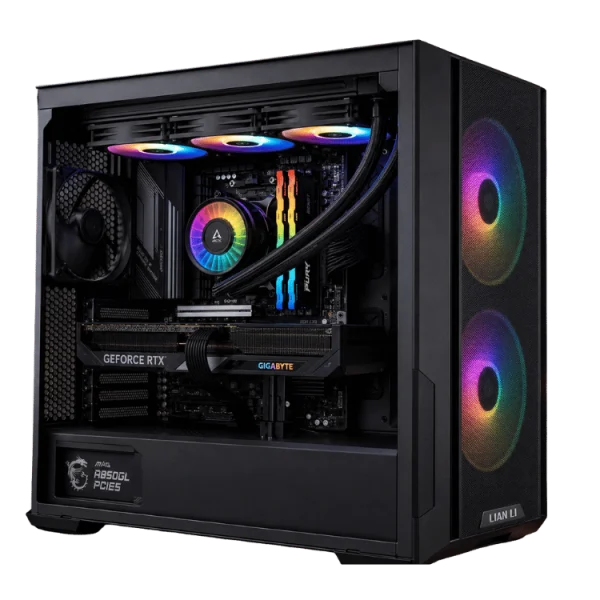
- RTX 5080 gaming PC: a balanced 4K build and our most popular high-end system.
- 9800X3D RTX 5080 gaming PC: AMD’s best gaming processor for maximum frame rates.
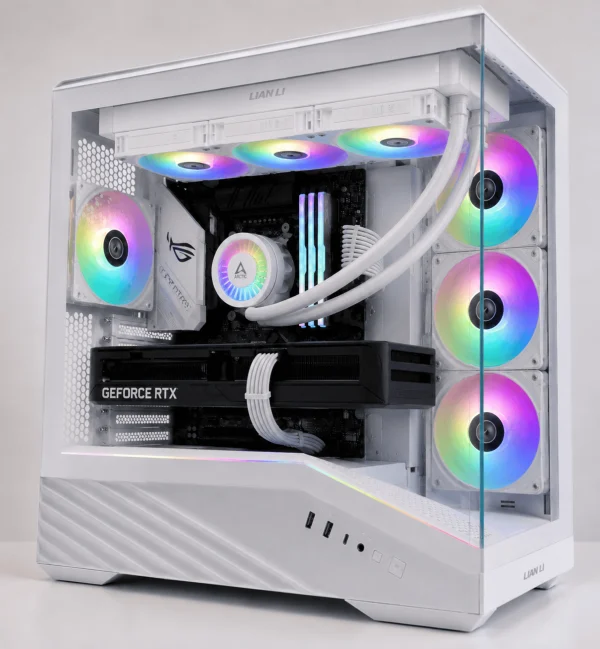
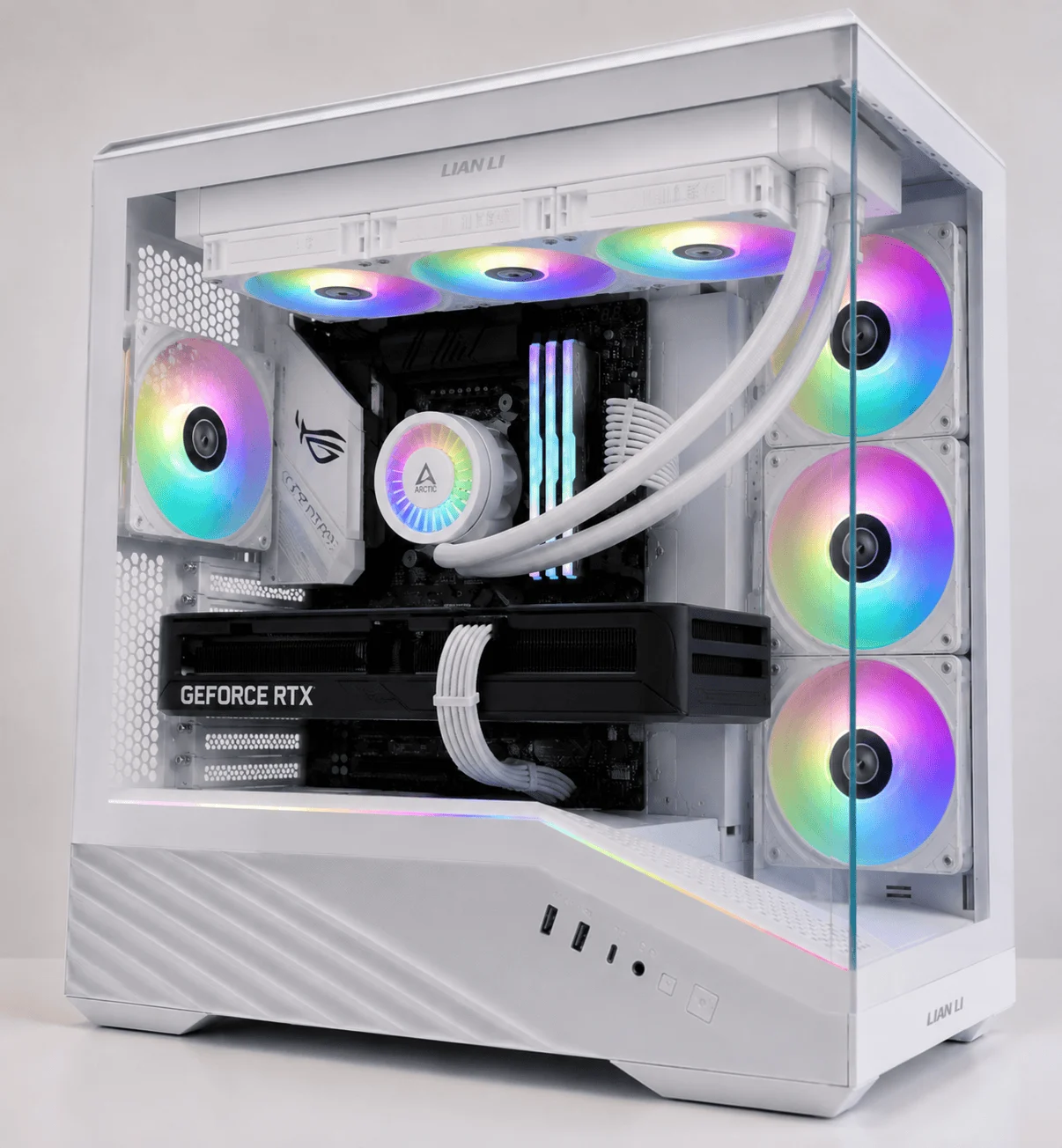
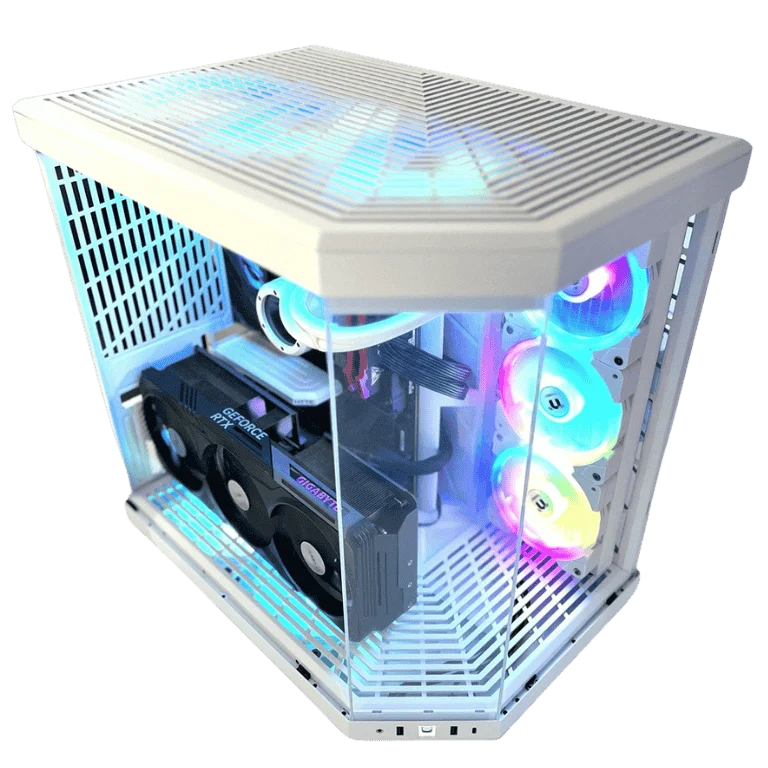
- White RTX 5080 gaming PC: the same 4K performance in an all-white build.
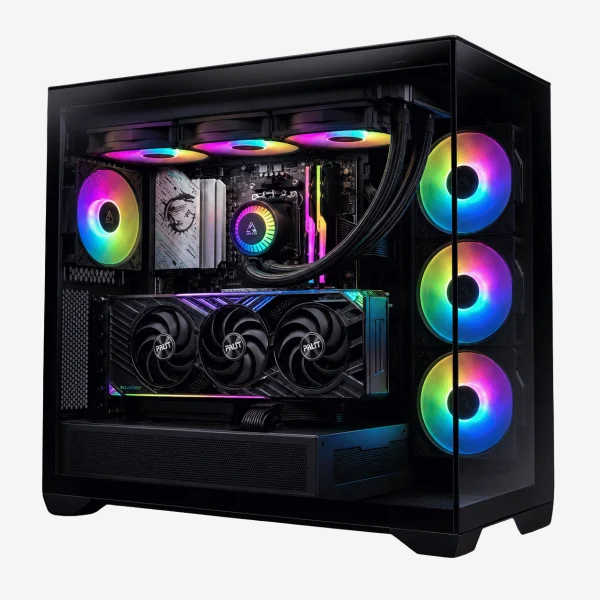
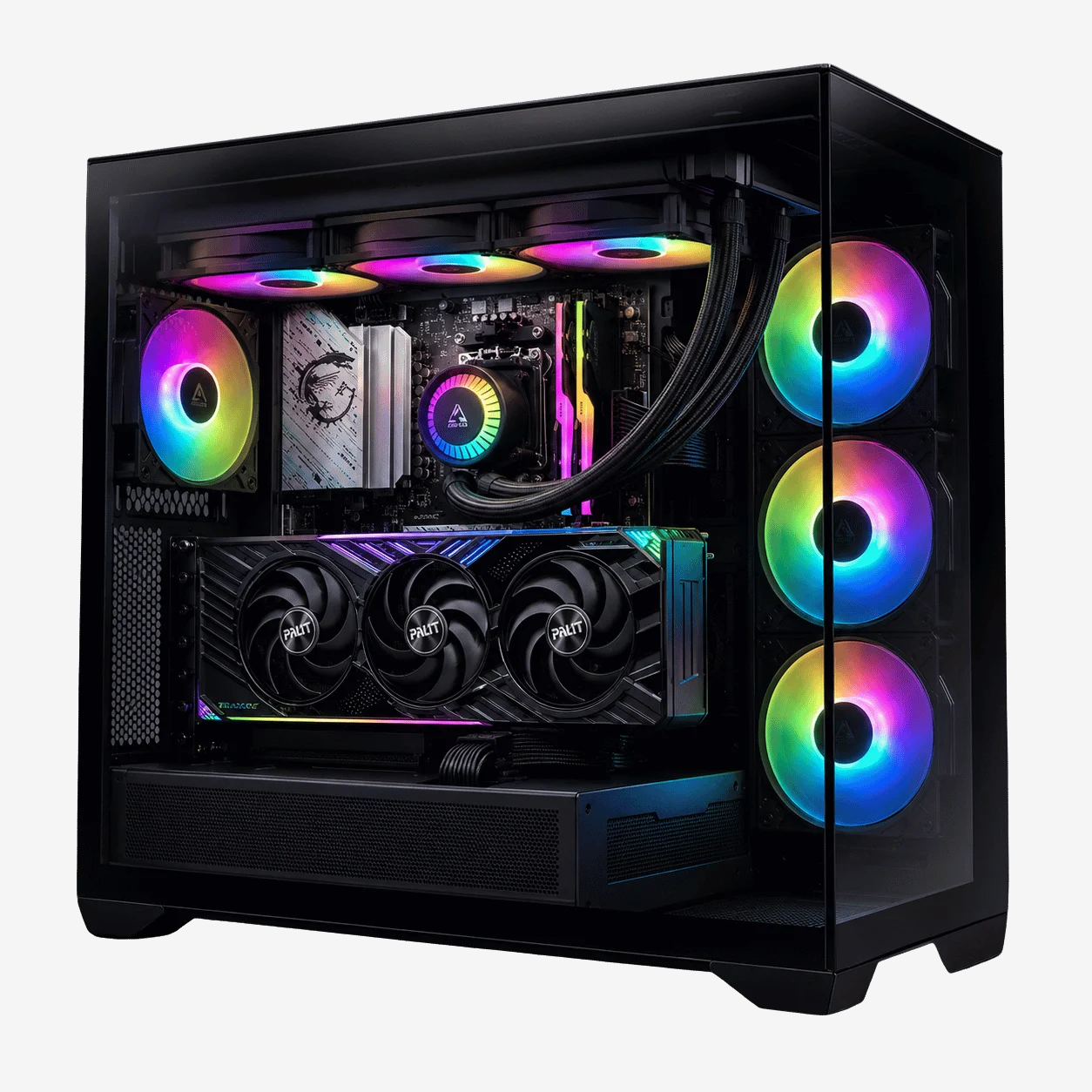
- HYTE Y70 RTX 5080 gaming PC: a showpiece panoramic case for people who want their PC on display.
You will find every option, along with the full specification for each, in our 4K gaming PCs range.
How to look after a high-end graphics card
A good card should last many years. These habits keep it running at its best.
- Keep drivers up to date through the NVIDIA app.
- Clean dust filters every few months so the cooler can breathe.
- Check that the 16-pin power connector is fully seated if you ever move the PC.
- Cap frame rates just below your monitor’s refresh rate to cut heat, noise and power use.
- Avoid sagging. Large cards benefit from a support bracket, which we fit to every high-end build.
RTX 5080 FAQ
Is the RTX 5080 good for 4K?
Yes. With DLSS upscaling it runs nearly every modern game at 4K with high settings and ray tracing, and frame generation pushes frame rates higher still in supported titles.
Is 16GB of VRAM enough?
For gaming in 2026, yes. A handful of path-traced games with maximum texture settings at 4K come close to the limit, but lowering texture quality one step solves it with almost no visible difference.
When will the RTX 5080 Super come out?
There is no confirmed date. The RTX 5080 Super was delayed indefinitely in early 2026 because of memory shortages, and reports suggest early 2027 at the earliest.
What power supply do I need?
NVIDIA recommends 850W. A quality 850W to 1000W ATX 3.1 supply with a native 16-pin cable is ideal.
Is it worth upgrading from an RTX 4080?
The gain is modest in native performance. The main benefit is Multi Frame Generation. Most RTX 4080 owners can comfortably wait for the next generation.