// Contact us
Contact Elite Gaming PCs
Questions about a build, an order or your warranty? Send us a message and the Elite team will reply by email.
Email ussales@elitegamingpc.com.au- Custom gaming PC quotes
- Help choosing the right build
- Order, delivery and warranty support
Contact Elite Gaming PCs by email at sales@elitegamingpc.com.au or with the message form on this page. Whether you want a custom gaming PC quote, advice on choosing a build, help with an order or support for a PC you already own, our local team in Gregory Hills, NSW is here to help.
This page explains the best way to reach us and what to include in your message, so we can answer you properly the first time. It also covers custom quotes, order questions, warranty claims and quick checks you can try at home.
How to Contact Elite Gaming PCs
There are two easy ways to contact Elite Gaming PCs. Both go straight to the same team, so choose whichever suits you.
- Email: write to sales@elitegamingpc.com.au from your usual email account. This works well if you want to attach screenshots or photos.
- Contact form: fill in your name, email address and message at the top of this page. Adding a phone number is optional.
When you send a message through the form, it goes directly to the Elite Gaming PCs inbox and we reply to the email address you provide. If you add a phone number and would prefer a call, just say so in your message.
Please check that your email address is typed correctly. It is the only way we can reply if you do not leave a phone number.
Setting Up Your New PC from Elite Gaming PCs
Your new desktop has been built, configured and tested, so setup is quick. Follow these steps when it arrives, and contact Elite Gaming PCs if anything is unclear.
- Unpack carefully: keep the box and packaging for a while in case you ever need to send the PC back for support.
- Position the PC: place it on a flat, stable surface with room for air to flow around the vents.
- Connect your monitor: plug the display cable into the graphics card, then connect your keyboard, mouse and headset.
- Power on: connect the power cable, switch on the power supply at the back and press the power button.
- Finish Windows setup: if your PC came with Windows installed, sign in, connect to the internet and run Windows Update.
- Set your refresh rate: choose your monitor’s highest refresh rate in the Windows display settings so games look smooth.
Laptops from brands such as Lenovo, MSI, ASUS and Dell follow the manufacturer’s own setup steps. If you get stuck, send us a message and we will walk you through it.
Request a Custom Gaming PC Quote
A custom build is the best way to get a PC that fits your games, your desk and your budget. When you contact Elite Gaming PCs for a quote, the more detail you give us, the more accurate our recommendation will be.
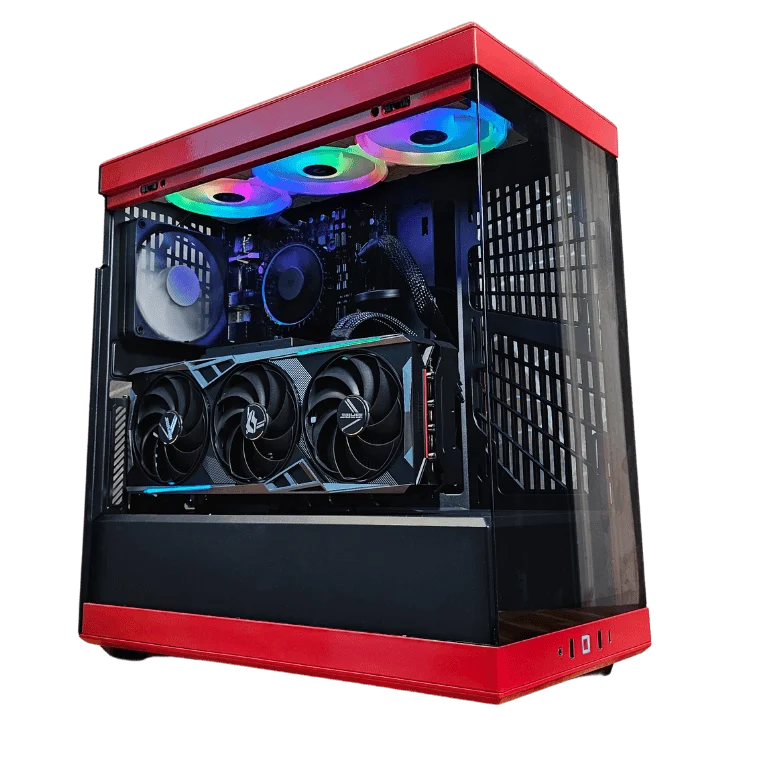
Try to include the following in your message:
- Your budget: a price range is fine, for example under $2,500 or around $4,000.
- What you play or use: the games, apps or creative software you use most.
- Your monitor: its resolution and refresh rate, such as 1080p 165Hz, 1440p 180Hz or 4K 144Hz.
- Extra tasks: streaming, video editing, 3D work, AI tools or running several screens.
- Look and size: a colour theme such as black, white or pink, RGB preferences and any space limits on your desk.
- Must-haves: Wi-Fi, a particular brand, extra storage or a specific case you have your eye on.
We will reply with a recommended spec and price. You can also use the custom build enquiry form linked in our site footer, which asks for your budget up front.
Get Help Choosing a PC Before You Buy
Not sure which PC is right for you? You do not need to know every technical detail before you contact Elite Gaming PCs. Tell us what you want to do and we will explain your options in plain English.
Many customers start with our resolution tiers. Our 1080p budget gaming PCs suit Full HD screens and competitive games. The 1440p mid-tier gaming PCs are a sweet spot for sharp, smooth gameplay, and the 4K high-end gaming PCs are built for maximum detail.
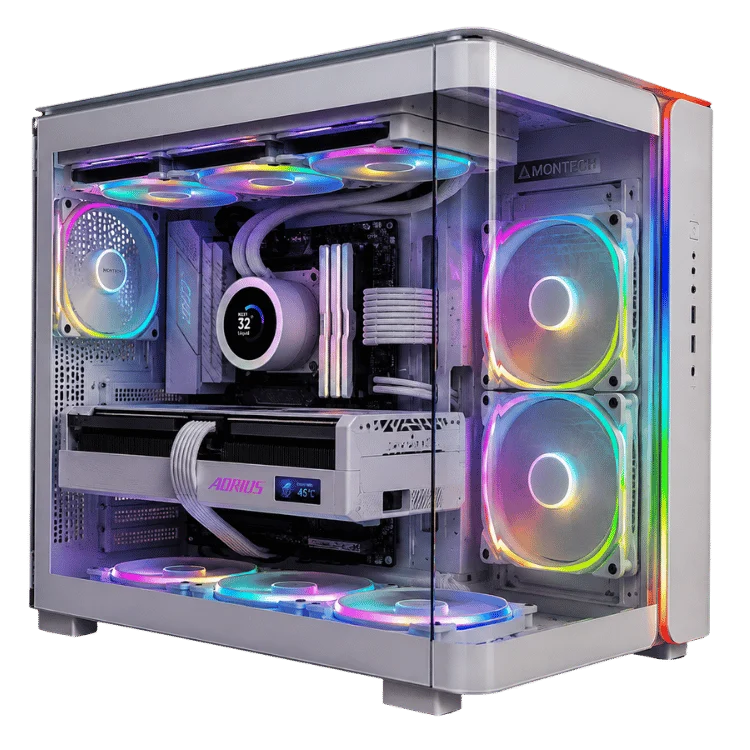
Common questions we can help with include:
- Comparing two builds and explaining what the extra money gets you.
- Choosing between AMD Ryzen and Intel processors, or NVIDIA and Radeon graphics.
- Working out how much memory and storage you really need.
- Picking a PC for a specific game, streaming setup or study course.
- Choosing between a desktop and a laptop.
If you already have a product page open, include its name or link in your message so we know exactly which build you are asking about.
Compatibility and Accessories Questions
Not sure if a PC will work with the gear you already own? Contact Elite Gaming PCs and tell us what you have. We often help with questions like these:
- Whether a graphics card can run your monitor at its full resolution and refresh rate.
- How many monitors a build can drive, and which display ports it has.
- Whether your headset, webcam, microphone or controller will connect.
- Whether a build has Wi-Fi and Bluetooth, or needs a network cable.
- Whether a PC will fit under your desk or in a particular space.
Include the model names of your monitor and accessories if you have them. That helps the Elite Gaming PCs team give you a clear answer quickly.
Order and Delivery Questions
Already placed an order? If you created an account at checkout, you can see your order details any time in My Account. If you need more help, contact Elite Gaming PCs and include your order number at the start of your message so we can find it quickly.
Order questions we can help with include:
- Checking the status of your order or build.
- Updating your delivery address or contact details before your order ships.
- Questions about payment or your invoice.
- Adding or changing parts on a custom build before it is assembled.
If you are waiting on a custom build, we are happy to give you an update on where it is up to. Just include your order number so we can check on it quickly.
Elite Gaming PCs offers Australia-wide delivery. If you live in a regional or remote area, mention your suburb and postcode when you get in touch so we can answer any delivery questions accurately.
Warranty Claims and Technical Support
Every product from Elite Gaming PCs comes with a 12-month warranty, and our local team supports everything we sell. If something is not working as it should, contact Elite Gaming PCs and we will help you work out what is going on.
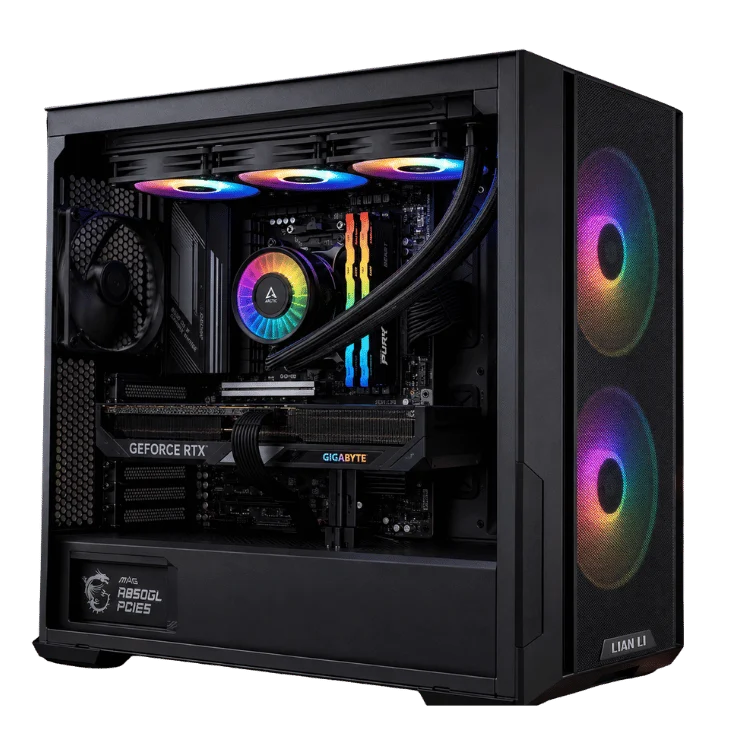
To help us solve the problem faster, please include:
- Your order number and the name of the product.
- A clear description of the problem and when it started.
- Any error messages, exactly as they appear on screen.
- Photos or a short video if the problem is visible, such as lights, fans or a display issue.
- The checks you have already tried from the list below.
Our warranty is in addition to your rights under the Australian Consumer Law. You can read about consumer guarantees for faulty products on the ACCC website.
Quick Checks Before You Contact Elite Gaming PCs
Many common problems can be fixed in a few minutes. Before you contact Elite Gaming PCs about a technical issue, try these simple checks. If they do not solve it, let us know which ones you tried.
No display or a black screen
- Plug your monitor cable into the graphics card ports, not the ports on the motherboard. On a gaming PC, the graphics card ports are lower down on the back of the case.
- Check that the monitor is switched on and set to the correct input, such as HDMI or DisplayPort.
- Unplug the display cable and plug it back in firmly at both ends.
The PC will not turn on
- Make sure the power cable is pushed fully into the back of the PC and the wall socket is switched on.
- Check the switch on the back of the power supply is set to on.
- Try a different power point or power board.
Games crash or performance drops
- Restart the PC and run Windows Update to install the latest updates.
- Update your graphics driver from NVIDIA GeForce drivers or AMD drivers and support, depending on your graphics card.
- Close background apps and check that the PC has space around its vents.
Wi-Fi or Bluetooth problems
- If your desktop came with Wi-Fi antennas, make sure they are screwed onto the back of the PC.
- Restart your router and the PC, then try connecting again.
Games look choppy on a high-refresh monitor
- In Windows, open Settings, then System, Display and Advanced display, and choose the highest refresh rate your monitor supports.
- Use a DisplayPort cable or a high-speed HDMI cable, as older cables can limit the refresh rate.
The PC is louder or hotter than usual
- Keep the PC on a hard, flat surface with space around the front, top and back vents.
- Check that the dust filters are clean, especially if pets or carpet are nearby.
- Note which games or apps cause the noise so we can check temperatures with you.
No sound
- Click the speaker icon in the Windows taskbar and choose the correct output device, such as your headset, speakers or monitor.
- If your speakers are built into your monitor, sound travels through the HDMI or DisplayPort cable from the graphics card.
USB devices are not detected
- Try a different USB port, ideally one on the back of the PC, then restart with the device connected.
Please do not open the case or change parts yourself while you are waiting for help. Contact Elite Gaming PCs first so we can guide you safely.
Upgrades and Future Builds
A good gaming PC can grow with you. If you want more storage, extra memory or a faster graphics card, contact Elite Gaming PCs with your current specs and what you want to improve. We can tell you whether an upgrade makes sense or whether a new build is better value.
Popular upgrades we can advise on include:
- Adding a second NVMe SSD for a bigger game library.
- Moving from 16GB to 32GB of memory for streaming and editing.
- Stepping up to a more powerful graphics card for a new monitor.
- Improving cooling or adding case fans for quieter running.
It helps to include the product name of your current PC, or a screenshot of its specs, along with the games or software that feel slow. Our gaming PCs range is also a good place to compare what is available today.
Office, School and Business Computers
Elite Gaming PCs also supplies computers for work and study. Our office computers and home desktop computers are ideal for email, documents, accounting software, video calls and schoolwork.
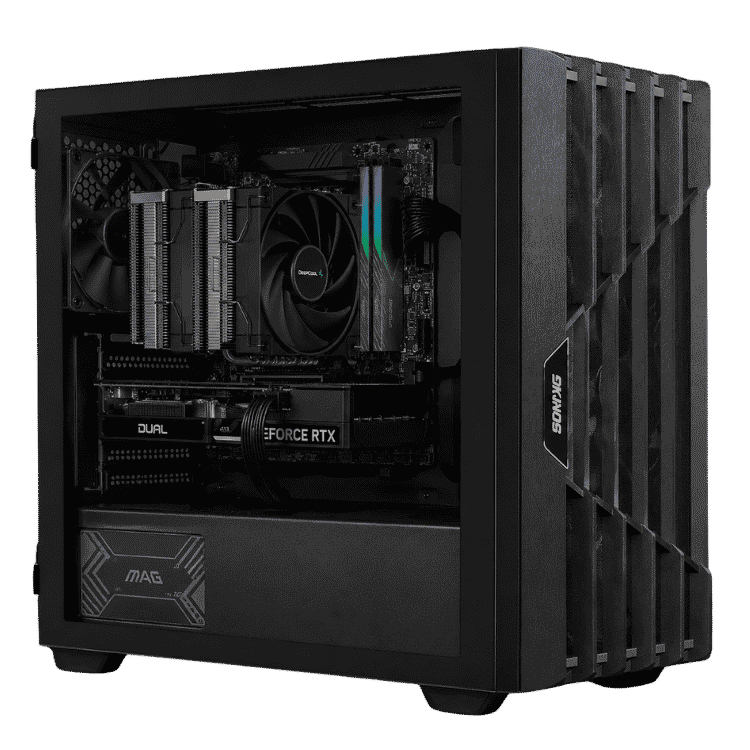
For professional software such as CAD, video editing or 3D rendering, see our workstations. If you need several computers for an office, classroom or small team, contact Elite Gaming PCs with the number of machines, what they will be used for and your timeframe, and we will put together a recommendation.
For business and education enquiries, it helps to include:
- The number of computers you need and when you need them.
- The main software each machine will run, such as Microsoft Office, accounting tools or design apps.
- Whether you need extras such as Wi-Fi, extra monitors or a quiet case for a shared office.
- Your business or school name, so we can address the quote correctly.
Laptops for Students and Gamers
Looking for something portable? We sell laptops from brands such as Lenovo, MSI, ASUS and Dell, including gaming laptops and laptops for students.
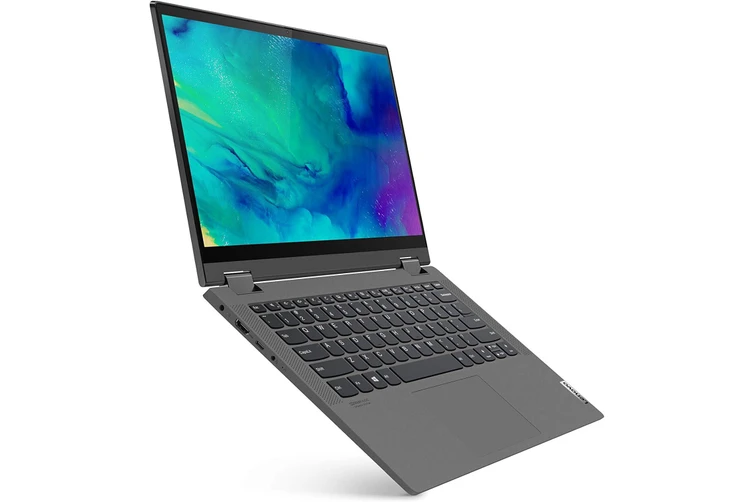
Laptops are covered by a 12-month warranty like every product we sell, and we help you with any warranty questions so you are not left dealing with the manufacturer alone.
If you are choosing a laptop for school or university, tell us the course or subjects, the software you need and how much you want to carry each day. For gaming laptops, let us know the games you play and whether battery life or raw performance matters more to you.
Tips for a Faster, Clearer Answer
A few small habits help the Elite Gaming PCs team give you a complete answer in the first reply, rather than a string of follow-up questions.
- One topic per message: if you have a quote request and a support question, send them separately so each one goes to the right place.
- Use a clear subject: for example, Custom quote for 1440p streaming PC, or Order 1234 delivery question.
- Be specific: name the product, game, app or error message rather than describing it in general terms.
- Attach evidence: photos, screenshots and short videos explain hardware problems far better than words alone.
- Keep the thread: reply to our email rather than starting a new one, so the full history stays together.
If your question is urgent, such as a change to an order that has not shipped yet, say so in the first line of your message.
What Elite Gaming PCs Sells
Elite Gaming PCs is a specialist store for hand-built gaming PCs and computers. Knowing the range can help you ask the right question when you get in touch.
- Gaming PCs from budget 1080p builds to ultra 4K rigs, with AMD Ryzen and Intel processors and NVIDIA or Radeon graphics.
- Pink gaming PCs and other colour-themed showcase builds.
- Workstations and AI computers for CAD, editing, rendering and AI tools.
- Desktop computers for home, study and the office.
- Laptops for gaming, school and university.
If what you need is not listed, ask anyway. Custom builds are a big part of what we do.
Contact Elite Gaming PCs FAQs
What is the best way to contact Elite Gaming PCs?
Email sales@elitegamingpc.com.au or use the contact form on this page. Both reach the same team.
Do I need to include a phone number?
No. A phone number is optional. Add one if you would like us to be able to call you about your enquiry.
Can I ask about a PC that is not on the website?
Yes. Elite Gaming PCs builds custom PCs to order. Share your budget, games and monitor, and we will recommend a build and send you a spec and price.
How do I check on my order?
If you created an account, log in to My Account to see your orders. Otherwise, contact us with your order number.
What should I include in a warranty claim?
Include your order number, the product name, a description of the problem, any error messages and photos or video if they help show the issue.
Do you deliver outside NSW?
Yes. Elite Gaming PCs offers Australia-wide delivery, so you can order from any state or territory.
Can you help me choose between two builds?
Yes. Send Elite Gaming PCs links to both product pages and tell us what you play or use. We will explain the differences and which one suits you better.
Do you help businesses and schools?
Yes. Contact us with the number of computers you need and how they will be used, and we will recommend suitable office computers, desktops or workstations.
What happens to the details I send?
We use your name, email address, optional phone number and message only to reply to your enquiry.
Send Your Message to Elite Gaming PCs
Ready to talk about your next PC or need help with one you already own? Contact Elite Gaming PCs today using the contact form at the top of this page, or email sales@elitegamingpc.com.au.
While you wait for our reply, browse the Elite Gaming PCs shop or head back to the Elite Gaming PCs homepage to explore the full range.