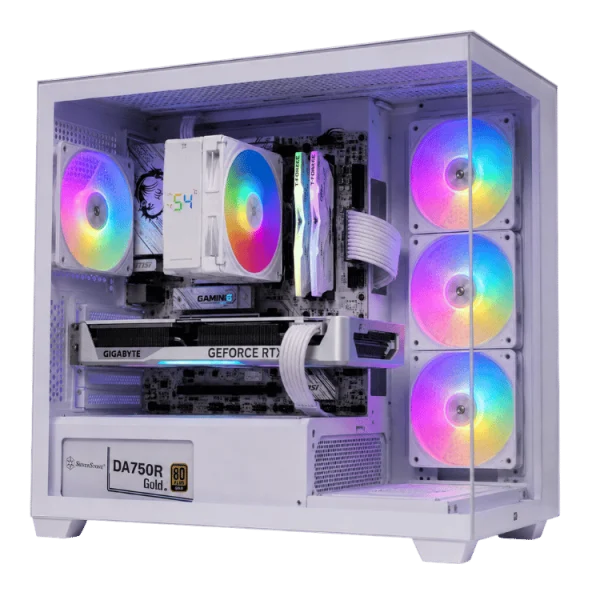
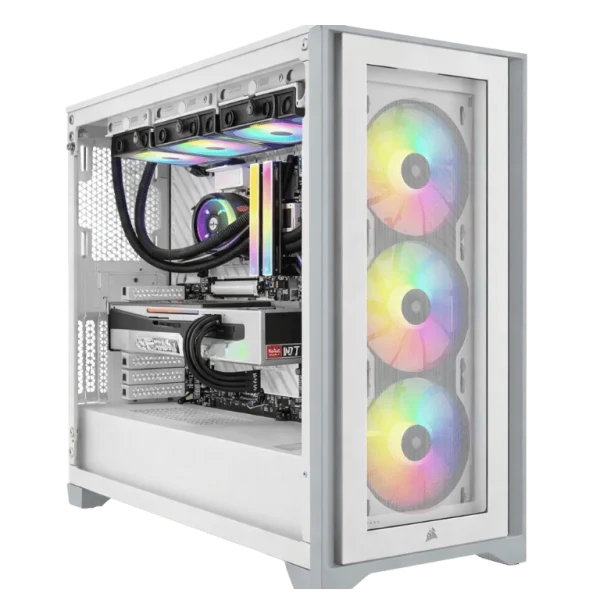
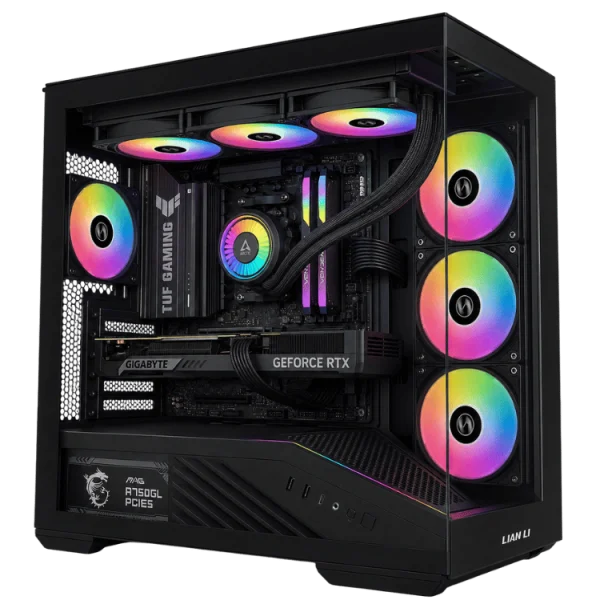
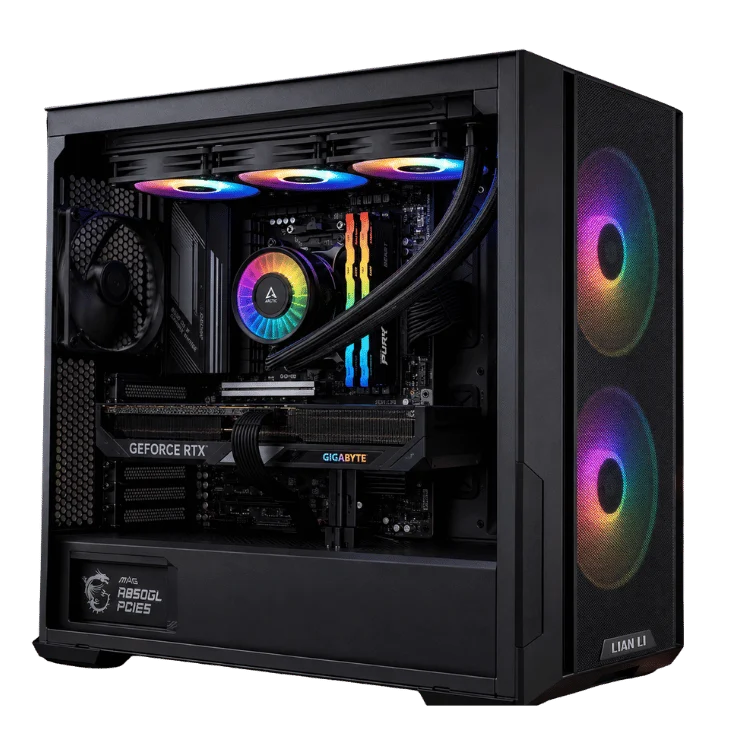
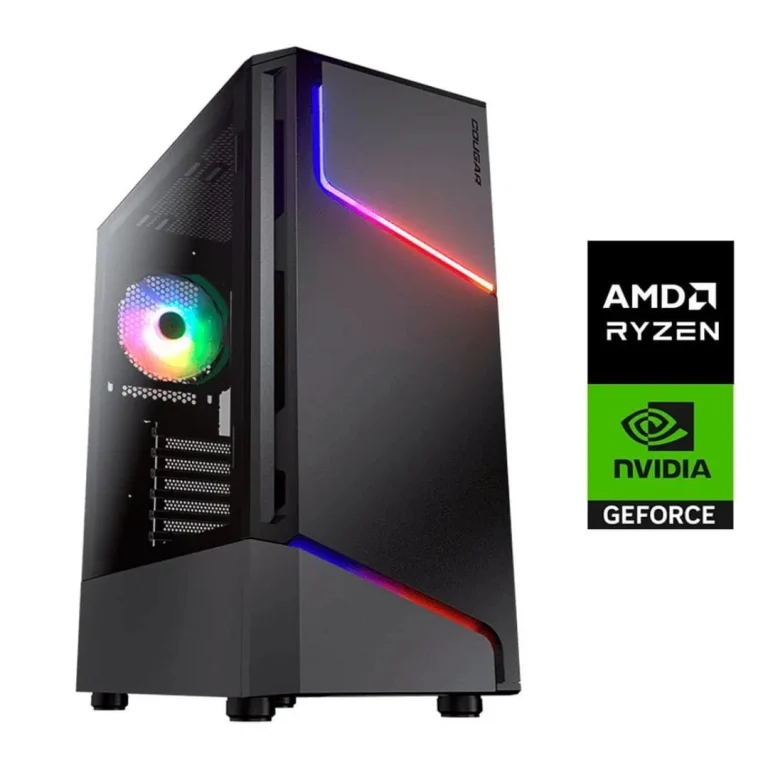
The RTX 5070 and RTX 5070 Ti are the two graphics cards most of our customers end up choosing between. Both are built for 1440p gaming, both support DLSS 4 with Multi Frame Generation and both sit in the price range where most people actually shop. The Ti model costs more, but it also brings more cores, more memory and noticeably higher frame rates. So which one is right for you?
In this comparison we break down the specifications, real-world performance at 1440p and 4K, the 12GB versus 16GB memory question, Australian pricing, power needs and the AMD alternatives. By the end you should know exactly which card fits your games, your monitor and your budget.
RTX 5070 vs RTX 5070 Ti: the quick answer
- Choose the RTX 5070 if you play at 1440p, want excellent value and are happy using DLSS in the most demanding games.
- Choose the RTX 5070 Ti if you want higher frame rates at 1440p, plan to try 4K, play heavily modded or texture-heavy games, or want the extra 4GB of memory for longevity.
The rest of this guide explains why, with the detail you need to be confident in the decision.
Specifications side by side
Both cards use NVIDIA’s Blackwell architecture. The figures below come from NVIDIA’s RTX 5070 family page.
| Specification | RTX 5070 | RTX 5070 Ti |
|---|---|---|
| CUDA cores | 6,144 | 8,960 |
| Video memory | 12GB GDDR7 | 16GB GDDR7 |
| Memory bus | 192-bit | 256-bit |
| Boost clock | 2.51GHz | 2.45GHz |
| Total graphics power | 250W | 300W |
| Recommended power supply | 650W | 750W |
| Launch | March 2025 | February 2025 |
| Australian RRP at launch | A$1,109 | A$1,509 |
The Ti has nearly half as many cores again, a wider memory bus and 4GB more memory. Those three differences explain almost everything you will see in performance.
Performance at 1440p
At 1440p both cards are excellent. In our testing and across independent reviews, the Ti model is typically around 20 to 25 per cent faster on average, and the gap can be wider in games with heavy ray tracing.
In practical terms, the standard card runs most modern games at high or maximum settings at 1440p with frame rates comfortably above 60 FPS, and well above 100 FPS with DLSS. The Ti pushes those numbers higher, which matters most if you own a 165Hz or 240Hz monitor and want to get close to its refresh rate in demanding games.
Esports and competitive games
In lighter competitive titles both cards deliver very high frame rates, often limited by the processor rather than the graphics card. If you mainly play these games, the cheaper card plus a fast X3D processor is usually the better combination.
Single-player and ray-traced games
This is where the extra hardware in the Ti shows. With ray tracing enabled at 1440p, the extra cores and memory bandwidth keep frame rates higher and more consistent, and you can leave more settings at maximum.
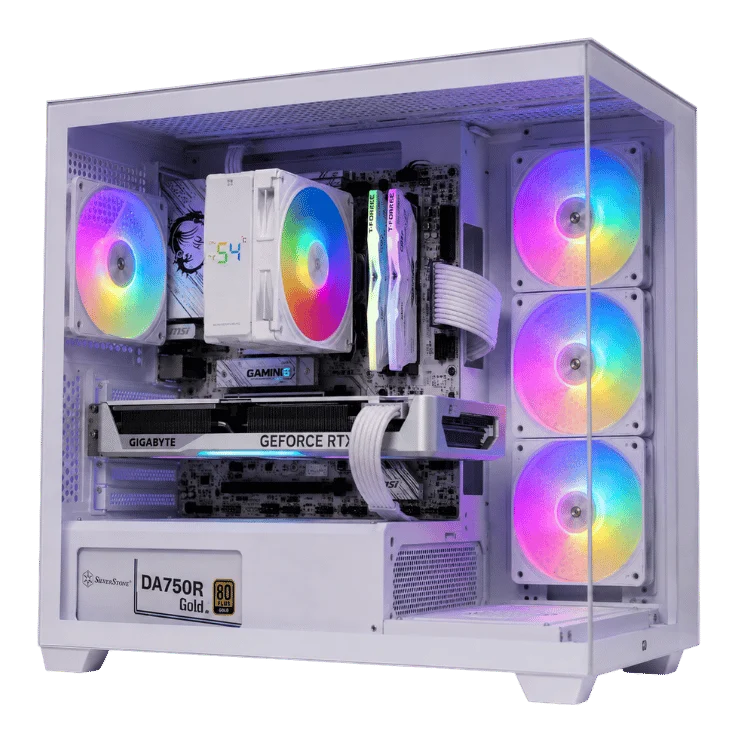
Performance at 4K
Neither card is a dedicated 4K card in the way an RTX 5080 is, but both can play at 4K with the help of DLSS.
- The standard 5070 handles 4K in lighter and older games and in modern games with DLSS Performance mode. Its 12GB of memory can become a limit in the newest titles at 4K with high texture settings.
- The Ti is a capable entry-level 4K card. With DLSS Balanced or Performance and frame generation, it runs most modern games smoothly at 4K, and its 16GB of memory gives more breathing room.
If 4K is your main goal, the Ti is the minimum we would recommend, and an RTX 5080 is the more comfortable choice. Our RTX 5080 guide explains the step up.
12GB vs 16GB: does the extra memory matter?
Video memory holds textures, geometry and frame data. When a game needs more than the card has, performance can drop sharply and textures may load slowly or look blurry.
In 2026, 12GB is enough for 1440p gaming in the vast majority of titles at high settings. A small number of the most demanding games, especially with path tracing and maximum textures, can exceed it. 16GB removes that concern at 1440p and makes 4K far more comfortable.
If you tend to keep a PC for four or five years, the extra memory on the Ti is a strong argument in its favour. Games only get bigger, and memory is the one thing you cannot add to a graphics card later.
Price in Australia
At launch the Australian RRP was A$1,109 for the standard card and A$1,509 for the Ti. During 2026, typical retail prices have sat a little above those figures, roughly A$1,150 to A$1,300 for the RTX 5070 and A$1,550 to A$1,750 for the RTX 5070 Ti, depending on the model and stock. Rising memory costs have nudged prices up across the range.
In a complete gaming PC the price gap is usually a few hundred dollars, because the rest of the system is similar. That makes the decision less about the card’s price alone and more about whether the extra performance and memory are worth it for the games you play.
Pricing note: prices change often. Compare current card pricing with complete systems, which include a matched power supply, cooling, assembly, testing and warranty.
Power, heat and noise
The Ti draws about 50W more under load. That is not a big difference in a well-ventilated case, but it does affect power supply choice.
- RTX 5070: NVIDIA recommends 650W. We use a quality 750W unit for headroom.
- RTX 5070 Ti: NVIDIA recommends 750W. We use a quality 850W unit, which also leaves room for a future upgrade.
Both cards run quietly on good partner coolers. In a small case with weak airflow, the Ti will run a few degrees warmer, so case choice matters a little more.
How they compare with older cards
If you are upgrading, it helps to know where these cards land against the previous generation.
- The standard model performs a little above an RTX 4070 Super in native rendering and adds Multi Frame Generation.
- The Ti performs close to an RTX 4080 in many games, with 16GB of memory and the same frame generation support.
From an RTX 3060, RTX 3070 or RTX 2080, either card is a huge upgrade. From an RTX 4070 Super or above, the gains are smaller and you may prefer to wait.
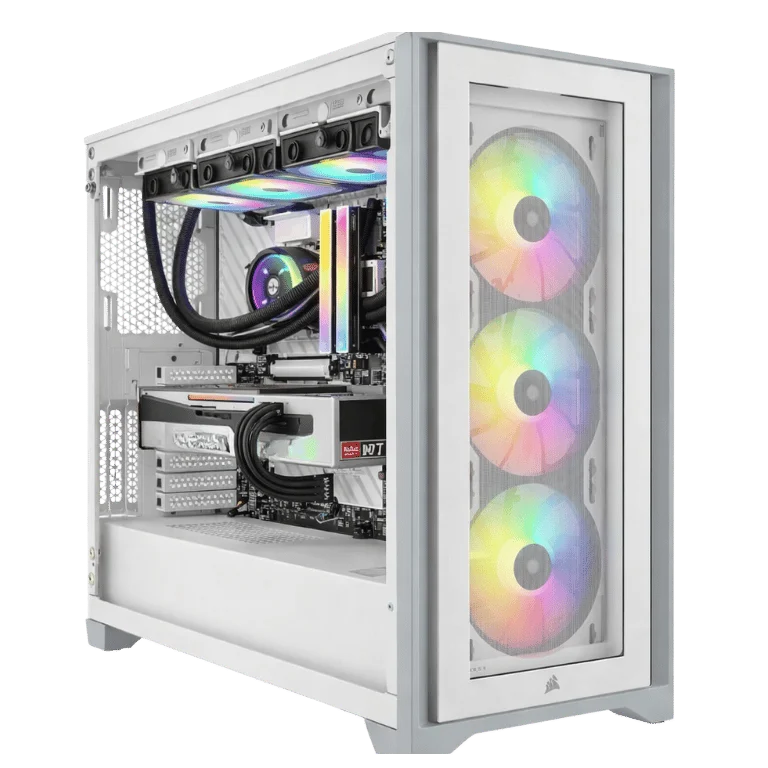
What about the AMD alternatives?
AMD’s Radeon RX 9070 and RX 9070 XT compete directly in this price range. In traditional rasterised games, the RX 9070 XT trades blows with NVIDIA’s cards and often edges ahead of the standard 5070, and both Radeon cards come with 16GB of memory. NVIDIA keeps a lead in ray tracing and path tracing, and DLSS remains more widely supported than AMD’s FSR 4, although FSR 4 has closed much of the image quality gap.
If you mostly play without heavy ray tracing and want 16GB at a lower price, a Radeon build is a smart choice. Our 1440p RX 9070 XT gaming PC is a popular alternative, and you can compare more in our Radeon gaming PCs range.
And the RTX 5070 Super?
Through 2025 there were credible reports of an RTX 5070 Super with 18GB of memory and an RTX 5070 Ti Super with 24GB. In early 2026 the whole Super refresh was reported as delayed indefinitely because of the global memory shortage, and none of those cards have been released. We would not wait for them. The current cards are excellent and available now.
Best processor pairings
Both cards pair well with modern six and eight-core processors. For the best frame rates, especially at high refresh rates, an AMD X3D processor is ideal.
- Value 1440p: a Ryzen 5 7500F or Ryzen 5 9600X with the standard card.
- High refresh 1440p: a Ryzen 7 7800X3D or 9800X3D with either card.
- Gaming plus productivity: an Intel Core Ultra 7 with the Ti for extra cores in creative apps.
Our Ryzen 7 9800X3D guide and CPU cache explainer explain why X3D chips are so strong in games.
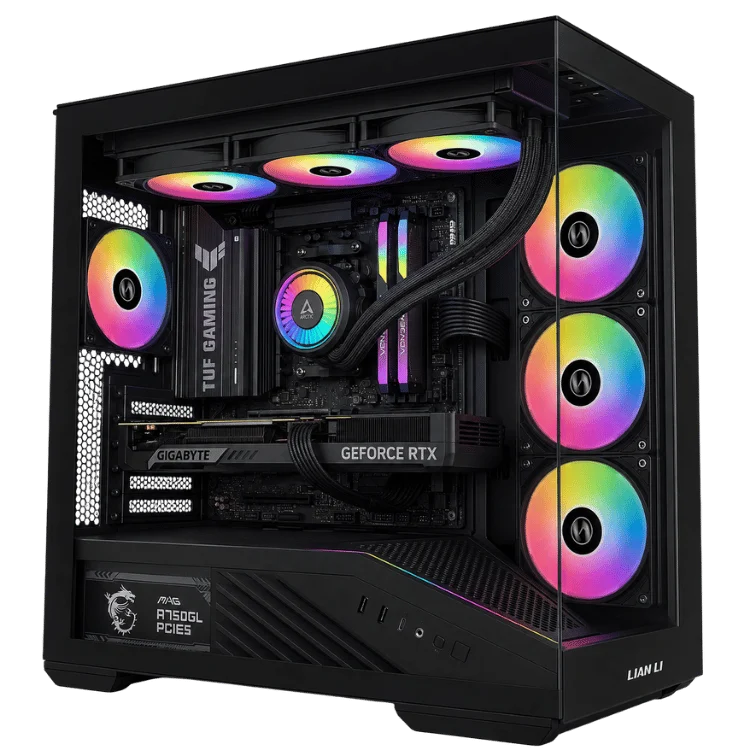
Which monitor should you pair with each card?
- Standard card: a 1440p monitor at 144Hz to 180Hz is the perfect match.
- Ti model: a 1440p monitor at 165Hz to 240Hz, or a 4K 144Hz monitor if you are happy to use DLSS.
Our gaming monitor guide covers panel types, refresh rates and HDR in more detail.
How we decide with customers
When someone is torn between these two cards, we ask four quick questions.
- What resolution and refresh rate is your monitor? 1440p at up to 165Hz favours the cheaper card. Higher refresh rates or 4K favour the Ti.
- What do you play? Esports and older games run superbly on either. Ray-traced single-player games favour the Ti.
- How long will you keep the PC? Four years or more favours the extra memory on the Ti.
- Is there a better use for the difference? Sometimes the money is better spent on a faster processor, more storage or a better monitor.
Most people find the answer becomes obvious after those questions. If not, send us your details and we will make a recommendation.
How the two cards feel in popular games
Benchmarks are useful, but most people want to know how a card feels in the games they actually play. Here is how the two compare across the types of games our customers play most.
Esports shooters
Titles such as Valorant, Counter-Strike 2, Overwatch 2 and Fortnite in performance mode run at very high frame rates on both cards. At 1440p you will usually be limited by your processor or your monitor’s refresh rate, not the graphics card. Either card is a great match for a 240Hz screen in these games, and the cheaper one leaves more budget for a fast processor.
Big open-world adventures
Large open-world games with dense cities, long draw distances and lots of characters lean on both the graphics card and the processor. The standard card runs them smoothly at high settings with DLSS, while the Ti lets you push settings and resolution further and keeps frame rates steadier in busy areas.
Ray-traced showcases
Games built around ray tracing or full path tracing are where the Ti earns its price. The extra cores and bandwidth make a visible difference, and the extra memory helps when texture settings are maxed. If these games are your favourites, the higher-tier card is the one we would choose.
Simulators and strategy games
Flight sims, racing sims and grand strategy games are often limited by the processor as much as the graphics card. A strong X3D processor makes a bigger difference here than the step between these two GPUs, so balance the budget accordingly.
Streaming and content creation
Both cards include NVIDIA’s latest NVENC video encoder, which handles streaming and recording with very little impact on game performance. Stream quality is the same on either card.
For video editing and 3D work, the Ti’s extra cores and memory help with heavier timelines, effects and larger scenes. If you edit 4K footage or work in 3D apps alongside gaming, it is the better pick. For occasional editing of 1080p or 1440p clips, the standard RTX 5070 is perfectly capable.
What about the laptop versions?
NVIDIA uses the same names for its laptop graphics, but the hardware is different. The laptop RTX 5070 comes with 8GB of memory and the laptop RTX 5070 Ti with 12GB, and both run at much lower power than the desktop cards. Performance varies widely depending on how much power and cooling each laptop allows.
A laptop with these chips is a great portable 1080p and 1440p gaming machine, but it will not match the desktop card with the same name. If you need portability, our Lenovo LOQ RTX 5070 laptop and MSI Katana 15 HX RTX 5070 are good examples, and you can see more in our gaming laptops range.
Is the standard card a dead end for upgrades?
Not at all. The graphics card is the easiest part of a PC to upgrade later. If you buy a well-balanced system with a quality power supply and a strong processor today, you can drop in a faster card in a few years without changing anything else. That makes the cheaper card a sensible starting point for many buyers, as long as the rest of the build has headroom. We size the power supply and case in every system with that kind of upgrade in mind.
Common mistakes when choosing a 1440p graphics card
- Ignoring the monitor. A 60Hz screen cannot show the extra frames either card produces. If you are still on 60Hz, a better monitor may improve your experience more than a faster card.
- Skimping on the processor. An old or entry-level processor can hold back both cards in fast-paced games, wasting the money spent on the GPU.
- Buying a weak power supply. A cheap supply can cause crashes and shorten component life. Quality matters more than the wattage label.
- Forgetting about memory. 16GB of system RAM is the minimum for modern gaming, and 32GB is our standard for builds at this level.
- Chasing small numbers. A few frames per second on a chart will not change how a game feels. Choose based on your screen, your games and how long you plan to keep the PC.
Avoid those and either card will give you years of great gaming. If you would like a second opinion, you can ask our team and we will reply by email.
Our RTX 5070 and RTX 5070 Ti builds
Every system is hand-built, stress-tested and covered by our 12-month warranty.
- RTX 5070 gaming PC: a balanced, great-value 1440p system.
- 7800X3D RTX 5070 gaming PC: maximum frame rates at 1440p thanks to AMD’s X3D processor.
- RTX 5070 Ti gaming PC: high refresh 1440p and capable 4K.
- Black RTX 5070 Ti gaming PC: the same performance in a stealthy all-black build.
Browse every option in our 1440p gaming PCs range.
The verdict
Both cards are excellent, and there is no wrong answer between them. The RTX 5070 is the value champion for 1440p. It runs nearly everything at high settings, supports every DLSS 4 feature and leaves room in the budget for a stronger processor, more storage or a better monitor. For most players on a 144Hz to 165Hz screen, it is all the graphics card they need.
The RTX 5070 Ti is the card to choose when you want more. It is the better match for 240Hz monitors, ray-traced showcases, entry-level 4K and keeping maximum settings for longer, thanks to its extra cores and 16GB of memory. If your budget stretches to it and you plan to keep the PC for several years, it is the one we would buy for ourselves.
Whichever you choose, pair it with a balanced processor, a quality power supply and a monitor that suits it, and you will have a gaming PC that feels fast for a long time.
RTX 5070 vs RTX 5070 Ti FAQ
Is the RTX 5070 Ti worth the extra money?
For high refresh 1440p, 4K and longevity, yes. The extra performance and 16GB of memory are worth the difference for many buyers. For 1440p at up to 165Hz on a budget, the standard card is excellent value.
Is 12GB of VRAM enough for 1440p?
Yes, for nearly every game in 2026. A few of the heaviest titles at maximum textures can exceed it, and lowering texture quality one step fixes that.
Can the RTX 5070 run 4K?
It can with DLSS, especially in lighter and older games. For a consistently smooth 4K experience, the Ti or an RTX 5080 is a better choice.
Which is better for streaming?
Both include NVIDIA’s latest video encoder, so stream quality is identical. The Ti gives you more headroom to keep game frame rates high while streaming.
What power supply do I need?
A quality 750W unit suits the standard card, and 850W suits the Ti with room for future upgrades.