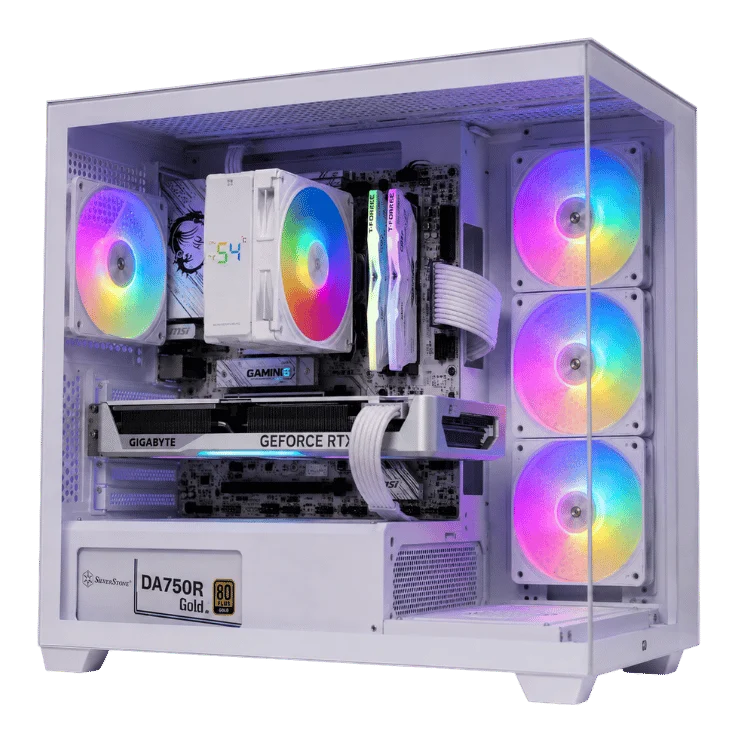
The RTX 5060 family powers most of the budget and mid-range gaming PCs sold in Australia in 2026. The RTX 5060 is the entry point to NVIDIA’s current generation, while the RTX 5060 Ti adds more performance and, in its 16GB version, double the memory. Choosing between them, and between the two Ti memory sizes, is one of the most common questions we answer.
This guide compares the specifications, real-world 1080p and 1440p performance, the 8GB versus 16GB debate, pricing, power needs and the alternatives, so you can pick the right card for your games and your budget.
The short answer
- RTX 5060: the best value for 1080p gaming, especially esports titles and games at medium to high settings.
- RTX 5060 Ti 8GB: a little faster than the standard card, but it shares the same 8GB memory limit. We rarely recommend it.
- RTX 5060 Ti 16GB: the sweet spot for 1080p at high settings and a capable 1440p card, with memory headroom that keeps it useful for longer.
Read on for the detail behind those recommendations.
RTX 5060 family specifications
All three cards use NVIDIA’s Blackwell architecture. These figures come from NVIDIA’s RTX 5060 family page.
| Specification | RTX 5060 | RTX 5060 Ti 8GB | RTX 5060 Ti 16GB |
|---|---|---|---|
| CUDA cores | 3,840 | 4,608 | 4,608 |
| Video memory | 8GB GDDR7 | 8GB GDDR7 | 16GB GDDR7 |
| Memory bus | 128-bit | 128-bit | 128-bit |
| Boost clock | 2.50GHz | 2.57GHz | 2.57GHz |
| Total graphics power | 145W | 180W | 180W |
| PCIe interface | PCIe 5.0 x8 | PCIe 5.0 x8 | PCIe 5.0 x8 |
| Launch | May 2025 | April 2025 | April 2025 |
The Ti has 20 per cent more CUDA cores and higher clocks. The two Ti versions are identical apart from memory, which is exactly why the 16GB model matters so much, as we explain below.
How fast is the RTX 5060?
The standard card is a big step up from the RTX 4060 and RTX 3060 it replaces. At 1080p it runs popular esports games at very high frame rates and handles modern single-player titles at medium to high settings. With DLSS 4 upscaling and frame generation, demanding games become smooth even with some ray tracing enabled.
It is designed first and foremost as a 1080p card. At 1440p it can work well in lighter games and with DLSS, but its 8GB of memory starts to limit it in the newest releases.
Who it suits
- First-time PC gamers on a budget.
- Players who mainly enjoy Fortnite, Valorant, Counter-Strike 2, Rocket League, Minecraft and similar titles.
- Families looking for a capable all-round PC that handles school work and gaming.
How fast is the RTX 5060 Ti?
The Ti is typically around 15 to 20 per cent faster than the standard card in games where memory is not a limit. That extra performance lets you raise settings at 1080p and makes 1440p a realistic target in many games.
The big story, though, is memory. With 16GB, the card can use high and ultra texture settings without running out of video memory, avoid stutter in demanding open-world games and stay relevant for longer as games grow.
RTX 5060 Ti 16GB vs 8GB: why memory matters
When a game needs more video memory than the card has, it has to shuffle data over to system memory, which is far slower. The result can be stutter, sudden frame drops or blurry textures that pop in late. Turning texture settings down solves it, but at the cost of image quality.
In 2026, several popular games already push past 8GB at 1080p with high textures, and many more do so at 1440p. That is why we steer customers towards the RTX 5060 Ti 16GB rather than the 8GB version. The price gap is modest compared with the difference it makes over the life of the PC.
The PCIe x8 factor
Every card in this family uses a PCIe 5.0 x8 connection rather than the full x16. On a modern motherboard this is not an issue. On an older board limited to PCIe 3.0, the reduced bandwidth can hurt performance when an 8GB card runs out of memory and has to pull data across the bus. The RTX 5060 Ti 16GB is far less affected because it rarely needs to. It is one more reason the 16GB card is the safer choice for upgraders.
Performance at 1080p and 1440p
| Scenario | RTX 5060 | RTX 5060 Ti 16GB |
|---|---|---|
| 1080p esports | Excellent, very high frame rates | Excellent, very high frame rates |
| 1080p modern AAA, high settings | Good, DLSS helps in heavy games | Very good, room to raise settings |
| 1080p with ray tracing | Playable with DLSS and frame generation | Comfortable with DLSS |
| 1440p modern AAA | Medium settings with DLSS | High settings with DLSS |
| Texture-heavy and modded games | Limited by 8GB | Handles high textures comfortably |
Pricing in Australia
In 2026, typical Australian retail prices have been around A$500 to A$600 for the standard card, around A$650 for the 8GB Ti and around A$800 for the 16GB Ti, depending on model and stock. Global memory shortages have pushed all three up slightly since launch.
In a complete PC, the difference between a standard card and a 16GB Ti is usually a couple of hundred dollars. We think that is money well spent if you play modern single-player games or want the PC to last.
Pricing note: prices change frequently. Compare current card prices with complete systems, which include assembly, testing and a 12-month warranty.
Power and cooling
These are efficient cards. The standard model draws around 145W and the Ti around 180W under load, so neither needs an expensive power supply or a large case.
- A quality 550W to 650W power supply is plenty for either card in a typical gaming PC.
- Most partner cards are compact dual-fan designs that fit small cases, including many micro ATX builds.
- Both run quietly, which makes them good choices for PCs that share a room with a TV or study desk.
Alternatives worth considering
RTX 5050
NVIDIA’s RTX 5050 sits below the 5060 with 8GB of slower GDDR6 memory. It is fine for esports and older games at 1080p, but for a gaming PC we would stretch to the standard 5060 if at all possible.
AMD Radeon RX 9060 XT
AMD’s RX 9060 XT comes in 8GB and 16GB versions and competes closely with NVIDIA’s cards in traditional rasterised games. NVIDIA keeps a lead in ray tracing and DLSS support. The 16GB Radeon is a solid alternative if you mostly play without ray tracing.
Stepping up to the RTX 5070
If you game mainly at 1440p, the RTX 5070 is a meaningful step up in performance. Our RTX 5070 vs RTX 5070 Ti guide covers that tier.
Pairing the right processor
At 1080p the processor matters more than many people expect, because high frame rates ask a lot of it. These pairings work well:
- Ryzen 5 7500F or Ryzen 5 9600X: great value partners for the standard card.
- Ryzen 7 processors: extra cores for streaming and multitasking alongside gaming.
- Intel Core i5 or Core Ultra 5: strong all-rounders, especially for mixed gaming and study use.
Pair the card with 16GB of RAM as a minimum and 32GB if you multitask heavily. Our DDR5 RAM guide explains why.
Which monitor should you use?
- Standard card: a 1080p monitor at 144Hz to 180Hz is the perfect match.
- 16GB Ti: a 1080p 240Hz monitor for competitive play, or a 1440p 144Hz to 165Hz monitor for a sharper image.
See our gaming monitor guide for advice on panels, refresh rates and adaptive sync.
Upgrading from an older card
If you are coming from a GTX 1060, GTX 1660, RTX 2060 or RTX 3050, either card is a huge upgrade with modern features such as DLSS 4 and much better ray tracing. From an RTX 3060 12GB, the standard card is faster but has less memory, so the 16GB Ti is the more sensible upgrade. From an RTX 4060 or better, the gain is smaller and you may prefer to step up to an RTX 5070 instead.
Before upgrading, check that your power supply has the right connector and enough capacity, and that your processor is recent enough to keep up. If several parts need replacing, a complete new budget build is often the better value.
Building a budget gaming PC: where to spend and where to save
With an entry-level graphics card, every dollar in the rest of the build matters. After years of building budget systems, this is where we put the money.
Spend here
- A quality power supply. It protects every other part of the PC. A reputable 550W to 650W unit with a solid warranty costs a little more but avoids the most common cause of instability.
- An NVMe SSD. Fast storage makes the whole PC feel quicker, from boot times to game loading. 1TB is the sensible minimum now that many games exceed 100GB.
- 16GB of RAM or more. Less than this causes stutter in modern games when a browser and chat app are open in the background.
Save here
- The motherboard. An entry-level board with the features you need is fine. Expensive boards add features most budget builds will never use.
- RGB lighting. It looks great, but it does not add frames. Choose a case with good airflow first and lighting second.
- The CPU cooler. Most six-core processors are well served by a good budget tower cooler. Liquid cooling is rarely necessary at this level.
Settings for smooth 1080p gaming
A few minutes in the settings menu can make an entry-level card feel much faster. These are the changes we suggest first.
- Turn on DLSS Quality in games that support it. At 1080p, Quality mode gives a big frame rate boost with very little loss in sharpness.
- Lower shadows and volumetric effects one step. They cost a lot of performance and are hard to tell apart from the maximum setting in motion.
- Keep textures at a level your memory can handle. If a game shows a memory meter, keep it inside the limit.
- Enable NVIDIA Reflex in competitive games to cut input latency.
- Cap the frame rate just below your monitor’s refresh rate for smoother, quieter gameplay.
What DLSS 4 can and cannot do on a budget card
DLSS 4 is one of the best reasons to choose NVIDIA at this price. Upscaling lets the card render fewer pixels and rebuild a sharp image, and frame generation inserts AI-created frames to raise the frame rate further.
There are limits, though. Frame generation works best when the card already produces around 50 to 60 frames per second before it kicks in. If a game is struggling at 30 FPS, frame generation will make the counter look higher but the game will still feel sluggish, because your inputs are tied to the real frames. The fix is to lower settings or use stronger upscaling first, then add frame generation on top. Used that way, it turns a good experience into a great one.
Budget gaming myths we hear often
Myth: you need a high-end PC to enjoy PC gaming
Not true. The most popular PC games in the world run superbly on entry-level hardware. A well-built budget system gives a better experience than most consoles in many of those titles, with higher frame rates and lower latency.
Myth: budget cards cannot do ray tracing
They can, with help from DLSS. You will not run every effect at maximum, but lighter ray tracing settings are playable in many games, and they look great.
Myth: you should buy the most expensive card you can afford
Only if the rest of your system and your monitor can make use of it. A balanced build with the right card for your screen is always better than a lopsided one.
How long will an entry-level card last?
For esports titles and lighter games, either card will stay comfortable for many years. For new big-budget releases, expect to lower settings gradually over time. The 16GB card will hold up noticeably better here, because running out of memory is usually the first limit a budget card hits.
The good news is that the graphics card is the easiest part to upgrade. Buy a balanced system with a quality power supply today, and you can drop in a faster card in a few years to extend its life.
Buying a first gaming PC for kids and teens
Many of our budget systems are bought by parents for children and teenagers. A few tips from those conversations:
- Ask which games they play and which friends they play with. That tells you the performance level you actually need.
- Set up a standard Windows account for them, with parental controls through a Microsoft family account.
- Choose a case without a glass front if the PC will sit near a busy floor or pets.
- Remember the extras: a monitor, keyboard, mouse and headset can add a fair bit to the total.
If you would like help choosing, our team is happy to recommend a build that suits the games and the budget. Just send us a message.
Why buy a budget PC from a local builder?
Budget systems are where corners are most often cut. Some cheap prebuilt PCs ship with unbranded power supplies, single-channel memory or slow storage to hit a price point, and those shortcuts cost you performance and reliability.
Every budget build we sell uses a reputable power supply, dual-channel memory and an NVMe SSD. We update the BIOS, enable the memory profile, test the system under load and tidy the cables before it ships. You also get a 12-month warranty and support from the team that actually built the PC, based in Gregory Hills, NSW. If something is not right, you can email us and talk to a person who knows your system.
Our RTX 5060 gaming PCs
Every system is hand-built in NSW, stress-tested and backed by our 12-month warranty.
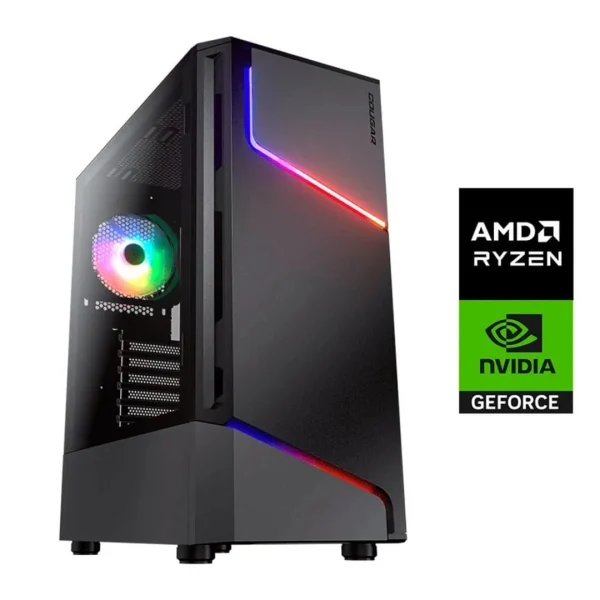
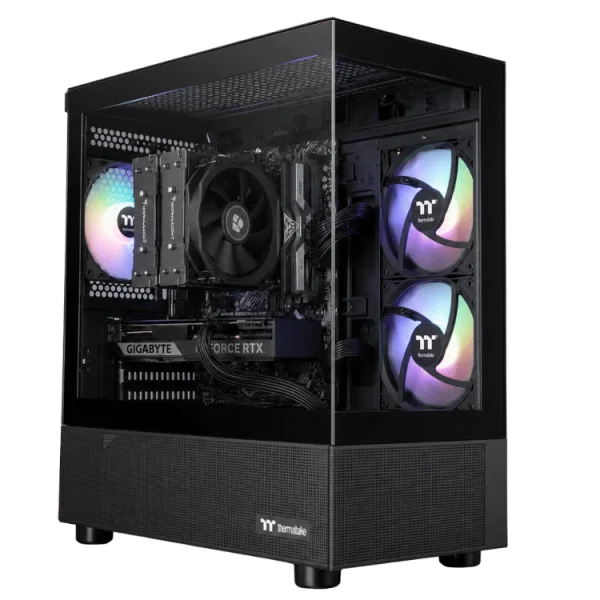
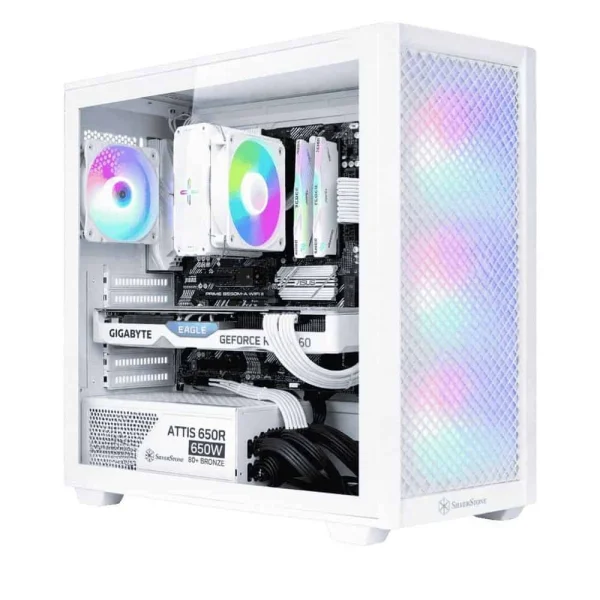
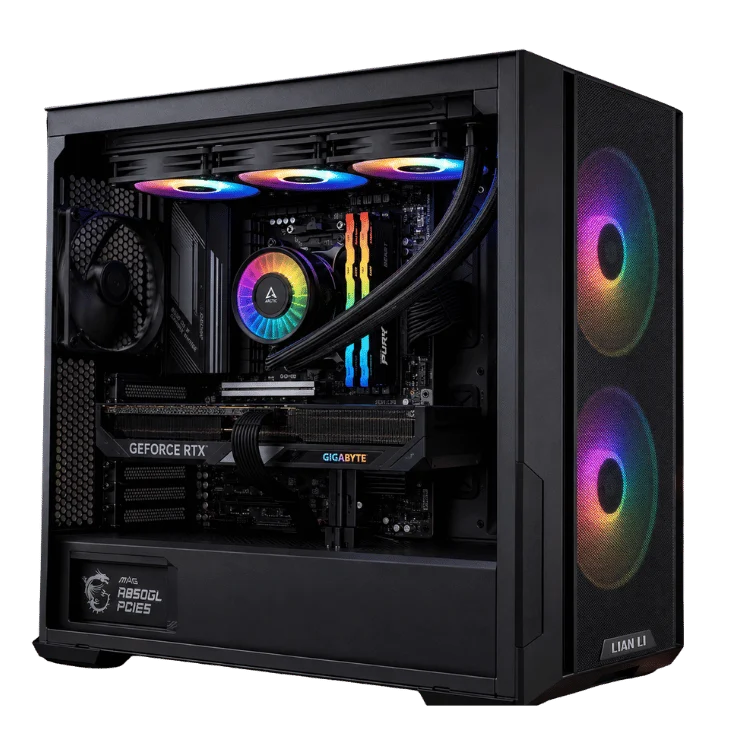
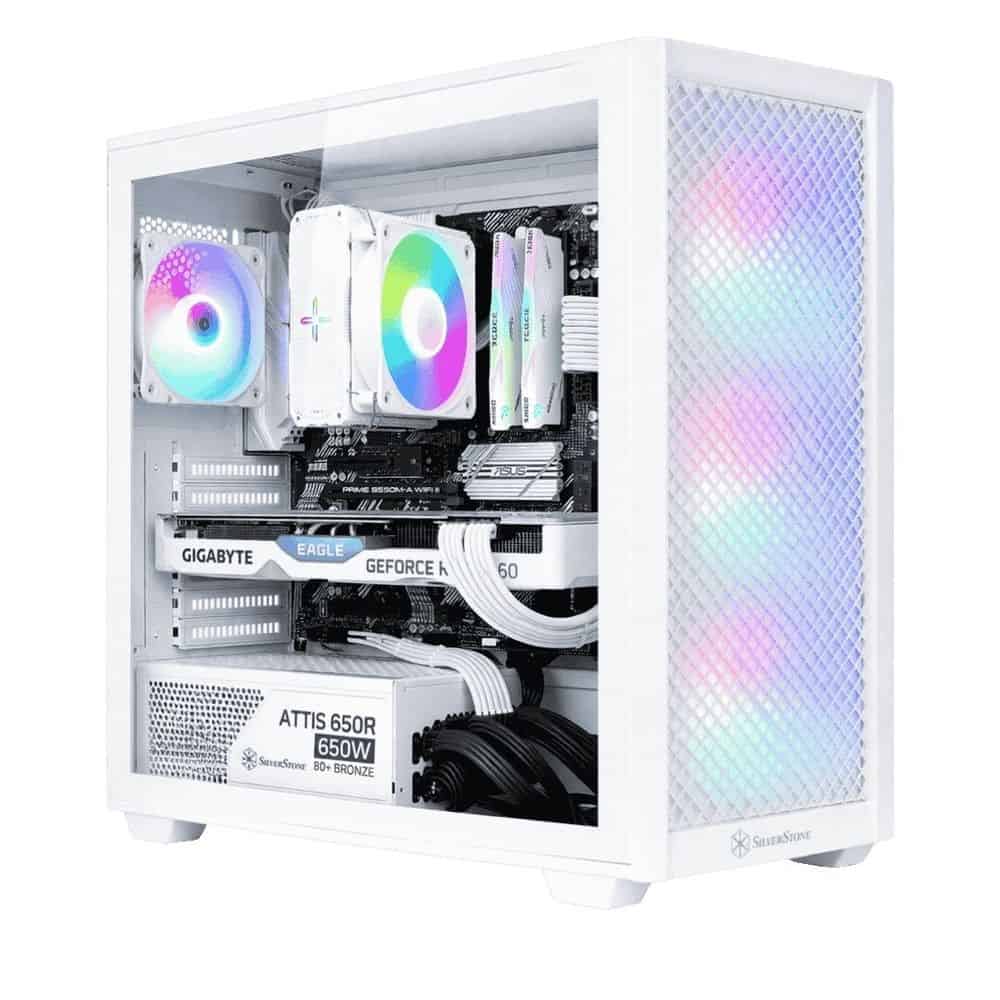
- RTX 5060 gaming PC: a balanced, great-value 1080p system.
- Cheap RTX 5060 gaming PC: our most affordable route into the current generation.
- Ryzen 7 RTX 5060 gaming PC: more processor power for streaming and multitasking.
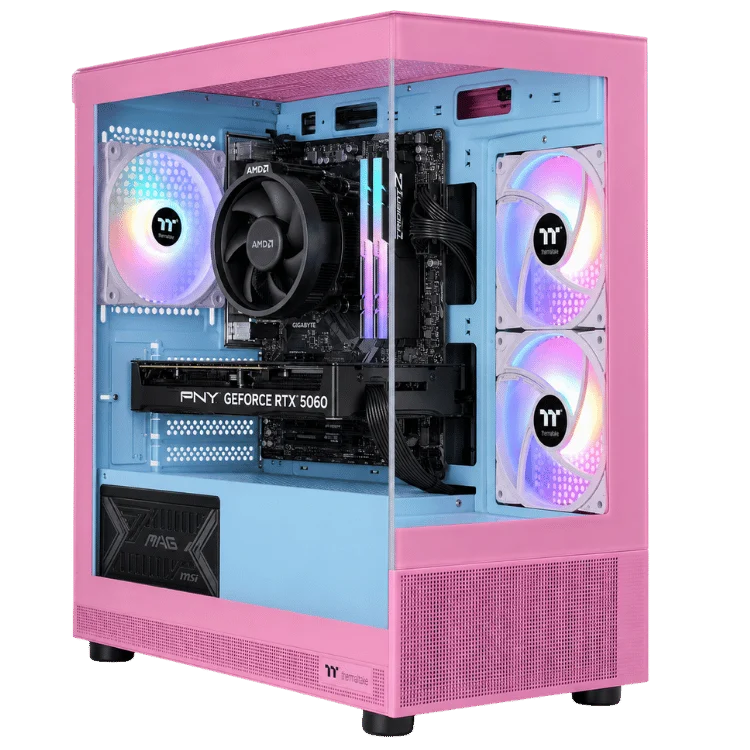
- Pink RTX 5060 gaming PC: the same performance with a pink theme.
Browse every option in our 1080p gaming PCs range, or see our guide to the best gaming PC in Australia for picks at every budget.
Our recommendation
For pure value at 1080p, the standard RTX 5060 is hard to beat. It is fast, quiet, efficient and supports every DLSS 4 feature. If you play mostly esports games or are buying a first gaming PC on a tight budget, it is the one to get.
If you can stretch a little further, the RTX 5060 Ti 16GB is the card we would choose. Its extra performance and, above all, its 16GB of memory make it a better long-term buy and a capable 1440p card. We would skip the 8GB Ti in most cases, because it costs more than the standard card while sharing the same memory limit.
RTX 5060 FAQ
Is 8GB of VRAM enough in 2026?
For 1080p esports and many games at medium to high settings, yes. For the newest single-player games with high textures, 8GB can be limiting, which is why we prefer the 16GB Ti for those players.
Can an RTX 5060 run games at 1440p?
Yes, in lighter games and with DLSS in heavier ones. For consistent 1440p performance, the RTX 5060 Ti 16GB or an RTX 5070 is a better choice.
Is the RTX 5060 Ti 16GB worth the extra cost over the 8GB version?
Yes. The cards are otherwise identical, and the extra memory avoids stutter and blurry textures in modern games, especially at 1440p.
Does the RTX 5060 support DLSS 4 frame generation?
Yes. Every RTX 50 Series card supports DLSS 4, including Multi Frame Generation.
What power supply does an RTX 5060 PC need?
A quality 550W unit is enough. We fit 650W supplies in most builds for headroom and quiet operation.