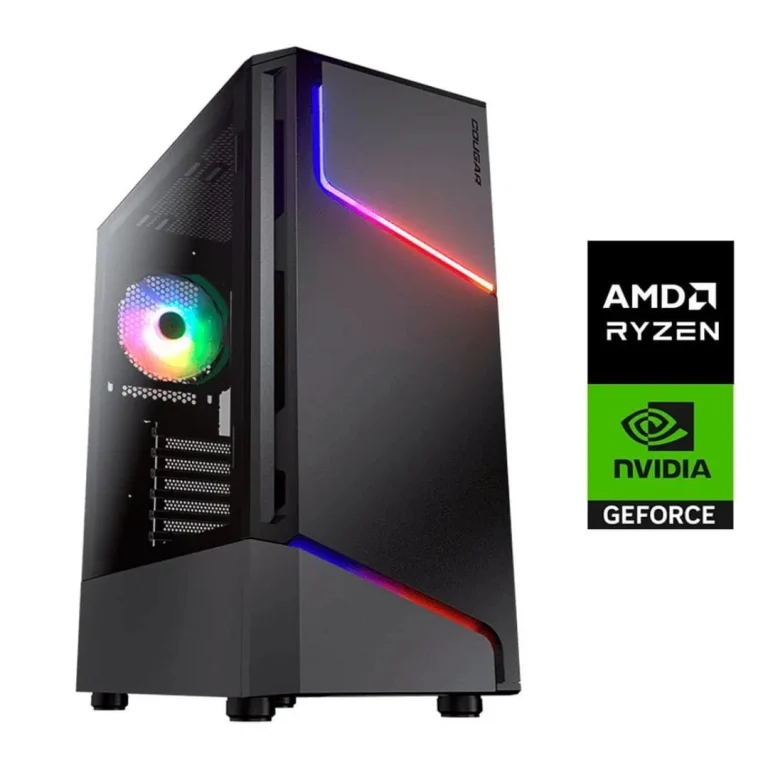
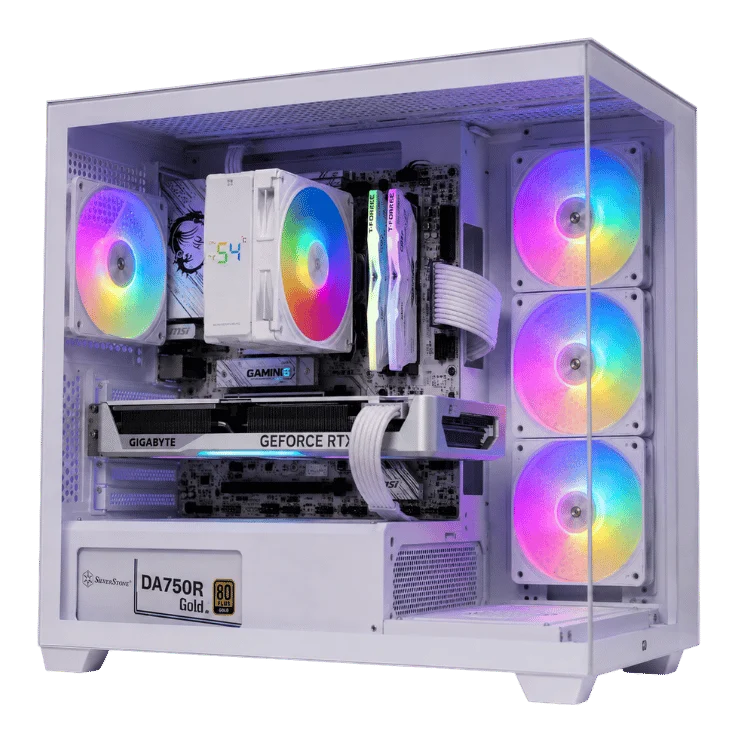
The RTX 5090 is the fastest gaming graphics card on the planet, and it is priced like it. NVIDIA’s flagship launched in January 2025 with an Australian recommended retail price of A$4,039, and through 2026 most cards have sold for well above that figure. If you are thinking about one, you deserve a clear answer to two questions: what does it actually deliver, and is it worth the money for you?
This guide covers the full specifications, real-world performance, the current RTX 5090 price situation in Australia, the power and cooling it needs and the type of buyer who gets the most from it. We build RTX 5090 systems on our bench in Gregory Hills, so we have also included the practical lessons we have learned along the way.
RTX 5090 specs at a glance
The card is built on NVIDIA’s Blackwell architecture. These are the headline numbers from NVIDIA’s RTX 5090 page.
| Specification | RTX 5090 |
|---|---|
| CUDA cores | 21,760 |
| Video memory | 32GB GDDR7 on a 512-bit bus |
| Boost clock | 2.41GHz (reference) |
| Total graphics power | 575W |
| Recommended power supply | 1000W |
| Power connector | One 16-pin 12V-2×6 |
| Key features | DLSS 4 with Multi Frame Generation, fourth-gen RT cores, fifth-gen Tensor cores, PCIe 5.0, DisplayPort 2.1b |
| Australian RRP at launch | A$4,039 |
Two numbers stand out. The first is 32GB of very fast GDDR7 memory, double the 16GB on the RTX 5080. The second is the 575W power rating, which shapes almost every other decision in an RTX 5090 build, from the power supply to the case.
How fast is the RTX 5090?
In native 4K gaming without frame generation, the card is typically around a quarter to a third faster than the RTX 4090 it replaced, and roughly half again as fast as an RTX 5080. It is the only consumer graphics card that can run the most demanding path-traced games at 4K with high frame rates once DLSS is switched on.
That is the real reason to buy one. In older or lighter games almost any high-end card already runs at very high frame rates. The card earns its price in the hardest titles: full ray tracing, huge open worlds and 4K at 144Hz or above.
DLSS 4 and Multi Frame Generation
Every RTX 50 Series card supports DLSS 4. Its headline feature, Multi Frame Generation, uses AI to generate up to three extra frames for every frame the GPU renders. On the flagship that can push supported games well past 200 FPS at 4K. Frame generation works best when the base frame rate is already healthy, which the 5090 handles easily, so the extra frames feel smooth rather than laggy.
Beyond gaming
The 32GB frame buffer makes it a favourite for creators and AI developers. It can run larger local language models and image generators than any other consumer card, and its three video encoders speed up exports in editing software. If AI and rendering are your main workloads, our AI workstations are configured with those apps in mind.
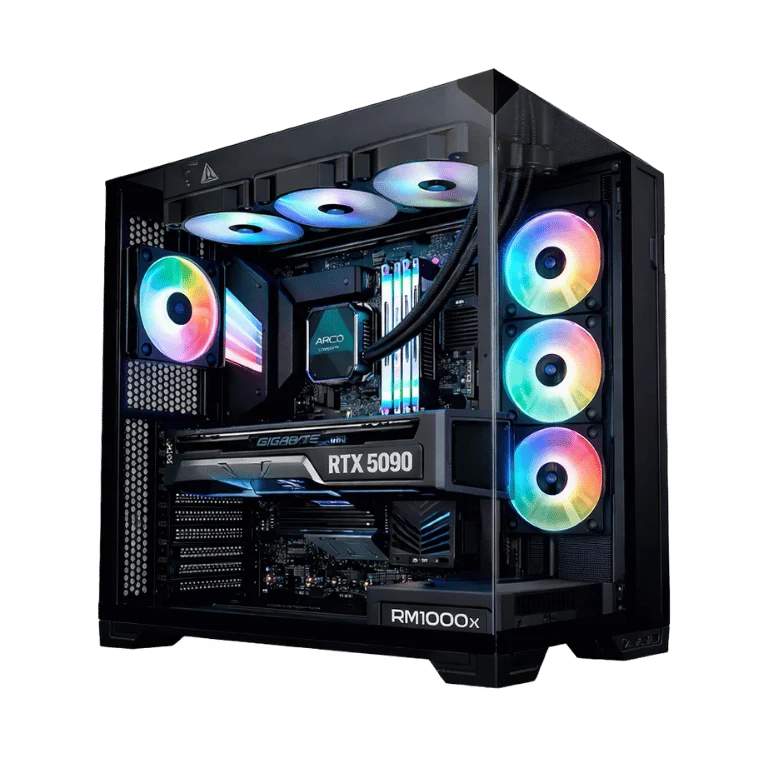
RTX 5090 price in Australia in 2026
This is the section most buyers jump to, so let us be direct. The RTX 5090 price at launch was A$4,039 in Australia, based on NVIDIA’s US price of US$1,999. Very few cards have sold at that figure since.
Supply was tight from launch, and it tightened further from late 2025 when a global memory shortage, driven by demand from AI data centres, pushed up the cost of GDDR7 and DRAM. Through 2026, standalone RTX 5090 cards in Australia have generally sold for somewhere between about A$5,500 and more than A$7,000, depending on the brand, cooler design and stock levels at the time.
Why the RTX 5090 price is so high
- Memory costs: 32GB of GDDR7 is expensive to source during a memory shortage, and NVIDIA prioritises scarce memory for its AI products.
- Demand from AI users: the card’s large memory pool makes it attractive for local AI work, so gamers compete with developers for the same stock.
- Premium partner models: many cards ship with large coolers, factory overclocks and RGB lighting, which add to the cost.
- Australian pricing: GST, freight and smaller local allocations mean Australian prices usually sit above US pricing after currency conversion.
Buying a card vs a complete RTX 5090 system
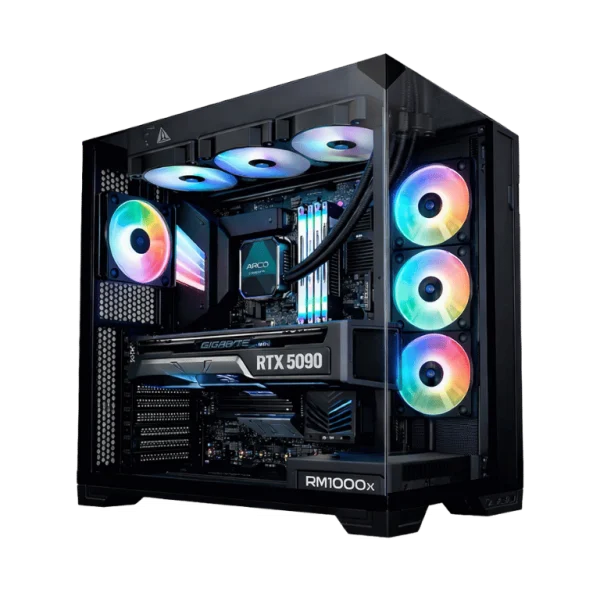
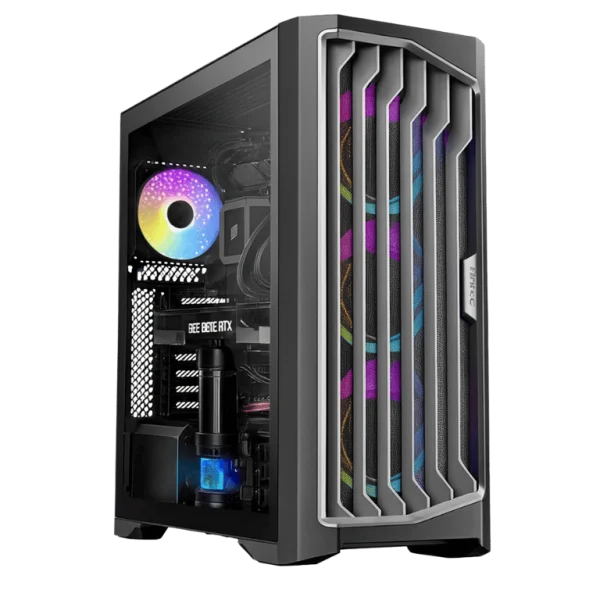
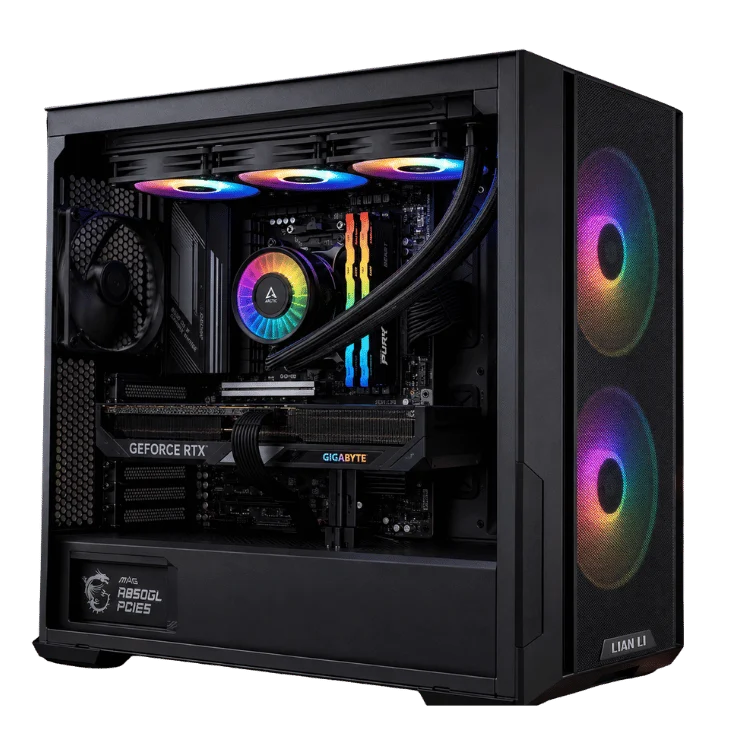
Because the graphics card alone costs so much, the gap between buying a card and buying a complete system is smaller than many people expect. A prebuilt system also means the power supply, cooling and cabling have been chosen and tested for the card’s 575W load. Our RTX 5090 gaming PC and the flagship 9950X3D RTX 5090 gaming PC show current pricing for complete builds, with the full specification listed on each page.
Pricing note: graphics card prices move quickly. The ranges above reflect Australian retail pricing during 2026 and will change as supply improves. Always compare the current RTX 5090 price for a standalone card with the cost of a complete, warrantied system.
What you need to run an RTX 5090 properly
This is not a card you can drop into any PC. Its size, power draw and heat output need planning.
Power supply
NVIDIA recommends a 1000W power supply. We use quality 1000W to 1200W ATX 3.1 units with a native 12V-2×6 cable, which avoids adapters and keeps the connection secure. A cheap or undersized supply is the most common cause of crashes and shutdowns in high-end builds, and our guide to computers that won’t turn on explains why.
The 16-pin connector
The 12V-2×6 connector carries a lot of current through one plug. It must be pushed in fully and should not be bent sharply near the card. We route and check this cable on every build, then inspect it again after stress testing. If you are installing a card yourself, take your time with this step.
Case and cooling
Partner cards are long and thick, so check clearance before you buy a case. The card also exhausts a lot of heat, which can raise processor temperatures in a cramped case. A spacious case with strong front intake and a good CPU cooler keeps everything comfortable, even in an Australian summer. Our CPU cooler guide explains how we balance processor and graphics cooling in high-end builds.
Processor
A card this fast needs a processor that can keep up. We pair it with AMD’s X3D chips, such as the Ryzen 7 9800X3D or the 16-core Ryzen 9 9950X3D. Our Ryzen 7 9800X3D guide explains why cache-heavy processors suit flagship graphics cards.
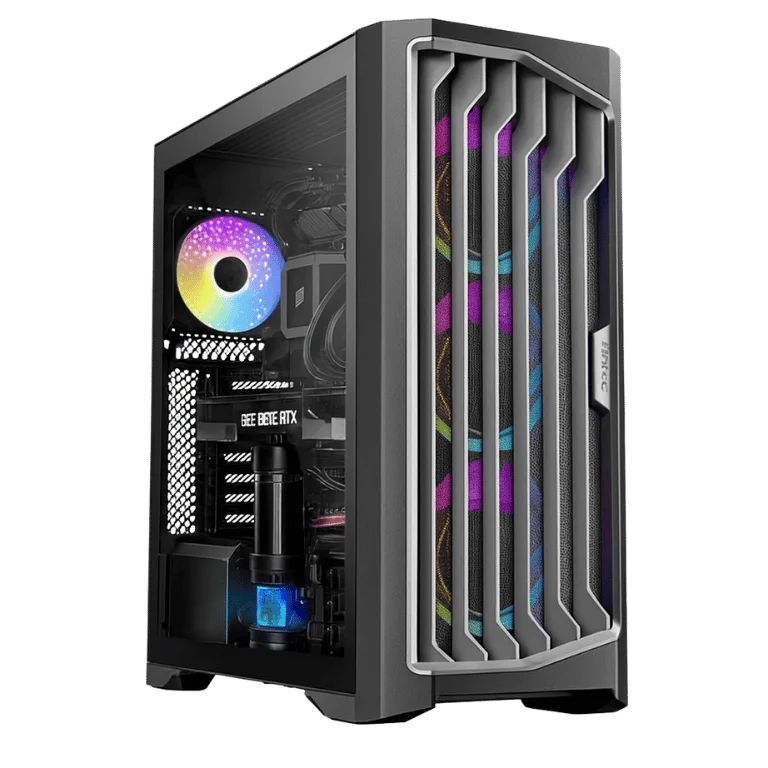
What monitor suits an RTX 5090?
Buying this card for a 1080p or basic 1440p monitor wastes most of its potential. The card is built for:
- 4K at 144Hz to 240Hz: the sweet spot for this card in modern games.
- High refresh 1440p OLED: competitive players chasing 360Hz and beyond can make use of its frame rates.
- Ultrawide and super-ultrawide displays: very high pixel counts suit its raw power and large frame buffer.
- 8K or multi-screen simulation rigs: a niche, but the 5090 is the only card that handles them comfortably.
Our gaming monitor guide explains how to match resolution, refresh rate and panel type to your graphics card.
RTX 5090 vs RTX 5080: which should you buy?
For most 4K gamers the RTX 5080 is the better value. It costs far less, uses much less power and still delivers excellent 4K performance with DLSS. Our RTX 5080 guide covers it in detail.
The flagship makes sense when you want the absolute best experience in the hardest games, when you play at very high resolutions or refresh rates, or when you need its 32GB of memory for AI and creative work. It is also the safer bet for keeping maximum settings for longer, because the RTX 50 Super refresh has been delayed indefinitely and NVIDIA’s next generation is not expected for some time.
| Question | RTX 5080 | RTX 5090 |
|---|---|---|
| Best for | 4K gaming on a sensible budget | Maximum 4K, path tracing, AI and creative work |
| Video memory | 16GB GDDR7 | 32GB GDDR7 |
| Power | 360W | 575W |
| Recommended PSU | 850W | 1000W |
| Typical system cost | Much lower | Several thousand dollars higher |
What about the RTX 5090 laptop GPU?
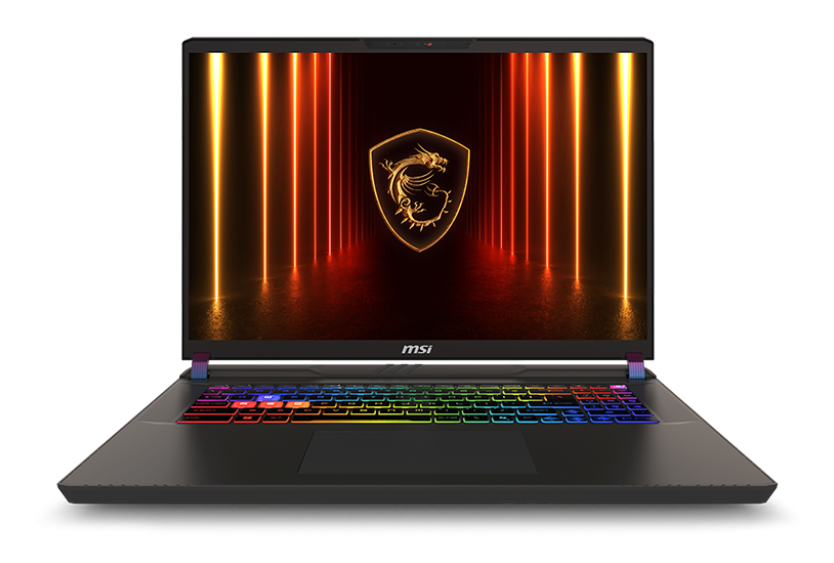
The laptop chip shares the name but not the hardware. The mobile RTX 5090 uses a smaller GPU with 24GB of memory and runs at a fraction of the desktop card’s power, so it performs closer to a desktop RTX 5070 Ti or RTX 5080 depending on the laptop’s cooling. It is still the fastest laptop graphics you can buy, and it is a great choice if you need serious performance on the move. Our RTX 5090 gaming laptop is a good example.
Is the RTX 5090 worth it?
It depends entirely on what you play, what screen you use and how much the last 30 to 50 per cent of performance is worth to you.
- Worth it if you game at 4K with high refresh rates, love path-traced games, run local AI models or do professional 3D and video work alongside gaming.
- Probably not worth it if you play at 1440p, mostly play esports titles, or would rather put the savings towards a better monitor, more storage or a second device.
Our honest view: this is a superb card, but most gamers will be just as happy with an RTX 5080 or RTX 5070 Ti and a well-chosen monitor. For enthusiasts who want the best and are comfortable with the cost, nothing else comes close.
A note on future-proofing
No graphics card is truly future-proof, but buying at the top of the range does buy you time. Games keep adding heavier ray tracing, larger textures and more detailed worlds, and a card with plenty of headroom will keep running them at high settings for longer before you need to lower anything. The large frame buffer also protects you as games use more video memory at high resolutions.
The trade-off is that you pay a premium today for performance you may not use for a while. If you upgrade every two or three years anyway, a mid-to-high-end card bought now and replaced later can work out cheaper overall. If you prefer to buy once and keep a PC for five years or more, starting at the top makes more sense.
RTX 5090 builds from Elite Gaming PCs
Every flagship system we sell is built around a quality power supply with a native 16-pin cable, a high-airflow case and an X3D processor. We stress-test the graphics card and processor together, check temperatures and connector seating, and back the system with our 12-month warranty.
- RTX 5090 gaming PC: our core flagship build for 4K gaming.
- 9950X3D RTX 5090 gaming PC: 16 cores for gamers who also create content.
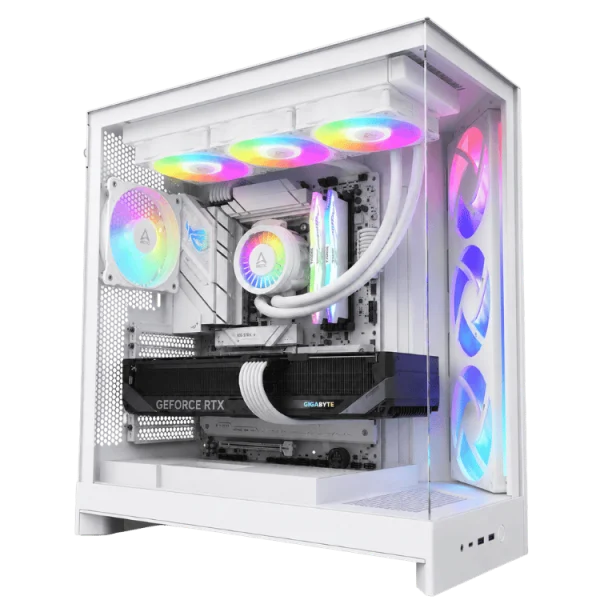
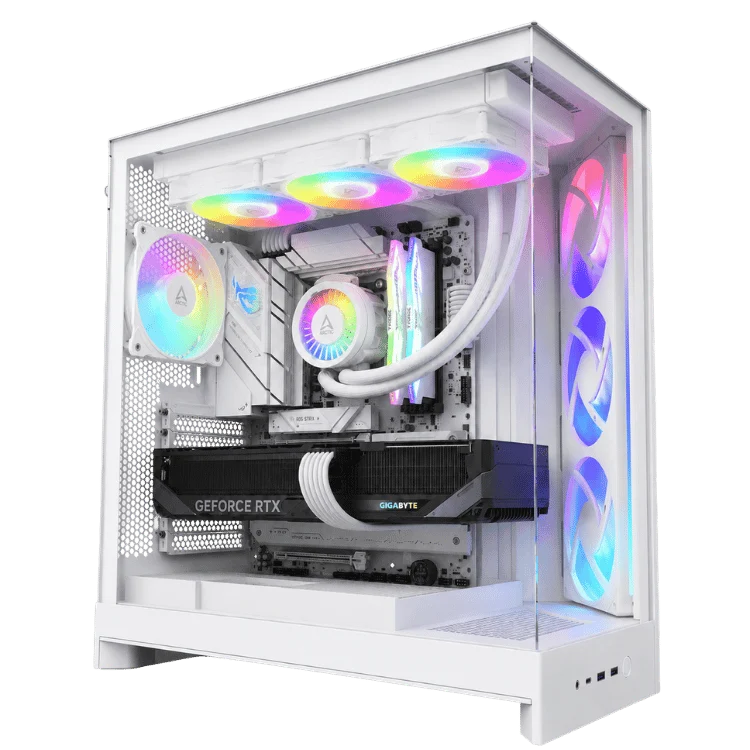
- White RTX 5090 gaming PC: the same flagship performance in an all-white build.
You can see every system in our ultra gaming PCs range, or contact our team for a custom configuration.
Living with an RTX 5090: practical tips
Once you own one, a few habits help it run cool, quiet and reliably for years.
- Cap your frame rate just below your monitor’s refresh rate. The card will use less power and run quieter with no visible loss in smoothness.
- Consider a mild undervolt using the manufacturer’s tuning software. Many cards hold almost all of their performance at noticeably lower power and temperature.
- Keep drivers current and download them from NVIDIA’s app rather than Windows Update.
- Check the 16-pin connector if you ever move the PC or work inside the case, and make sure it is still fully seated.
- Keep dust filters clean. A card that dissipates this much heat relies on steady airflow.
How we test every flagship build
A high-end gaming PC should be stable from the first boot, so every flagship system goes through the same process on our bench before it is packed.
- Visual inspection. We check every power connector, including the 16-pin graphics cable, the CPU power leads and the 24-pin motherboard plug, before power is applied.
- BIOS and firmware. The motherboard is updated, the memory profile is enabled and fan curves are set for a balance of low noise and strong cooling.
- Processor stress test. We load every core to confirm the cooler holds the chip at a safe temperature without throttling.
- Graphics stress test. The GPU is run at full load to check its temperatures, clock speeds and fan behaviour, and to confirm the power supply delivers clean, stable power.
- Combined load. We run the processor and graphics card hard together, because that is when heat builds inside the case and weak power supplies show themselves.
- Real games. Finally we play. Benchmarks are useful, but nothing replaces checking that real games run smoothly with no crashes, stutter or artefacts.
Only when a system passes every step does it get packed for delivery. Graphics cards are secured with a support bracket or foam packing so they survive the trip across Australia.
Upgrading from an older graphics card
Many people considering a flagship card already own a capable GPU from a previous generation. Here is what to expect if you are moving up.
From an RTX 3080 or RTX 3090
This is a huge jump. You gain far more performance, much better ray tracing, DLSS 4 with frame generation and a large increase in video memory over the RTX 3080. Expect games that struggled at 4K to become smooth at high settings.
From an RTX 4080 or RTX 4090
The gain is real but smaller, especially from a 4090. You will mainly notice it in path-traced games and when using Multi Frame Generation. For many 4090 owners, keeping the current card for another year or two is the sensible choice.
Check the rest of your system first
An older processor, a smaller power supply or a cramped case can all hold back a new flagship card. Before you upgrade, make sure the power supply is rated for the new load, the case has room and airflow, and the processor is fast enough not to bottleneck it. If several parts need replacing, a new complete system is often the simpler and better-value path.
Heat, noise and your room
A PC that draws several hundred watts while gaming turns that energy into heat, and that heat ends up in your room. In a small bedroom or study during an Australian summer, you will notice it.
A few simple steps help. Cap your frame rate in games that do not need unlimited frames, keep the room ventilated, and position the PC so it can breathe rather than pushing it against a wall or inside a cabinet. Good partner coolers stay surprisingly quiet under load, and a well-tuned fan curve keeps the system near silent when you are browsing or watching video.
RTX 5090 FAQ
What is the RTX 5090 price in Australia right now?
The launch RRP was A$4,039. During 2026, standalone cards have mostly sold for roughly A$5,500 to over A$7,000 because of supply and memory shortages. Check current pricing before you buy, and compare it with the cost of a complete system.
Will the RTX 5090 price drop soon?
Prices depend on memory supply, which is expected to stay tight for some time. We would not count on large price cuts in the short term, though temporary specials do appear.
Is an RTX 5090 overkill for 1440p?
For most people, yes. An RTX 5070 Ti or RTX 5080 delivers excellent 1440p performance at a much lower cost. The 5090 only makes sense at 1440p for very high refresh competitive play.
How much power does an RTX 5090 PC use?
Under a heavy gaming load a complete system can draw 700W or more from the wall. At idle and while browsing, it uses far less. A frame rate cap reduces power use significantly in lighter games.
Is there an RTX 5090 Ti or RTX 5090 Super?
NVIDIA has not released one. The planned RTX 50 Super refresh was delayed indefinitely due to memory shortages, so the RTX 5090 remains the top GeForce card.