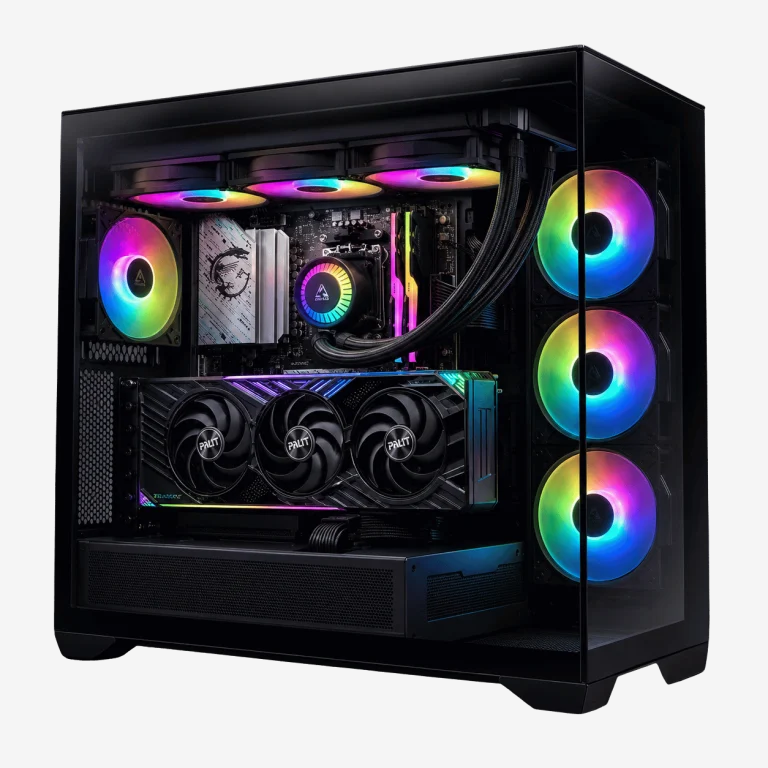
A CPU cooler does one job: it moves heat away from your processor fast enough to keep it running at full speed. Choose the right one and your PC stays quiet, cool and stable through long gaming sessions and hot Australian summers. Choose the wrong one and you get loud fans, throttling and the occasional crash.
This guide explains the different types of CPU cooler, how air and liquid cooling compare, when a water cooled PC is worth it, how to size a cooler for your processor and case, and the setups we use in our own builds. If you want to check how your current cooler is coping, start with our guide on how to check CPU temperature.
What does a CPU cooler do?
Your processor turns electrical power into heat as it works. A modern gaming chip can produce well over 100 watts of heat under load, all concentrated in an area smaller than a postage stamp. Without a cooler, it would reach its limit in seconds.
Every CPU cooler follows the same basic path. A metal base sits on the processor and absorbs heat through a thin layer of thermal paste. The heat travels away from the chip, through heat pipes or liquid, into a large surface area of thin fins. Fans push air through those fins and carry the heat out of the case. The better each step works, the cooler and quieter your PC runs.
The main types of CPU cooler
Stock coolers
Some processors include a basic cooler in the box. They are fine for entry-level chips in office and study PCs, but they are small, often noisy under load and not designed for sustained gaming on higher-end processors. Many performance processors now ship without one at all.
Tower air coolers
A tower cooler uses copper heat pipes to carry heat from the base up into a tall stack of aluminium fins, with one or two fans pushing air through. Single-tower designs suit mid-range processors. Dual-tower designs, with two fin stacks and often two fans, handle high-end chips and can rival liquid coolers.
Low-profile air coolers
These are short coolers designed for small form factor cases where a tall tower will not fit. They are quieter and better than stock coolers, but have less cooling capacity, so they suit efficient processors best.
AIO liquid coolers
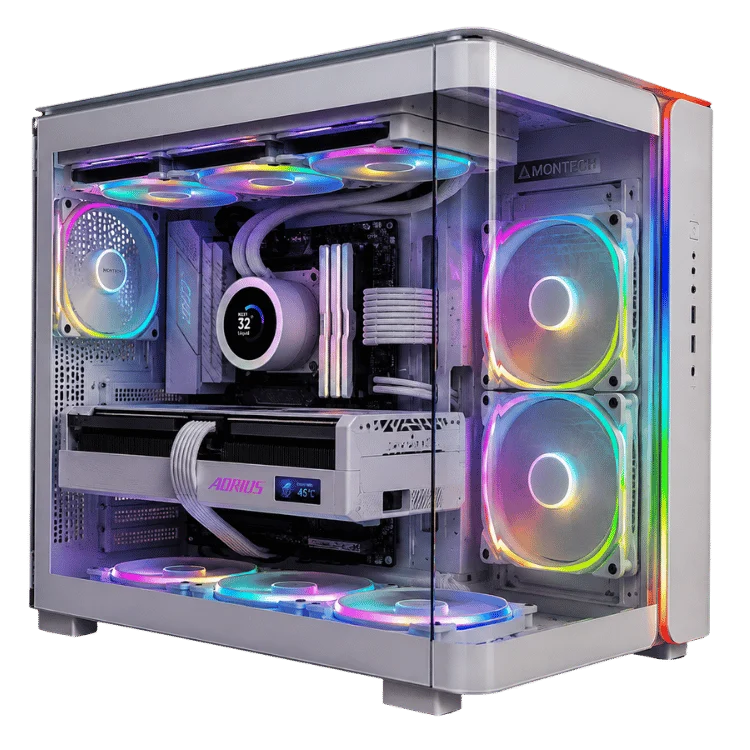
An all-in-one, or AIO, liquid cooler is a sealed loop with a pump and cold plate on the processor, two tubes and a radiator with fans. Liquid carries heat from the processor to the radiator, which is usually mounted at the top or front of the case. AIOs come in radiator sizes from 120mm to 420mm, with 240mm and 360mm the most common.
Custom water loops
A custom loop is a fully built water cooled PC with a separate pump, reservoir, radiators, fittings and tubing, often cooling the graphics card as well as the processor. It offers the best looks and very low noise, but costs much more and needs regular maintenance.
Air vs liquid cooling compared
| Factor | Tower air cooler | AIO liquid cooler |
|---|---|---|
| Cooling performance | Excellent for most gaming processors | Excellent, with more headroom for hot chips |
| Noise | Quiet with good fans, no pump | Quiet, with a faint pump hum on some models |
| Reliability | Very high. Only the fans can fail | High. The pump is an extra wear item |
| Lifespan | Many years, often a decade | Typically five to seven years |
| Looks | Large tower near the memory | Clean area around the processor, RGB options |
| Case fit | Needs height clearance | Needs radiator mounting space |
| Cost | Lower for the same performance | Higher, especially 360mm and above |
Neither type is always better. A good dual-tower air cooler and a good 240mm AIO perform very similarly on most gaming processors. Liquid pulls ahead with the hottest chips and in cases where a tall tower will not fit or would block airflow.
Air coolers in more detail
Air coolers are simple, reliable and quiet. The number of heat pipes, the size of the fin stack and the quality of the fans decide how much heat they can move. Bigger is generally better, as long as it fits your case and does not clash with tall memory modules.
The biggest advantage of air cooling is that there is almost nothing to go wrong. If a fan ever fails, it is cheap and easy to replace. For a gaming PC that you want to run for many years with minimal fuss, a quality tower cooler is hard to beat.
AIO liquid coolers in more detail
Liquid has a high capacity to absorb heat, so an AIO soaks up sudden spikes in processor temperature smoothly and moves the heat to a radiator where it can be removed efficiently. That makes AIOs excellent with processors that boost hard in short bursts.
A liquid cooled gaming PC also looks clean. With no tall tower around the processor, the motherboard and memory are on show, and many AIOs include an LCD or RGB pump cap for a personal touch. The trade-offs are cost, a pump that eventually wears out, and the need for space to mount the radiator.
Will an AIO leak?
Leaks from quality AIOs are rare. They are factory sealed, pressure tested and designed to last for years without maintenance. We use reputable brands with solid warranties and route the tubes so they are never kinked or strained.
When does a water cooled PC make sense?
A full custom water cooled PC is the enthusiast’s choice. It suits people who want a showpiece build, the quietest possible operation under heavy load, or cooling for both the processor and a high-wattage graphics card in one loop.
For most gamers, though, an AIO gives most of the benefit with none of the maintenance. Custom loops need fluid changes and occasional cleaning, and building one well takes time and skill. If you love the look and enjoy tinkering, a custom water cooled PC is hugely rewarding. If you just want a cool, quiet gaming PC, a quality AIO or air cooler is the practical choice.
How to choose the right CPU cooler for your processor
Start with your processor’s power. Manufacturers list a thermal design power, or TDP, and many chips boost above it for short periods. As a rough guide:
| Processor type | Example | Cooler we recommend |
|---|---|---|
| Efficient six-core, around 65W | Ryzen 5 9600 or Core Ultra 5 | Quality single-tower air cooler |
| Gaming eight-core, around 120W | Ryzen 7 9800X3D | Dual-tower air or 240mm AIO |
| High-core-count, 170W and above | Ryzen 9 9950X3D or Core Ultra 9 | 360mm AIO or premium dual-tower air |
| Workstation processors | Threadripper | Large AIO or custom solution |
AMD lists the TDP of each processor on its product pages, such as the Ryzen 7 9800X3D page. Our Ryzen 7 9800X3D guide explains why this particular chip is easier to cool than earlier X3D models.
240mm vs 360mm radiators
Radiator size is the biggest factor in AIO performance. A 240mm radiator with two 120mm fans handles most gaming processors comfortably. A 360mm radiator with three fans adds headroom for hotter chips and lets the fans spin slower, which means less noise. If your case supports it and your processor runs hot, 360mm is worth it. For a typical gaming build, 240mm is usually enough.
Noise: getting a quiet PC
- Bigger fans spin slower. A 140mm fan moves the same air as a 120mm fan at lower speed and lower noise.
- Fan curves matter. A gentle curve keeps fans near silent at the desktop and ramps up only under load.
- Pump speed. Some AIO pumps can be set to a lower, steady speed to reduce hum.
- Case airflow. A case that breathes well lets every fan work less hard.
Case and memory clearance
Before choosing a CPU cooler, check two things. First, the maximum cooler height your case supports, which is listed in its specifications. Tall dual-tower coolers can exceed 160mm. Second, radiator support. Check whether the top or front of the case can take a 240mm or 360mm radiator, and whether tall memory or motherboard heatsinks get in the way.
Memory clearance also matters for air coolers. Large towers can overhang the memory slots, so very tall RGB memory may not fit underneath.
Mounting and thermal paste
Even the best CPU cooler performs badly if it is mounted poorly. The base must sit flat and tight on the processor, with an even layer of thermal paste. Most CPU cooler kits come with pre-applied paste or a small tube. A pea-sized dot in the centre, spread by the mounting pressure, works well for most processors.
Tighten mounting screws gradually in a diagonal pattern so the pressure stays even. Remember to remove any protective film from the cooler base. It is a surprisingly common mistake, and it causes very high temperatures.
How to install a CPU cooler, step by step
Installing a CPU cooler is one of the more delicate jobs in a PC build, but it is very manageable with patience. These are the steps we follow.
- Read the manual for your socket. Each CPU cooler includes different brackets for AMD and Intel. Use the correct set for your motherboard.
- Fit the mounting hardware. On AMD AM5 boards many coolers use the stock backplate. On Intel boards you usually fit the cooler’s own backplate.
- Apply thermal paste if your CPU cooler does not have it pre-applied, and remove any protective film from the base.
- Seat the cooler squarely and tighten the screws a few turns at a time in a diagonal pattern until they stop.
- Connect the fans to the CPU_FAN header, and for an AIO connect the pump to the AIO_PUMP or PUMP header.
- Mount the radiator for an AIO with the tubes at the bottom of a front-mounted radiator, or at the top of the case, so air bubbles collect away from the pump.
- Boot into the BIOS and check that the fans and pump are detected and the idle temperature looks normal.
Choosing a CPU cooler for a small form factor PC
Small cases bring their own challenges. Tall towers will not fit, and there may be room for only one small radiator. A low-profile CPU cooler suits efficient processors in tiny builds, while a 240mm AIO is often the best choice for a high-end chip in a compact case that supports one. Choosing an efficient processor helps too, because less heat in a small space is always easier to manage.
Looks matter too
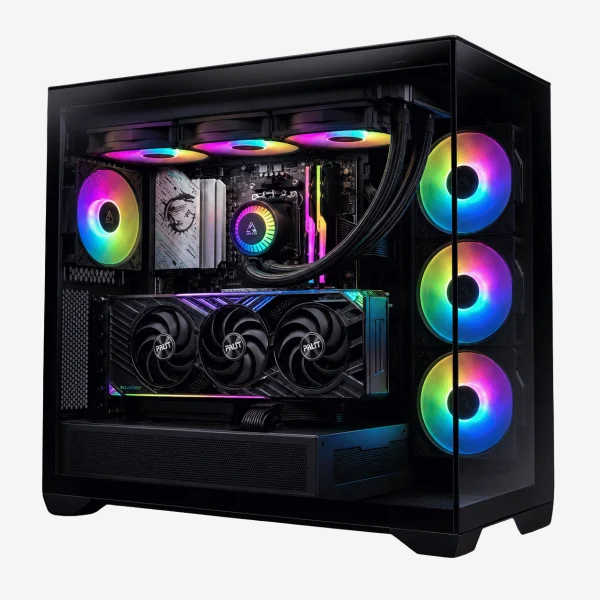
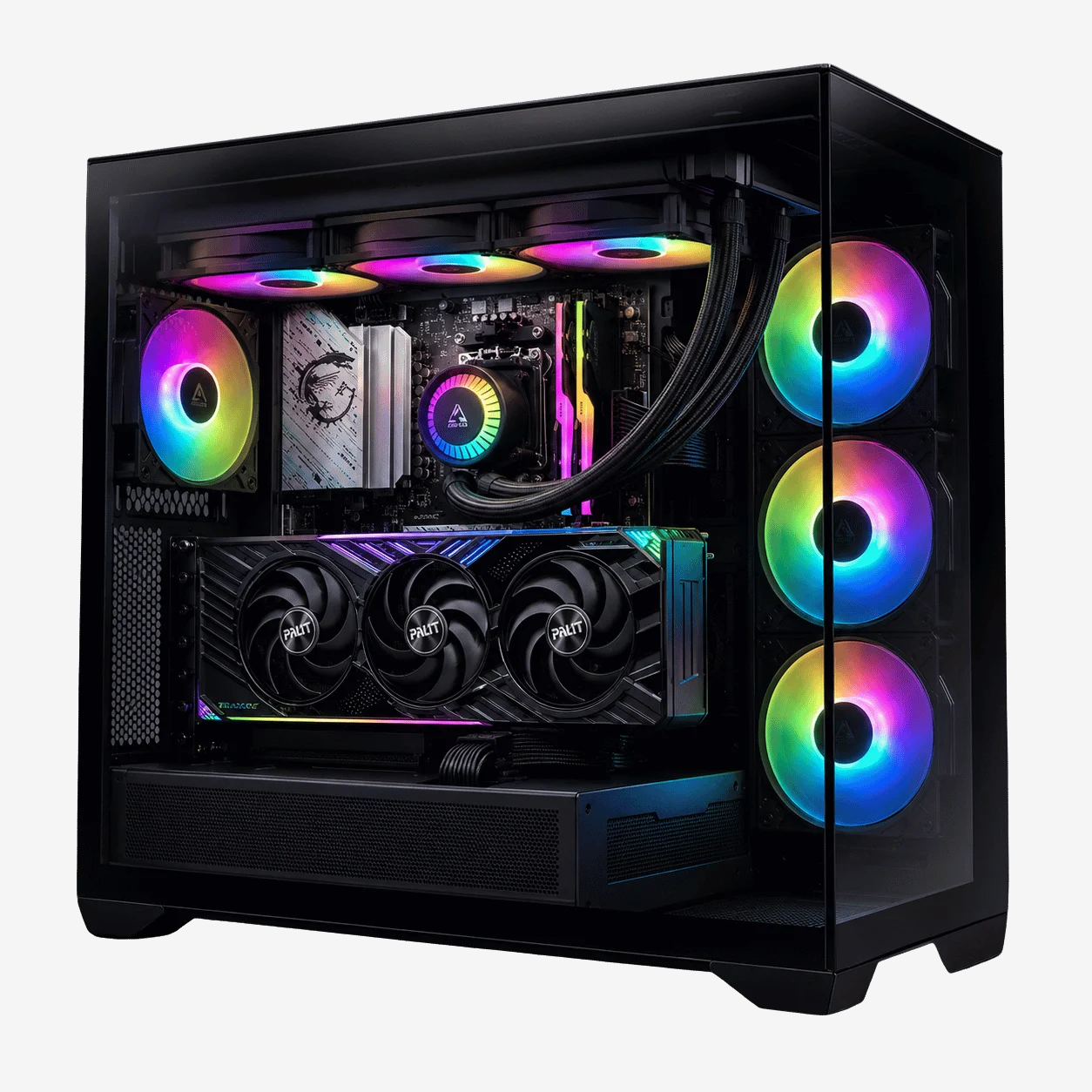
Your CPU cooler is one of the most visible parts of a glass-sided PC. Air coolers now come in black and white finishes with sleek covers, and many AIOs offer RGB lighting or a small LCD screen on the pump that can show temperatures, animations or your own image. If your PC is on display, a liquid cooled gaming PC with matching fans and a tidy radiator makes a striking centrepiece. Just remember that the coolest-looking option is not always the quietest or best-performing one.
Planning a liquid cooled gaming PC
If you have decided on liquid cooling, a little planning goes a long way. Check that your case supports the radiator size you want in the position you want. Top-mounted radiators exhaust warm air out of the case, which suits most gaming builds. Front-mounted radiators get the coolest intake air, which suits processors that run very hot, but they warm the air reaching the graphics card.
For a full custom water cooled PC, plan the loop order, radiator space, reservoir position and a drain point before buying parts. For most people, an AIO delivers a liquid cooled gaming PC that looks great and runs quietly with no ongoing maintenance at all.
Cooling for Australian conditions
Room temperature directly limits how cool your processor can get. On a 35°C day, every component runs hotter than on a mild one. We design our builds for Australian summers, with coolers sized to keep processors comfortable even when the room is warm. If your gaming room gets hot, a slightly larger CPU cooler and good case airflow make a noticeable difference.
Common cooling myths
Liquid cooling is always better than air
Not always. A premium air cooler can match or beat a basic 240mm AIO. Liquid has the advantage at the high end and in tight spaces.
More fans always means cooler temperatures
Airflow direction matters more than fan count. Too many exhaust fans with too little intake can actually make things worse.
High temperatures mean a bad cooler
Modern processors boost until they reach a limit, so they can run warm under heavy load even with excellent cooling. What matters is that they stay within specification and do not throttle in games.
Looking after your cooler
- Clean dust from fans, fins and radiators every few months.
- Check that fans spin freely and quietly. Clicking or grinding means a fan is wearing out.
- Consider fresh thermal paste after four to five years on an air cooler.
- Plan to replace an AIO after around five to seven years, or sooner if pump noise or temperatures rise.
Signs your CPU cooler is failing
- Temperatures rise steadily over weeks or months even after cleaning.
- The PC shuts down under load or throttles in games that used to run smoothly.
- An AIO pump makes gurgling, grinding or rattling noises that do not settle.
- A fan stops spinning or makes a clicking sound.
If you notice these signs, act quickly. Our guide to computers that won’t turn on covers overheating shutdowns and other power-related problems.
Upgrading the cooler in an existing PC
Swapping a stock or undersized CPU cooler for a better one is one of the most satisfying upgrades you can make. Temperatures drop, fans get quieter and the processor can hold its boost clocks for longer. Before you buy, measure the space in your case, check which socket your motherboard uses and make sure the new CPU cooler includes the right mounting kit.
On some older Intel boards you will need to remove the motherboard to fit a new backplate, which turns a ten-minute job into an hour or more. If that sounds daunting, a technician can do it quickly. If we built your PC, just ask and we will recommend a compatible upgrade.
What we use in our builds
We match every CPU cooler to the processor, the case and the noise level the customer wants. As a rule:
- Budget and office builds: quality single-tower air coolers for quiet, reliable cooling.
- Mid-range gaming: larger tower coolers or 240mm AIOs, depending on the case.
- High-end and 4K builds: 240mm to 360mm AIOs or premium dual-tower air coolers.
- Workstations: high-capacity cooling sized for sustained all-core loads.
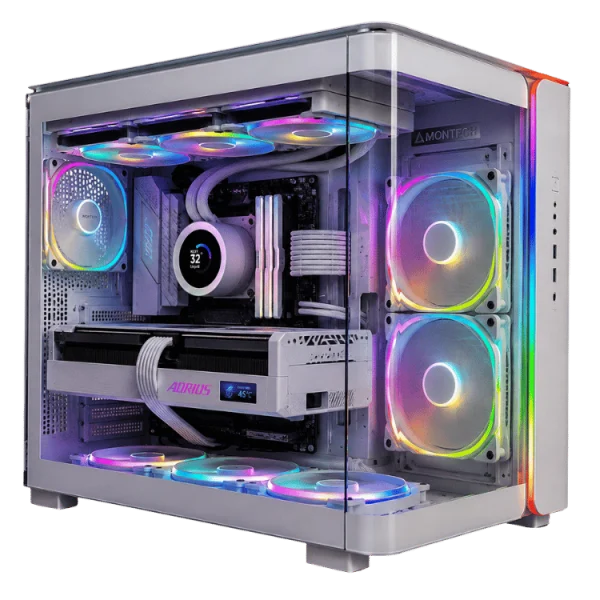
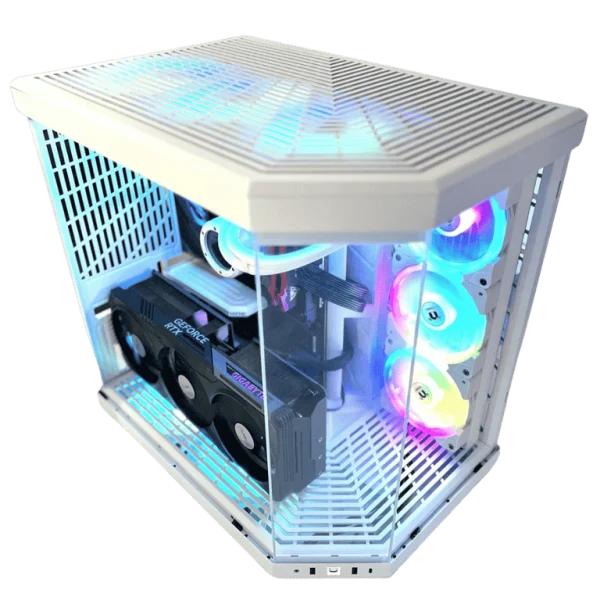
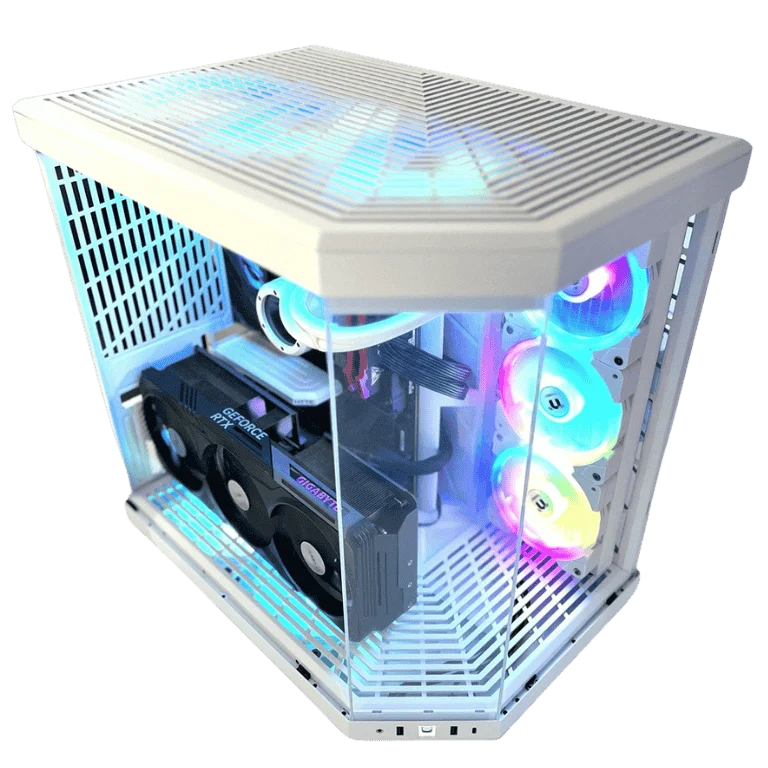
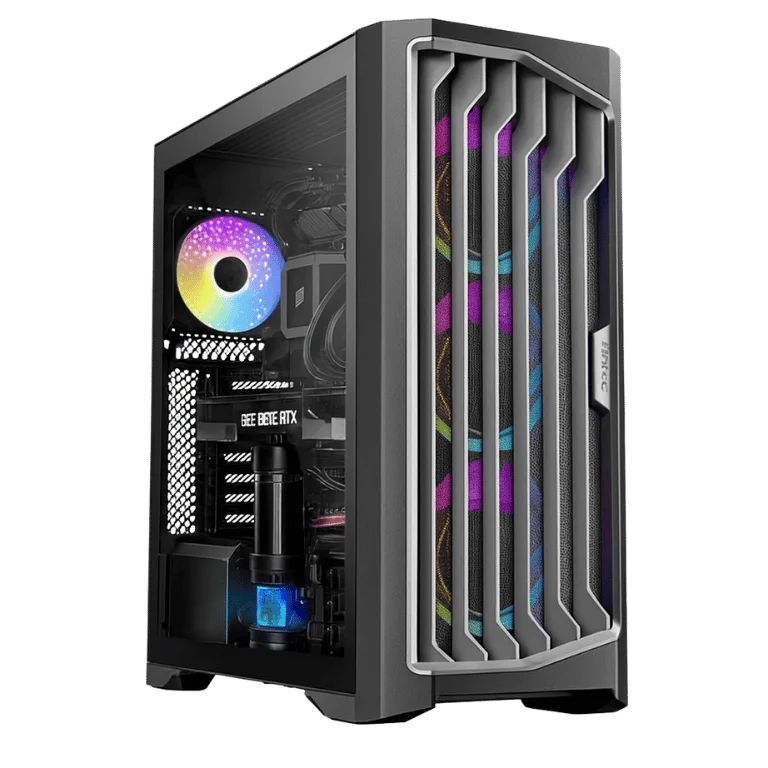
Every system is stress-tested to confirm safe temperatures before it ships. Browse our high-end gaming PCs to see liquid cooled gaming PC builds, including the HYTE Y70 RTX 5080 gaming PC and the white high end gaming PC.
CPU cooler FAQ
Do I need liquid cooling for gaming?
No. A quality air cooler handles most gaming processors very well. Liquid cooling adds headroom for hotter chips, a clean look and lower noise under heavy load.
Is a 240mm AIO enough for a Ryzen 7 9800X3D?
Yes. A good 240mm AIO or dual-tower air cooler keeps it comfortably cool in games.
How long does an AIO last?
Most last five to seven years. Air coolers usually last longer because only the fans wear out.
Is a water cooled PC worth it?
For enthusiasts who want a showpiece and very low noise, yes. For most gamers, an AIO gives most of the benefit with far less maintenance.
Does the CPU cooler affect gaming performance?
Yes, if it is undersized. A cooler that cannot keep up lets the processor throttle, which lowers frame rates. The right cooler lets the chip boost freely.