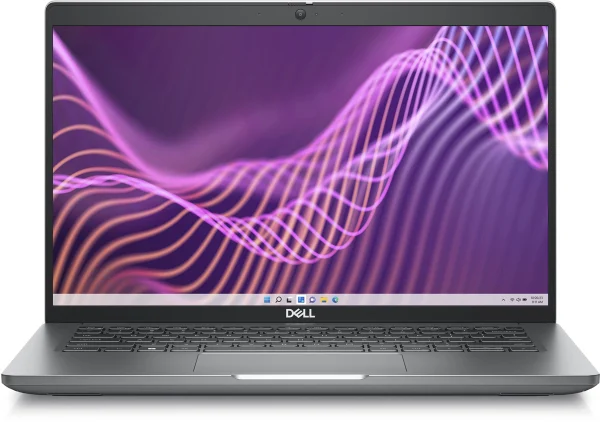
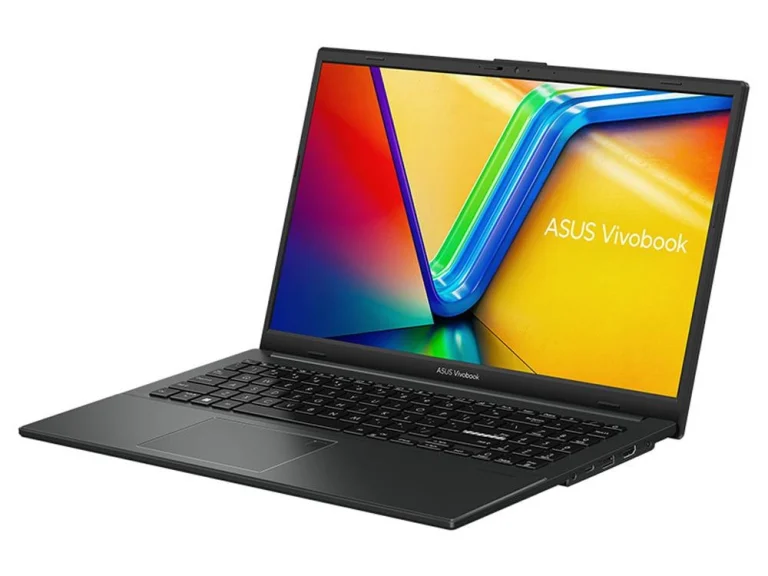
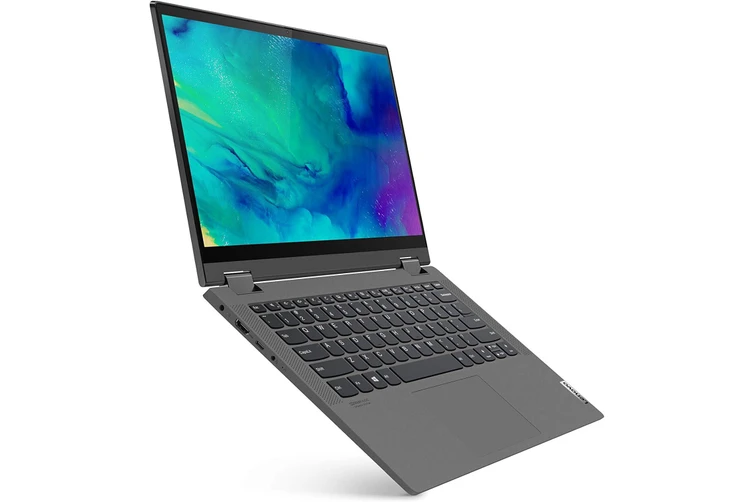
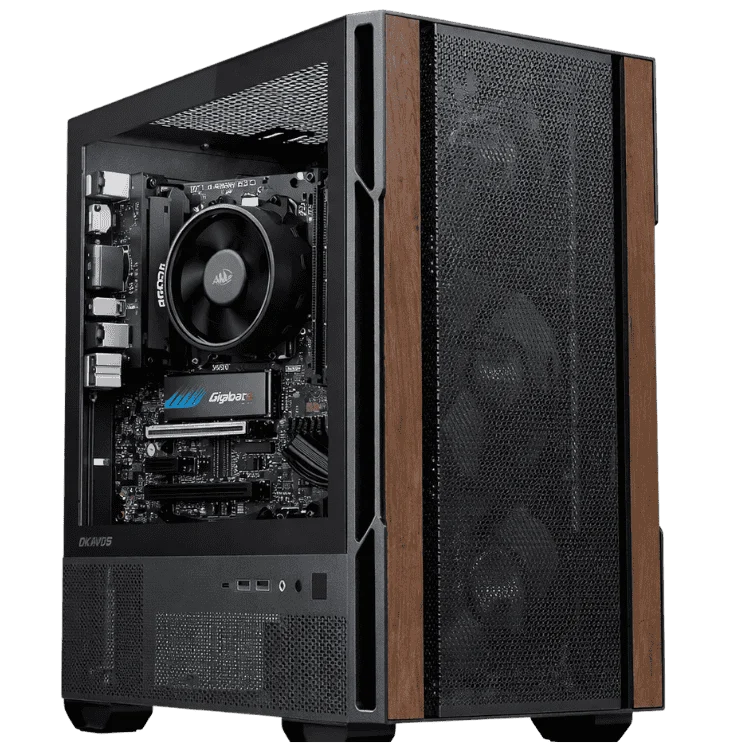
A refurbished laptop can be one of the smartest buys in tech. Business laptops that cost thousands when new are retired from offices after a few years, professionally restored and sold for a fraction of their original price. Bought from a good seller, a refurbished laptop often outlasts a new budget model, with a better keyboard, a sturdier build and features that cheap consumer laptops leave out.
Not every refurbished deal is a good one, though. This guide explains what refurbished really means, how grading works, what to check on battery health and Windows support, your rights as an Australian buyer, and how to approach a refurbished PC or refurbished gaming PC. By the end you will know exactly what to look for and what to avoid.
What is a refurbished laptop?
A refurbished laptop is a previously used or returned laptop that has been inspected, tested, cleaned, repaired where needed and reset to factory condition before being sold again. It is different from a simple second-hand sale, where you buy a laptop as-is from its previous owner with no testing or warranty.
- Manufacturer refurbished: restored by the original brand, often with genuine replacement parts and a manufacturer warranty.
- Seller refurbished: restored by a specialist or retailer, with quality depending on their process and warranty.
- Ex-lease: business laptops returned at the end of a corporate lease, usually well looked after and in large batches.
- Open box: new or nearly new items returned soon after purchase, often in excellent condition.
Why business laptops make the best refurbished buys
Ranges such as Dell Latitude, Lenovo ThinkPad and HP EliteBook are designed for years of daily office use. They typically have stronger hinges, more durable chassis, excellent keyboards, good port selections and security features such as TPM chips and fingerprint readers. Companies replace them on a schedule rather than when they wear out, so a three or four-year-old business laptop often has plenty of life left. That is why so many refurbished laptops come from these ranges.
Refurbished grades explained
Most sellers grade the cosmetic condition of each refurbished laptop. There is no single national standard, so always read the seller’s definitions, but most follow a similar pattern.
| Grade | Typical condition | Best for |
|---|---|---|
| Grade A | Like new, minimal or no visible marks | Gifts and buyers who want a near-new look |
| Grade B | Light scratches or scuffs on the lid or base, screen in good condition | Best value for most buyers |
| Grade C | Noticeable wear, possibly small dents or worn keys | Tight budgets where looks do not matter |
Grades usually describe appearance, not performance. A good refurbisher tests every refurbished laptop to the same functional standard regardless of grade.
What a good refurbisher does
- Secure data wipe: all previous data is permanently erased.
- Full hardware testing: processor, memory, storage, screen, keyboard, trackpad, ports, webcam, speakers and Wi-Fi.
- Battery assessment: capacity is measured and weak batteries are replaced.
- Cleaning and repair: fans are cleaned, worn parts are replaced and the chassis is cleaned inside and out.
- Fresh operating system: a clean, genuine Windows installation with current updates.
- Warranty: a written warranty that covers the laptop for a defined period.
Battery health: the most important check
The battery is the part most likely to have aged. Ask the seller for the battery’s current capacity as a percentage of its original design capacity. Above 80 per cent is good. Below 70 per cent, expect noticeably shorter runtime. Once you have the laptop, you can check for yourself by running powercfg /batteryreport in Windows Terminal, which creates a report comparing design capacity and current full charge capacity.
Check Windows 11 support
Windows 10 reached its end of support on 14 October 2025, as explained on Microsoft’s end of support page. Windows 11 officially requires a relatively recent processor, generally Intel 8th generation or newer, or AMD Ryzen 2000 series or newer, plus a TPM 2.0 chip. Older refurbished laptops may ship with Windows 10 or with Windows 11 installed outside Microsoft’s official requirements. Always check which operating system is included and whether it will keep receiving updates, and read the product page carefully before you buy.
Warranty and your consumer rights
Australian consumer guarantees apply to refurbished goods just as they do to new ones, taking into account the price and the condition described. The ACCC explains consumer rights and guarantees, including for second-hand items. On top of those rights, look for a clear written warranty from the seller. Avoid sellers who offer no warranty or vague terms.
Pros and cons of a refurbished laptop
Pros
- Business-grade build quality at a budget price.
- Better keyboards, hinges and ports than many new budget laptops.
- Security features suited to work and study.
- Lower environmental impact than buying new.
Cons
- Older processors and graphics than current models.
- Battery wear, unless replaced during refurbishment.
- Cosmetic marks on lower grades.
- Shorter remaining software support on older models.
Common myths about refurbished tech
Refurbished means broken
Many refurbished laptops were never faulty at all. They come from corporate lease returns, upgrades or customer returns. A good refurbished laptop has been tested to work properly, which is more than you can say for most second-hand sales.
Refurbished laptops do not come with a warranty
Reputable sellers include a written warranty, and Australian consumer guarantees still apply. Always check the terms before you buy.
Older means too slow
A business laptop from a few years ago with an SSD and 16GB of memory is quicker for everyday tasks than many brand new budget laptops with slow storage and 8GB. What matters is the full specification, not just the age.
Which specs matter most on an older laptop
When choosing a refurbished laptop, the storage and memory matter more than the processor for everyday responsiveness. Insist on an SSD, because a hard drive will make even a fast processor feel sluggish. Choose 16GB of memory if you multitask or use many browser tabs. Then look at the processor generation, which decides Windows support and battery efficiency, and the screen, where Full HD IPS is the minimum for comfortable use. Finally, check the ports: business models usually include USB-A, USB-C, HDMI and sometimes Ethernet, which saves buying adapters.
Upgrading a refurbished laptop
One advantage of business models is that many are designed to be serviced. Unlike thin consumer laptops with soldered parts, a lot of business laptops have replaceable memory, an accessible SSD slot and a replaceable battery. That means a refurbished laptop with 8GB of memory can often be upgraded to 16GB cheaply, and a worn battery can be replaced rather than retiring the whole machine. Check the model’s service manual or ask the seller before you buy if upgrades matter to you.
Refurbished options for students
Students on a tight budget get a lot from refurbished business hardware: durable chassis that survive school bags, keyboards built for long essays and plenty of ports for projectors and USB drives. A refurbished PC for the study desk at home, paired with a light laptop for class, can also work out cheaper than one expensive new laptop. Check your school or university’s minimum requirements, especially for operating system and memory.
Refurbished laptops for small business
Small businesses can equip a whole team with matching business-grade machines for the price of a few new premium laptops. Matching models simplify setup, support and spare parts. Look for a seller who can supply several identical units, confirm Windows 11 Pro support and offer a consistent warranty across the batch. A refurbished laptop fleet from a reputable supplier is a sensible, sustainable choice for many offices.
Questions to ask the seller
- What is the battery’s current capacity compared with its design capacity?
- Which operating system is installed, and will it keep receiving updates?
- What exactly does the cosmetic grade mean, and are there photos?
- Were any parts replaced during refurbishment?
- How long is the warranty, and what does it cover?
- What is the return process if the laptop is not as described?
A good seller will answer every question clearly. If they cannot, keep looking.
Refurbished laptop vs a new budget laptop
At the same price, a refurbished business laptop usually wins on build quality, keyboard, durability and security features, while a new budget laptop wins on processor generation, battery health and the length of software support. If you want something that feels solid and professional, a refurbished laptop is excellent value. If you want the newest processor and a fresh battery, a new model may suit you better. Our cheap laptop guide covers the new budget options.
Buying a refurbished PC
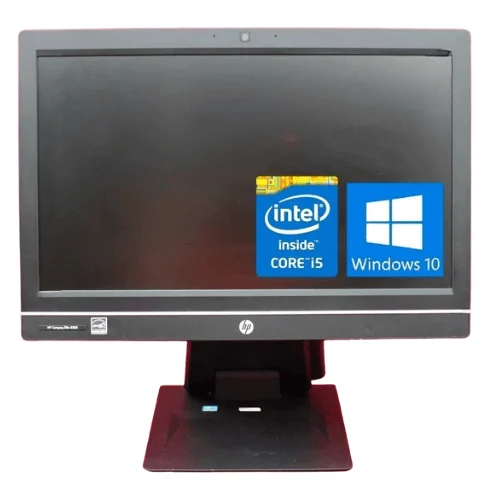
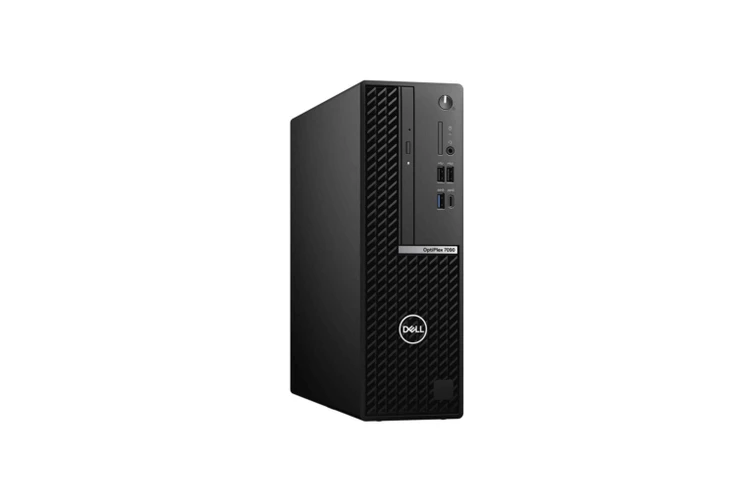
Everything above applies to desktops too. A refurbished PC from a business range, such as a compact office desktop or an all-in-one, is a great way to get a reliable computer for home, study or a small business. Business desktops are simple, well built and easy to service, and a refurbished PC with an SSD and enough memory handles everyday tasks with ease.
When buying a refurbished PC, check the processor generation, memory, storage type and operating system, just as you would with a laptop. Our refurbished HP all in one PC is a popular choice for kitchens and home offices. You can also compare new compact options, such as the Dell OptiPlex 7000 micro desktop, in our desktop computers range.
Buying a refurbished gaming PC
A refurbished gaming PC needs extra care, because gaming hardware works harder than office hardware. Graphics cards may have run at full load for years, and power supplies and fans age with heat. If you are considering a refurbished gaming PC, check these points:
- Graphics card history: ask how the card was used, and check temperatures and stability under a long gaming test.
- Power supply age and brand: an old or unbranded power supply is a risk to every other part.
- Fans and thermal paste: a good refurbisher cleans the cooling and replaces thermal paste.
- Warranty: insist on a written warranty that covers the graphics card.
In 2026, a refurbished gaming PC can be tempting because new graphics card and memory prices are high. Compare carefully, though. A new budget build with a full warranty, such as our RTX 5060 systems, may cost only a little more and come with modern features such as DLSS 4. Our guide to the best gaming PC in Australia compares new options at every budget.
The environmental benefit
Manufacturing a new laptop uses a significant amount of energy and raw materials. Extending the life of an existing device by buying a refurbished laptop or refurbished PC keeps it out of landfill and reduces demand for new production. It is one of the simplest ways to make your tech purchases more sustainable.
Where to buy, and what to avoid
Buy from established refurbishers or retailers that describe their testing process, list detailed specifications and offer a written warranty. Be cautious with marketplace listings described as refurbished without any detail, very low prices on recent premium models, and sellers who will not answer questions about battery health or the operating system.
Security on a pre-owned device
A properly restored machine should arrive with its storage securely wiped and a fresh operating system installed, so there is nothing left from the previous owner. When you set it up, create your own accounts, turn on Windows Security and enable BitLocker or device encryption if the hardware supports it. Check that the BIOS is not locked with a previous owner’s password and that the device is not enrolled in a company’s management system. A reputable seller handles all of this before sale.
Useful accessories for an older laptop
A few low-cost extras get more out of a pre-owned laptop. A USB-C or USB 3 hub adds ports and makes connecting to a desk setup easy. A laptop stand with an external keyboard and mouse improves posture at home. A fresh battery, where the model allows it, restores all-day runtime. And a small external SSD gives fast extra storage for photos and backups.
How we test before dispatch
Every system we sell, new or pre-owned, is checked on our bench in Gregory Hills before it ships. We confirm the processor, memory and storage match the listing, test the screen for faults, check every port, the keyboard, trackpad, webcam, speakers and Wi-Fi, and run the machine under load to confirm stable temperatures. Operating system updates are installed, and we note the condition clearly on the product page. If anything is not right when it arrives, our team is a quick email away and the system is covered by our warranty.
Your refurbished laptop checklist
- Exact model and processor generation listed.
- At least 8GB of memory, ideally 16GB.
- An SSD rather than a hard drive.
- Battery capacity stated, ideally above 80 per cent.
- Operating system and update support confirmed.
- Cosmetic grade explained with photos or clear definitions.
- Written warranty and a seller you can contact.
After you buy
Run Windows Update, check the battery report, install any driver updates from the manufacturer’s website and set up backups. Turn on battery care mode if your laptop offers it to slow future battery wear. With a little care, a quality refurbished laptop can serve you for years.
The bottom line
Buying pre-owned is no longer a compromise if you buy carefully. The best restored business machines combine premium build quality, comfortable keyboards and solid security with a price that rivals entry-level new models. The key is to buy from a seller who tests thoroughly, describes condition honestly, states the battery health and operating system, and backs the sale with a written warranty.
If you need the newest processor, the longest software support or a brand new battery, a new laptop may suit you better. If you value durability and build quality for the money, a well-restored business model is very hard to beat. Either way, the checklist in this guide will help you make a confident choice, and our team is always happy to help you compare options.
Refurbished and business laptops from Elite Gaming PCs
We sell a selection of tested refurbished and business systems alongside our new computers:
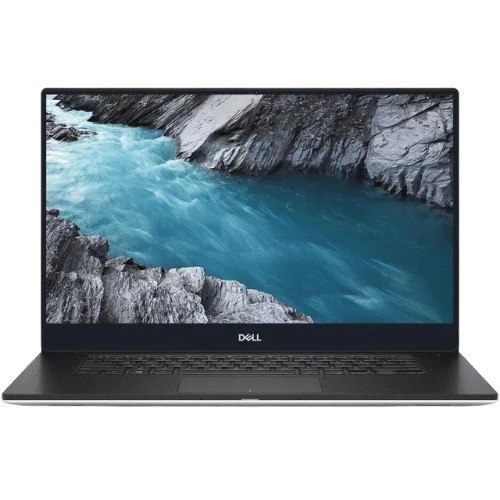
- Refurbished Dell XPS 13 9350: a premium aluminium ultraportable at a budget price.
- Refurbished HP all in one PC: a tidy all-in-one for home and office.
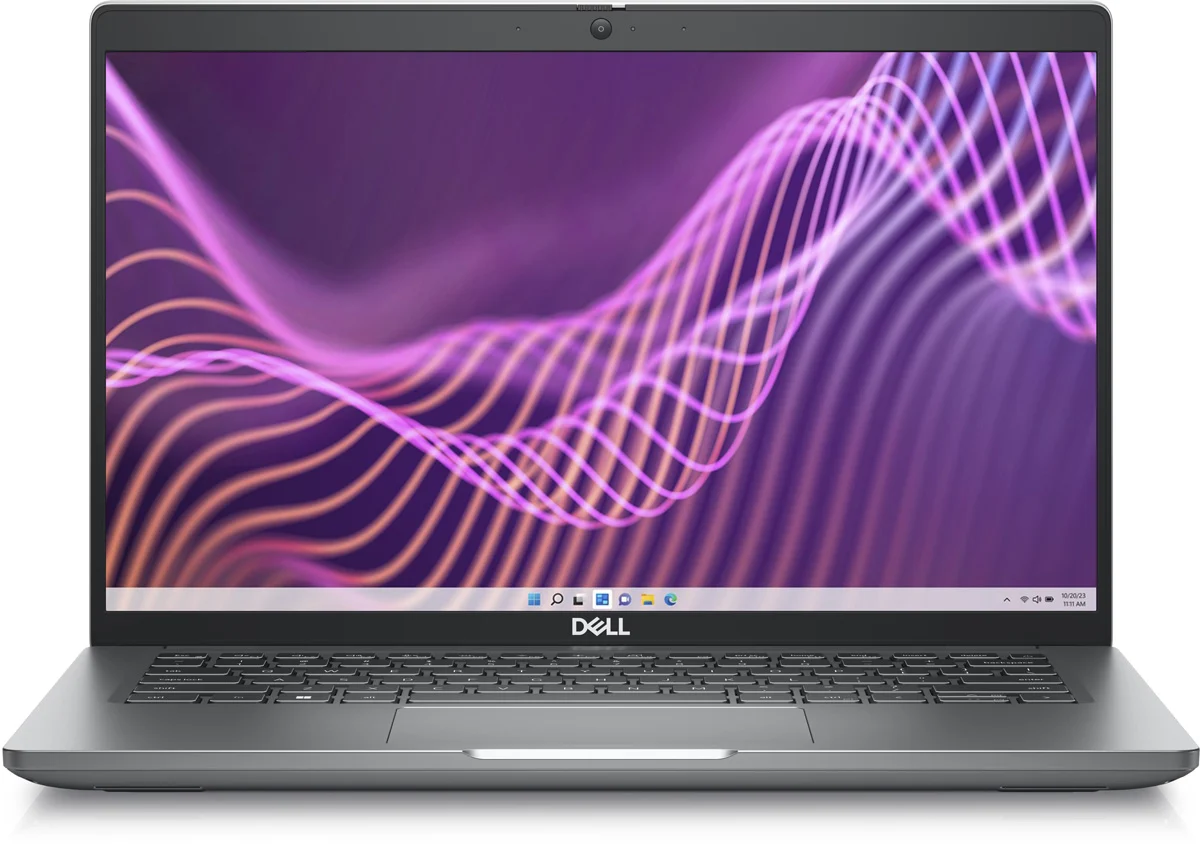
- Dell Latitude 5430: a durable business laptop for work and study.
Each product page lists the full specification and included operating system. Every system is tested before dispatch, and if you have questions about condition or battery health, ask our team before you buy. Browse more options in our laptops range or read our full laptop buying guide.
Refurbished laptop FAQ
Are refurbished laptops reliable?
Professionally refurbished business laptops are generally very reliable, because they were built for heavy use and have been tested before sale.
How long will a refurbished laptop last?
Many last three to five years or more, depending on age, battery health and how they are used.
Is a refurbished laptop as good as new?
It should work like new, but it may show cosmetic wear and use an older processor. The trade-off is a much lower price for better build quality.
Does a refurbished PC come with Windows?
Usually, yes. Check which version is included and whether it will continue to receive updates.
Is a refurbished gaming PC worth it?
It can be, if the seller tests the graphics card and power supply thoroughly and offers a warranty. Compare it with new budget gaming PCs before you decide.